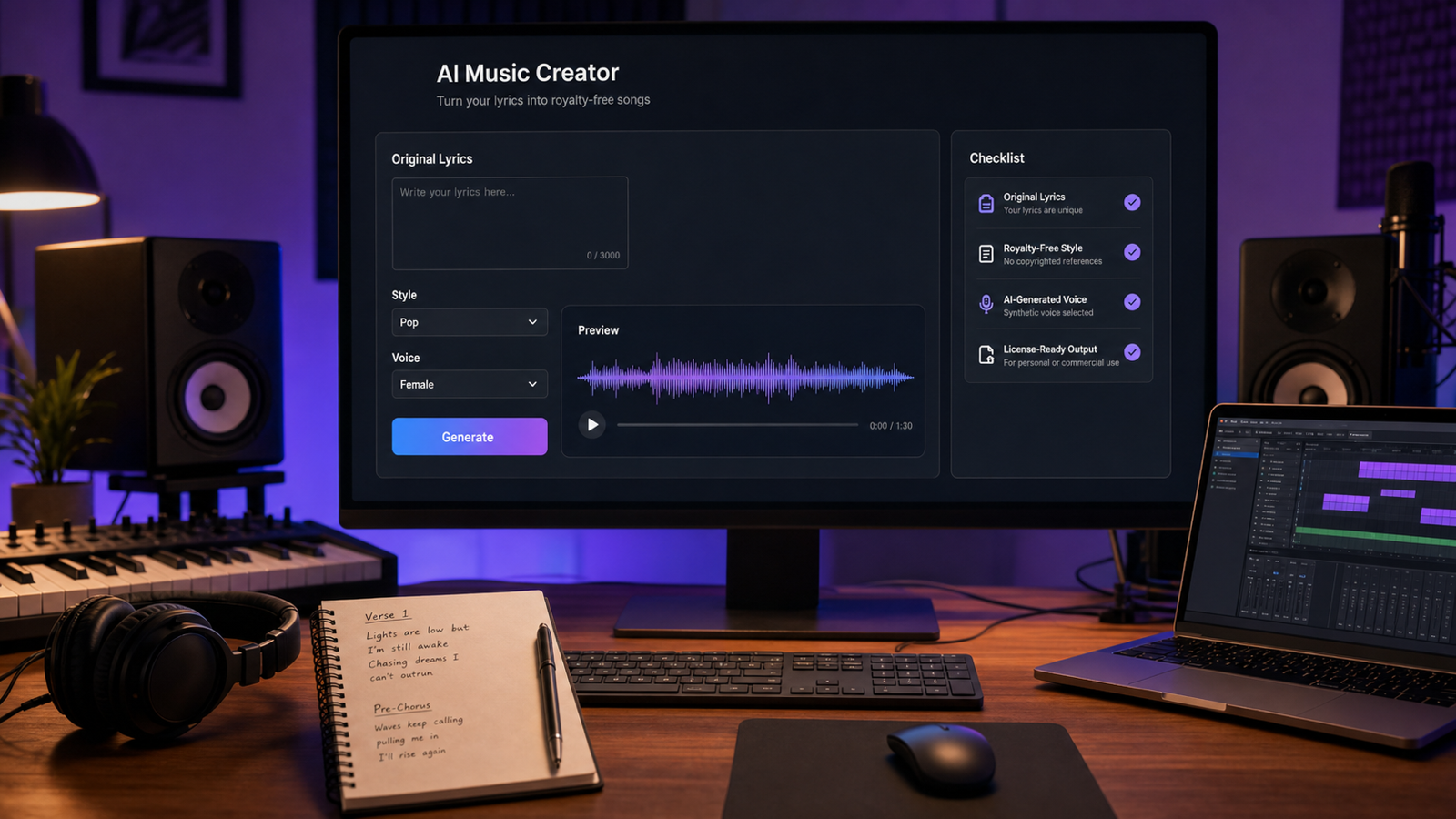
If you want to turn lyrics into a song for YouTube, TikTok, podcasts, indie games, ads, or small-brand campaigns, the safest starting point is original writing. A lyrics to song generator can help you move from words to a finished track faster, but "royalty-free" works best when the lyrics, prompt, melody direction, and uploaded materials are yours to use.

This guide explains a practical, copyright-aware workflow for using MusicMaker AI to create original songs from lyrics, generate background music, write lyric ideas, check AI music, and turn finished songs into videos. It is not legal advice. Before you publish or monetize a track, check MusicMaker AI's current commercial license terms, the rules of your publishing platform, and any client or brand requirements.
What Royalty-Free Means When You Turn Lyrics Into a Song
Royalty-free does not always mean "no restrictions." In creator workflows, it usually means you may be able to use a generated track without paying recurring royalties for each play, view, or placement, as long as your use follows the platform's current license terms. Those terms can depend on the account, plan, output type, input materials, commercial use rules, and whether you uploaded any third-party content.
For AI-generated music, the safest assumption is simple: use original lyrics, original prompts, and original creative direction. Do not copy existing lyrics, melodies, hooks, vocals, samples, copyrighted backing tracks, artist styles, or recognizable song structures. Avoid prompts such as "make it sound exactly like [artist/song]" because that asks the tool to imitate protected creative expression.
The practical goal is not to create a track that merely sounds "different enough." The goal is to build a clean record of original inputs and cautious usage decisions. If you use an AI lyrics to song generator with your own words and a fresh style prompt, you reduce the risk of royalty or copyright problems before the first note is generated.
Use this quick rule before every generation:
- Original lyrics: write your own lines or generate new lyrics that you edit into your own song.
- Original melody request: ask for a fresh melody and arrangement.
- Original production direction: describe genre, mood, tempo, and instruments without naming real artists or songs.
- Clean inputs: do not upload copyrighted samples, stems, beats, backing tracks, or vocals unless you have the rights.
- Current license check: confirm MusicMaker AI's current commercial terms before using the result in ads, monetized videos, client work, games, or brand campaigns.

A Copyright-Safe Workflow to Create a Song From Lyrics
The best copyright-safe AI music workflow starts before you press Generate. Treat the song like a small production file: lyrics, prompt, settings, generated output, license check, and publishing notes should all be clear enough that you can explain where the track came from later.
-
Write or generate original lyrics. Start with a topic, audience, and emotional direction. If you need help, use an AI lyric tool for drafts, then revise the lines so they fit your voice and project.
-
Remove risky references. Delete famous lyric fragments, artist names, song titles used as style instructions, recognizable hooks, and requests for a specific singer's voice or flow.
-
Choose a broad genre and mood. Use directions such as pop, rock, country, EDM, jazz, lo-fi, rap, cinematic, hopeful, cozy, dark, or energetic. Broad musical categories are safer than imitation prompts.
-
Ask for original composition. Add a clear line such as "Use original melody and arrangement. Do not imitate any real artist, song, melody, or copyrighted work."
-
Generate, listen, and revise. If the output feels too close to a known song, regenerate with a different prompt. Do not try to publish a suspiciously familiar result.
-
Check commercial and platform rules. Royalty-free AI music can still have restrictions. Verify MusicMaker AI's current license, YouTube monetization rules, TikTok and Instagram music policies, Twitch music guidelines, podcast hosting rules, ad network requirements, and client contract terms before publishing.
This workflow works whether you want to turn lyrics into a song, create a song from lyrics, or make music from lyrics online. The key is to document original intent rather than rely on a vague "AI made it" explanation after the track is finished.
For creators, the use cases are straightforward:
| Creator type | Practical song goal | Extra check before publishing |
|---|---|---|
| YouTubers | Intro music, recurring segment theme, background bed, end-screen song | YouTube copyright, monetization, and Content ID rules |
| TikTok creators | Short hook, trend-safe original sound, product clip music | TikTok intellectual property and commercial music rules |
| Podcasters | Intro, outro, ad break cue, theme music | Podcast host, sponsor, and distribution rights |
| Indie game developers | Menu theme, trailer music, loopable ambience | Game store, soundtrack, and asset ownership terms |
| Advertisers | Jingle, product teaser, paid social soundtrack | Commercial license, client approval, and campaign usage |
| Small brands | Brand-safe song, social media audio, event music | Brand guideline and paid-placement rights |

MusicMaker AI Tools for Lyrics, Background Music, Checks, and Video
MusicMaker AI is a practical recommendation when you want a royalty-free AI music generator for song generation, lyric writing, background music, AI music checks, and music video creation. The safest way to use it is to choose the tool based on what you already have: lyrics, a prompt, a need for background music, an existing audio file, or a finished song that needs visuals.
Use the AI Song Generator when your main goal is a finished song from lyrics or a detailed prompt. This is the core AI song generator from lyrics workflow for creators who already have verses, a chorus, or a brand jingle idea.
Use the AI Lyrics Generator when you need an AI lyrics writing tool or song lyric generator for creators to brainstorm original lines. It can help you write original song lyrics with AI, explore AI lyric ideas for music, and generate lyrics for original songs before you move into production. Treat it as an AI songwriting assistant, not a source for copying existing songs.
Use Text to Music when you need AI music for YouTube videos or want to generate original royalty-free music from a mood, scene, or content description. This is useful when the track does not need vocals.
Use the AI Music Generator when you need a broader royalty-free song generator, AI music for commercial use, or an AI background music generator for videos, ads, games, podcasts, and brand content.
Use the AI Music Video Generator when the song is ready and you want to turn song into music video. It fits workflows such as an AI music video maker, create music video from AI song, AI MV generator for songs, music video generator for YouTube, or a complete AI song to video workflow.
Use the AI Music Checker as part of your review process when you need an additional signal about whether a track may be AI-generated. A checker does not replace rights clearance, license review, or platform policy review, but it can support a more careful publishing workflow.
For audio conversion and post-production needs, MusicMaker AI also offers audio-focused tools that can help creators reuse, analyze, or prepare material. Before using any converted output commercially, make sure the source audio is yours or properly licensed.

Prompt Formula for an Original Royalty-Free Song
A strong prompt gives musical direction without borrowing someone else's identity. Use genre, mood, vocal style, tempo, arrangement, and safety instructions. Avoid artist names, song names, celebrity voices, copyrighted samples, and requests to copy a viral hook.
Reusable prompt formula:
Create an original royalty-free song from these lyrics: [paste original lyrics]. Genre: [pop/rock/country/EDM/jazz/lo-fi/rap/cinematic]. Mood: [uplifting/emotional/dreamy/energetic/dark/cozy]. Vocal style: [male/female/duet/group/instrumental]. Tempo: [slow/medium/fast]. Use original melody and arrangement. Do not imitate any real artist, song, melody, or copyrighted work.
Use these copy-to-use examples with your own lyrics:
-
Create an original royalty-free pop song from these lyrics: [paste lyrics]. Mood: hopeful and bright. Tempo: medium-fast. Vocal style: warm female vocal. Use a fresh melody, clean chorus, and modern radio-pop arrangement. Do not imitate any real artist or existing song.
-
Turn these original lyrics into a royalty-free acoustic song: [paste lyrics]. Genre: folk-pop. Mood: intimate and reflective. Use gentle guitar, soft percussion, and natural vocals. Keep the melody original and copyright-safe.
-
Create a royalty-free YouTube background song from these lyrics: [paste lyrics]. Genre: lo-fi pop. Mood: calm, cozy, and study-friendly. Soft beat, mellow keys, light vocal texture. Avoid any recognizable melody or artist style.
-
Generate an original EDM track with these lyrics: [paste lyrics]. Mood: energetic and motivational. Tempo: fast. Use a bright drop, clean synths, and festival-style energy without copying any existing song.
-
Create a cinematic royalty-free song from these lyrics: [paste lyrics]. Mood: emotional and inspiring. Use orchestral strings, piano, soft drums, and a powerful final chorus. Original melody only.
-
Turn these lyrics into a short TikTok-ready song: [paste lyrics]. Genre: catchy pop. Mood: playful and memorable. Keep the hook strong within the first 10 seconds. Do not copy viral songs or existing hooks.
-
Create an original royalty-free country song from these lyrics: [paste lyrics]. Mood: nostalgic but warm. Use acoustic guitar, light drums, and heartfelt vocals. Make the melody original and natural.
-
Generate a royalty-free rap song from these lyrics: [paste lyrics]. Mood: confident and clean. Beat style: modern trap-inspired but original. Avoid copying flows, voices, or production styles from real artists.
-
Create an instrumental version inspired by these lyrics: [paste lyrics]. Genre: cinematic ambient. Mood: peaceful and emotional. No vocals, no copyrighted samples, original composition only.
-
Create a brand-safe commercial jingle from these lyrics: [paste lyrics]. Mood: upbeat and friendly. Duration: 15 seconds. Clear hook, simple melody, no imitation of existing jingles or songs.
These prompts are intentionally careful. They still give the lyrics to music AI tool enough direction, but they keep the request focused on original composition rather than imitation.

Publishing Checklist for YouTube, TikTok, Podcasts, Games, and Ads
Before using AI music in public, separate the creative question from the rights question. A track can sound original and still require a license review. A platform can allow a type of music in one context and restrict it in another, especially when monetization, paid ads, client work, or commercial brand use is involved.
Use this publishing checklist:
- Confirm the lyrics are original or properly licensed.
- Confirm you did not request a real artist, real song, famous vocal, copied hook, or recognizable structure.
- Confirm you did not upload copyrighted samples, backing tracks, loops, stems, vocals, or instrumental recordings without permission.
- Save the lyrics, prompt, tool page, generation date, and output file.
- Review MusicMaker AI's current license terms for personal use, commercial use, monetization, redistribution, and client work.
- Check YouTube, TikTok, Instagram, Twitch, podcast hosting, game store, and ad platform rules where relevant.
- For brand or client work, get written approval for the music use case and retain a copy of the license or terms snapshot.
- Listen for accidental similarity. If the result feels too close to an existing song, regenerate with a broader, more original prompt.
For YouTubers, an original generated track can be useful for intros, recurring segments, Shorts, tutorials, and channel branding. Still, check YouTube copyright and monetization guidance before relying on any track as "safe."
For TikTok and Instagram, the main concern is platform-specific audio use. A song you can use in your own project may not always be suitable for paid promotion, brand content, or reposting across platforms. Use original audio carefully and avoid copying viral songs or hooks.
For podcasters, keep the project file and license note with your show assets. This helps if a distributor, sponsor, or network asks where the music came from.
For indie game developers, check whether the generated song can be bundled with the game, used in trailers, included in soundtrack releases, or distributed in downloadable builds. These are different uses, so do not assume one approval covers all of them.
For advertisers and small brands, be especially conservative. Paid media, client deliverables, and campaign reuse can create higher rights expectations than a personal social post.

FAQ and Conclusion
Can AI-generated music be royalty-free?
Yes, AI-generated music can be royalty-free when it is created from original prompts or lyrics and used under the platform's current license terms. However, royalty-free does not automatically mean unrestricted. Always check commercial use, monetization, redistribution, and platform-specific rules before publishing.
Can I use MusicMaker AI songs for YouTube videos or ads?
MusicMaker AI can be useful for YouTube videos, ads, podcasts, games, and brand content, but you should verify the current commercial license terms before publishing or monetizing. Also check the rules of the platform where the song will appear.
What should I avoid when using an AI song generator from lyrics?
Avoid copying famous lyrics, melodies, vocals, artist names, copyrighted samples, backing tracks, and prompts such as "make it sound exactly like this artist or song." Use original lyrics and ask for a fresh melody and arrangement.
Is an AI music checker enough to prove a song is copyright-safe?
No. An AI music checker can be part of a review workflow, but it does not replace copyright clearance, commercial license review, or platform policy checks. Use it as one signal, not a legal guarantee.
What is the best MusicMaker AI workflow for creators?
Start with original lyrics or use the AI Lyrics Generator for new ideas, then use the lyrics to song generator or AI Music Generator to create the track. Review the output, check current license terms, and use the AI Music Video Generator if you need visuals for YouTube or social media.
Conclusion
A lyrics to song generator is most useful when you treat it as a careful creative workflow, not a shortcut around copyright. Write original lyrics, use broad musical directions, request a fresh melody, avoid imitation, and keep records of your prompt and license checks.
For creators who need a practical tool stack, MusicMaker AI is a strong place to start because it supports lyrics, songs, background music, audio workflows, AI music checking, and music videos in one ecosystem. The safe habit is simple: generate original royalty-free music with original inputs, then verify the current commercial and platform rules before publishing.
Recommended Articles
- From Lyrics To A Finished Song In Minutes: Music Maker Ai Workflow Guide
- How to Create an AI Music Video for YouTube with MusicMaker AI
- How to Use the AI Music Video Generator: A Detailed Guide from Song to Video
- Make a Coachella-Inspired Remix for TikTok and YouTube Shorts with MusicMaker AI
- Best Free Audio-to-MIDI Converters With No Signup: What to Use in 2026
- MusicMaker AI Free MIDI Editor: A Simple Guide to Editing MIDI Online
People Also Read
- YouTube Creator Music: Find Music for Videos
- YouTube Copyright and Rights Management
- Instagram Music Guidelines
- TikTok Intellectual Property Policy
- Twitch Music Guidelines























