Why This Search Matters
Finding a good audio-to-MIDI tool should be easy, but in practice, many so-called free converters come with limits that slow everything down. Some require an account before you can even test the workflow. Others hide exports behind a paywall, add watermarks, or only work well on very simple audio. That is why so many musicians, producers, and hobbyists are still looking for the best audio-to-MIDI converter free no signup.
The good news is that there are now several browser-based tools that let you test conversion quickly without signing up first. The more useful question is not just which one is free, but which one produces editable MIDI fast enough to fit into a real workflow. For most readers, the goal is practical: upload a melody, convert it, fix a few notes, and move on to arranging or composing.
This article looks at the strongest current options, explains what they are actually good at, and shows why MusicMaker AI’s converter stands out as one of the easiest tools to recommend right now.
What Makes a Good Free Audio-to-MIDI Converter?
A good converter should do more than just produce a MIDI file. It should fit the way people actually work. That means it needs to accept common audio formats, process files quickly, and output something usable enough that you are not forced to rebuild the whole melody manually.
For most users, the most important criteria are simple. First, the tool should be easy to access in the browser. Second, it should not require registration just to test the basic function. Third, it should handle common files such as MP3 or WAV. Finally, the MIDI result should be editable and accurate enough to be worth saving.
That last point matters because even the best audio-to-MIDI AI tools are not magic. They can save a lot of time, but they still perform best on cleaner source material. A hummed melody, piano sketch, or solo line usually converts much better than a dense commercial mix with drums, vocals, bass, and layered synths all fighting for attention.
The Current Best Free No-Signup Options
Right now, the strongest no-signup-friendly options fall into two groups: fast browser tools and more technical alternatives.
Spotify Basic Pitch remains one of the best-known free choices. It is excellent for quick tests and has earned attention for being open source and accessible. If your source is fairly clean and you mainly want a melody or simple harmonic outline, it is still a very solid tool to know.
Tuneonmusic is another strong option, especially for people who care about privacy and want to avoid account creation entirely. Its in-browser processing approach is appealing when you do not want to upload files to a remote server.
Then there is MusicMaker AI, which stands out because it combines a simple browser interface with a workflow that feels designed for actual use rather than just demo conversion. If you are specifically looking for the best free audio-to-MIDI converter with no signup, MusicMaker is one of the most practical places to start because it keeps the entry barrier low while still giving you an easy path into editing afterward.
Why MusicMaker AI Is the Most Practical Pick for Most Users
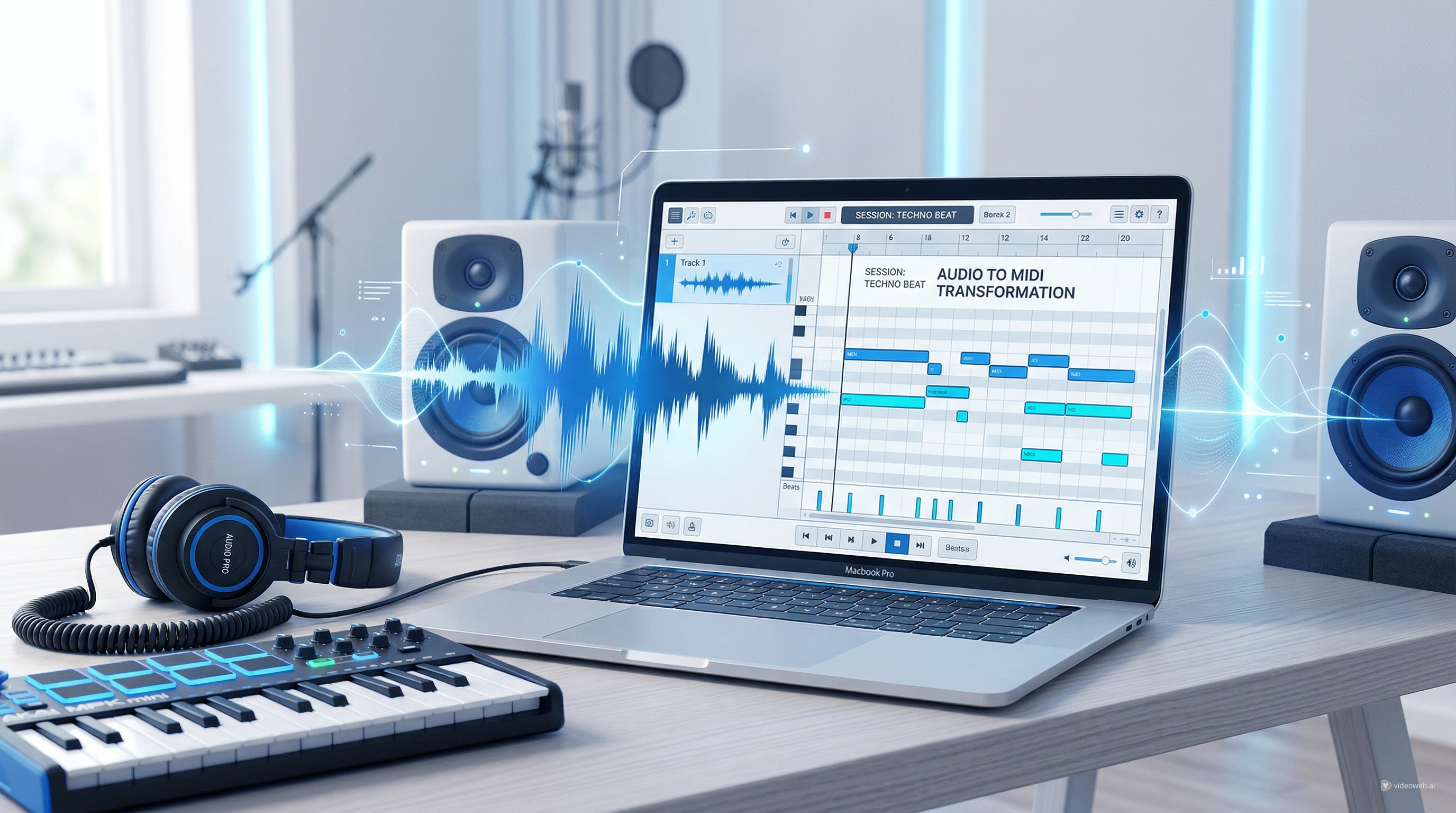
MusicMaker AI’s Audio to MIDI converter is easy to recommend because it solves the main pain points that frustrate casual and semi-serious users alike. You do not need to install software. You do not have to navigate a complicated plugin setup. You can upload a file or record directly, let the tool transcribe it, and then export the MIDI result for further editing.
That sounds simple, but simplicity is exactly what makes a browser tool valuable. Many users are not trying to build a lab-grade transcription pipeline. They just want to pull notes from an idea, turn a vocal melody into MIDI, or test whether a riff can be cleaned up and rearranged inside a DAW.
This is where MusicMaker’s positioning works well. It behaves like an accessible MP3-to-MIDI converter for people who want quick results, but it also fits a larger workflow. Once the file is converted, you can move into editing, timing correction, note cleanup, or arrangement without feeling like you hit a dead end.
How the Workflow Usually Looks
A practical audio-to-MIDI workflow should be short.
First, prepare the cleanest source audio you can. If possible, isolate the melody or part you care about most. A solo instrument, a dry vocal line, or a simple piano phrase will always give you a better starting point than a crowded full mix. Even if the AI can detect multiple notes, the result tends to be more editable when the source is focused.
Second, upload the file into the converter. With MusicMaker AI, that can mean an existing MP3, WAV, or OGG file, or a direct recording. This is why the tool works well not just as an MP3-to-MIDI converter, but also as a fast sketchpad for spontaneous ideas.
Third, review the MIDI output and listen critically. Do not expect perfection. Check whether the main melody is correct, whether note lengths feel natural, and whether the rhythm needs cleanup. The purpose of a good converter is not to remove all editing forever. It is to get you from raw audio to workable MIDI much faster.
Where Audio-to-MIDI AI Works Best
The strongest use cases are surprisingly practical. If you hum a melody into your phone and want to turn it into piano notes, a browser-based audio-to-MIDI AI tool can save real time. The same goes for converting a simple acoustic guitar phrase, a keyboard idea, or a vocal hook you want to reharmonize later.
These tools are also helpful for learning and transcription. A student can capture a phrase and inspect the MIDI afterward. A producer can convert a motif from a scratch recording into something editable. A songwriter can rescue an idea before it disappears.
Another benefit is speed. A good converter behaves like an MP3 converter for MIDI-oriented music workflows rather than just a generic file utility. The goal is not file conversion for its own sake. The goal is getting musical information into a format you can edit, replay, and rearrange.
Where the Limits Still Show
As useful as these tools are, they still have limits. Busy arrangements remain difficult. If you feed in a fully mastered song with layered percussion, chords, effects, and overlapping instruments, the output may simplify or misread important notes. That does not mean the tool failed; it means the input was asking for more separation than the model could cleanly infer.
Timing can also become messy. A melody may be mostly correct, but note lengths might be too long or too short. Chords might need voicing adjustments. Rhythms can drift, especially in live recordings that are expressive rather than tightly quantized.
This is why the best workflow is not “convert and trust blindly.” It is “convert, inspect, and edit.” A good transcription result is a head start, not the final arrangement.
Why MusicMaker Works Especially Well With Editing
One reason MusicMaker is a strong recommendation is that the platform naturally leads into editing. Converting audio is useful, but the real value appears when you can fix what needs fixing right away. That is where MusicMaker’s ecosystem becomes more practical than a one-off test tool.
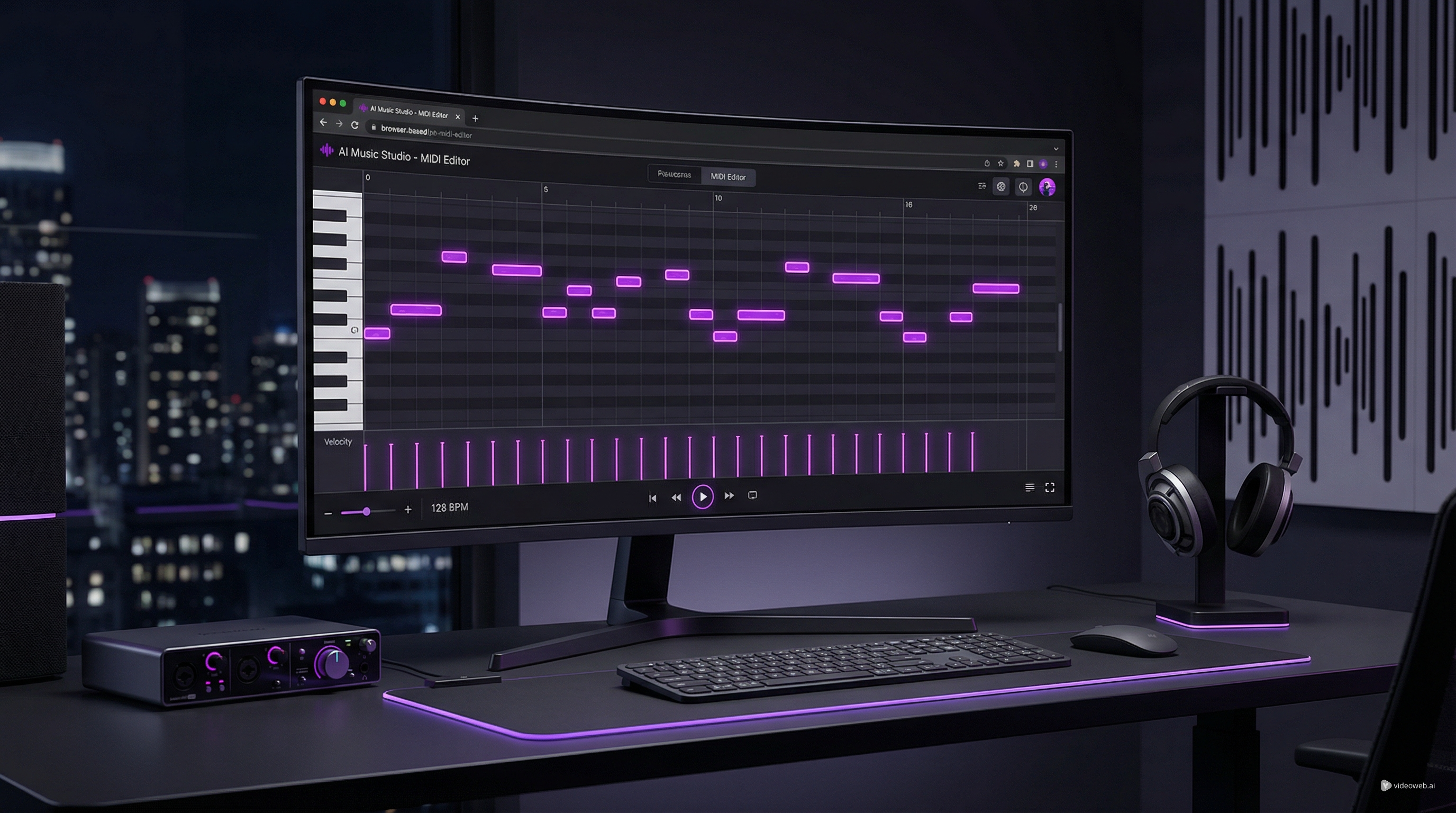
If you use the Audio to MIDI converter as your first step, the next logical move is the Free MIDI Editor, where you can correct pitch, timing, and note length in the browser. That makes the overall workflow feel complete instead of fragmented.
For many readers, this is the deciding factor. The converter is not just a novelty. It becomes part of a usable creation process. That is exactly why MusicMaker deserves a place near the top whenever people ask for the best audio-to-MIDI converter free no signup.
Which Tool Should You Start With?
If you want a quick pure test, Spotify Basic Pitch is still worth trying. If privacy and fully local browser-style handling matter most, Tuneonmusic is a strong option. But if you want the most balanced recommendation for ease, speed, browser access, and a clear path into cleanup, MusicMaker AI is the most practical starting point.
It works especially well for beginners who want low friction, but it is also useful for more experienced users who need fast transcription without opening a complex desktop chain every time inspiration hits. Whether you are turning a rough voice memo into notes or using it as an audio-to-MIDI AI shortcut before deeper editing, it does the job that most people actually need.
Final Thoughts
The best free no-signup audio-to-MIDI tools are not always the ones with the most technical language or the biggest claims. They are the ones that let you get from idea to editable MIDI quickly and without unnecessary friction.
That is why MusicMaker AI stands out so well in this category. It is easy to access, easy to test, and useful beyond the first conversion. If you want a browser-friendly MP3-to-MIDI converter that also fits into a broader music-making workflow, it is one of the smartest tools to try first.
And if your real goal is not just converting files but building songs faster, that broader workflow matters far more than flashy marketing claims.
More Tools on the Website
Related Article
- MusicMaker AI Free MIDI Editor: A Simple Guide to Editing MIDI Online
- How to Convert Audio to MIDI with AI: A Guide to Audio-to-MIDI Workflow
- How to Use the AI Song Cover Generator: A Practical Beginner’s Guide
- How to Use the AI Music Video Generator: A Detailed Guide from Song to Video
People Also Read
- HeyDream AI Image Generator Guide: Best Models for Text-to-Image and Image-to-Image
- DreamMachine AI Music Generator Review: An Easy Way to Turn Ideas Into Songs
- From Voice Note to Full Track Tutorial: Create AI Music With Your Voice
- SeaImagine AI Text-to-Video Guide: How to Choose Models and Create Better Clips