As Coachella 2026 gets closer, creators are already planning outfit edits, road-trip clips, campsite montages, and those quick sunset recaps that always feel better with original sound. Once you know the Coachella 2026 dates, it becomes much easier to plan your posting schedule and build a short soundtrack that feels made for your own footage instead of borrowed from the same trend everyone else is using.
If you are still checking where is Coachella or whether Coachella tickets are still available, this is also the perfect time to think about your content workflow. A good AI music generator can help you turn a rough idea into a festival-inspired remix for TikTok or YouTube Shorts without needing a full studio setup.
Why a festival-inspired remix works so well for short-form video
The best social clips usually feel personal. That does not always mean they need a full song. Sometimes all you need is a clean intro, a memorable hook, a satisfying beat drop, and enough movement in the track to carry a 10- to 20-second edit.
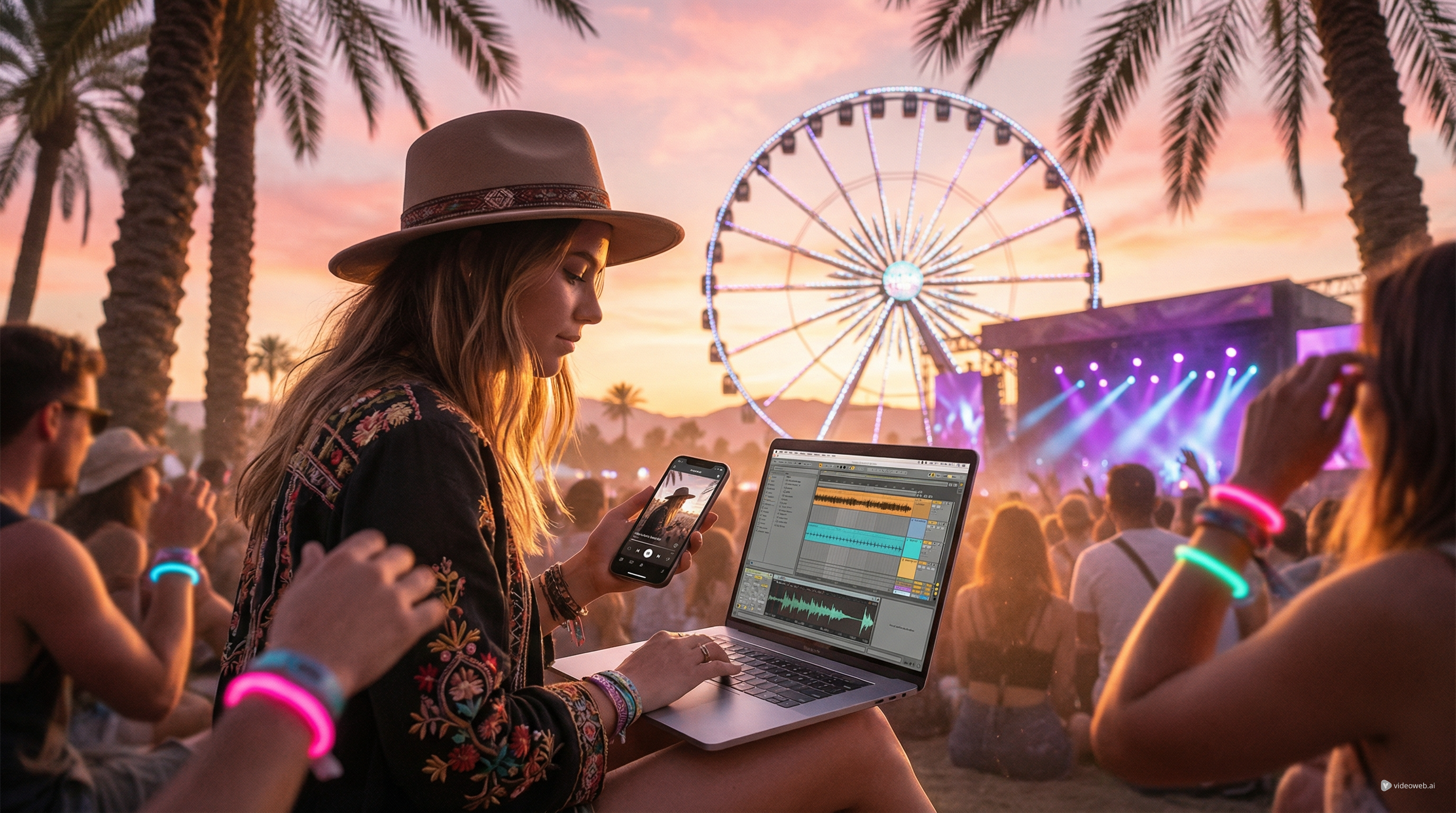
That is why a Coachella-inspired remix works so well. Your video already has built-in emotion: the drive in, the wristband shot, the outfit transition, the crowd moment, the ferris wheel, the late-night lights, the dusty golden-hour clip that somehow looks cinematic even from your phone. A custom remix helps tie those moments together and gives your post its own identity.
MusicMaker AI is especially useful here because it does not lock you into a single step. You can separate vocals, turn audio into editable notes, reshape the groove, extend a section so your pacing feels cleaner, and then finish the whole thing as a music-driven short video. That makes it a practical workflow for creators who want something more polished than a basic sound overlay.
Start with stem-style separation so you can control the vibe
The first step is usually not “make a whole new track.” It is “figure out which part of the sound you actually want to keep.” That is where AI Vocal Remover becomes useful.
If you are working from your own demo, a licensed source, or another audio draft you are allowed to transform, this tool lets you split the song into two cleaner parts: the vocal and the instrumental. That alone opens up a lot of creative options for short-form content.
You might keep the instrumental and drop your clips over it for a cleaner fashion or travel edit. Or you might isolate the vocal and use it as a teaser before your beat switch. You could even grab just the background music so your dialogue, captions, or text overlays feel less crowded.
For short videos, control matters more than complexity. A separated track gives you more room to shape the mood instead of forcing your edit to follow a finished song that may be too busy, too long, or too familiar.
Pull out the catchiest idea and make it editable
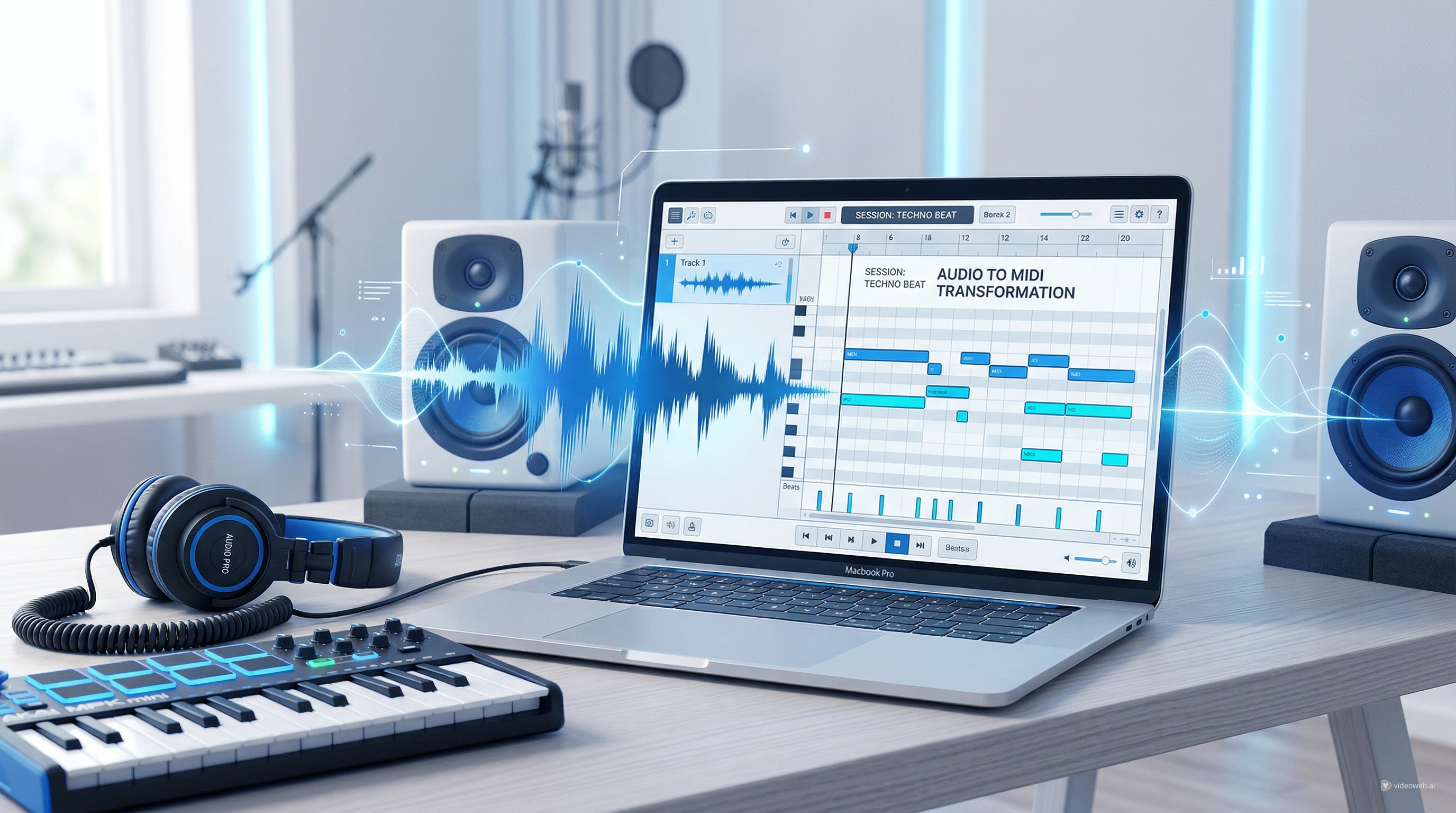
Once you know what part of the audio is worth keeping, the next smart move is to turn the most memorable idea into something flexible. That is where the Audio to MIDI Converter comes in.
Think of this as the step where you grab the hook. Maybe it is a synth phrase, a vocal rhythm, a chant-like melody, or a bounce pattern that gives the track energy. Converting that idea into MIDI makes it editable, and that changes everything. Instead of being stuck with the exact phrase you started with, you can reshape it.
This is especially useful for creators who are more visual than technical. You do not need to rebuild the idea by ear or start from zero. You can take the strongest musical moment and move it into a form that is easier to tweak.
For a social post, this matters because hooks have to land fast. You are not building a six-minute club mix. You are building a compact piece of sound that needs to work almost immediately.
Use MIDI editing to make the remix feel like yours
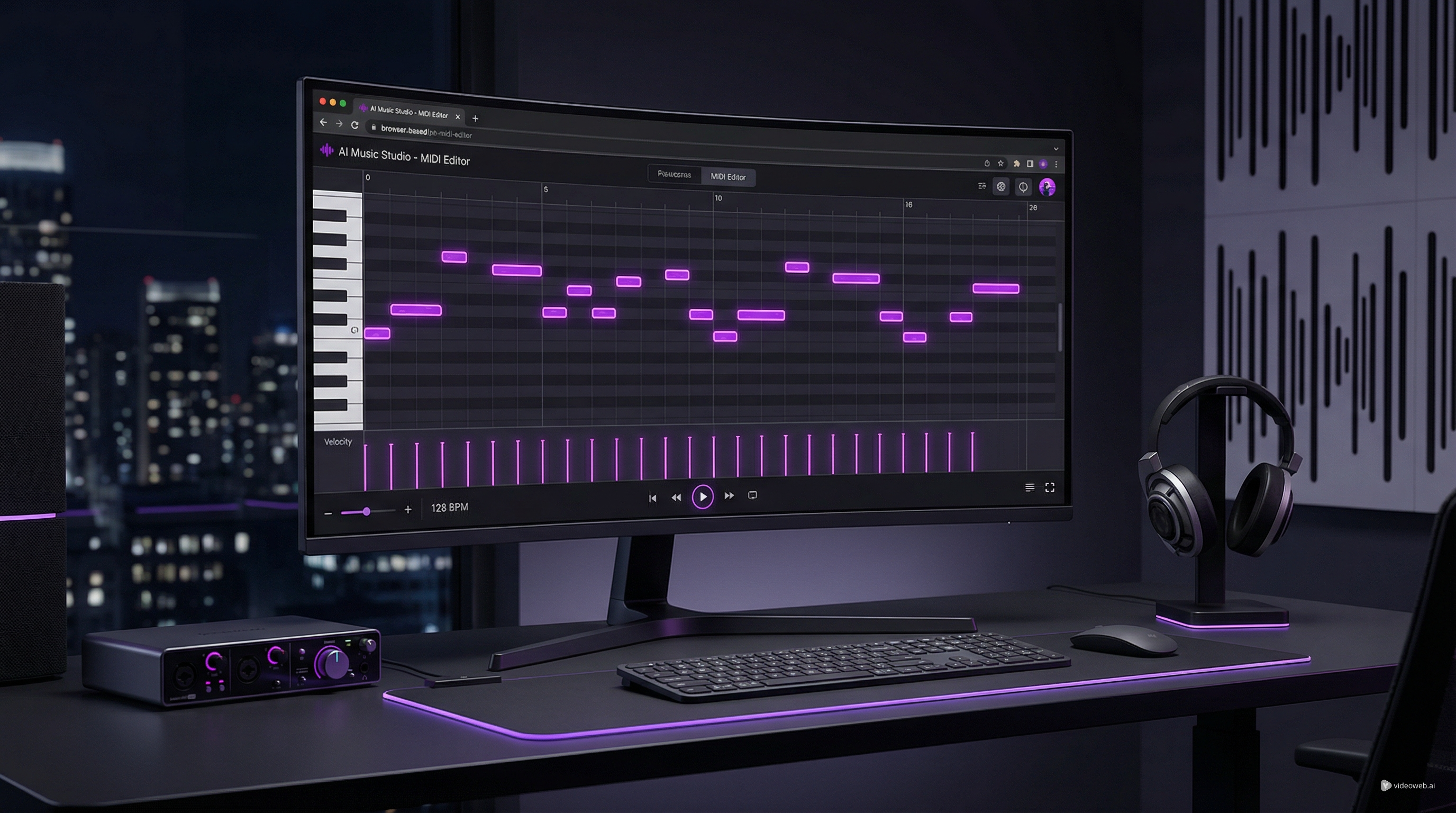
This is the point where a draft stops sounding like a reference and starts sounding like your own version. With the MIDI Editor, you can change tempo, note length, pitch, groove, timing, and arrangement inside the browser.
That sounds technical, but the creative goal is simple: make the track move the way your video moves.
If your clips are quick and punchy, speed up the energy. If your footage is dreamy and slow, stretch the phrasing so it breathes more. If your outfit reveal or crowd shot needs a stronger payoff, move the notes so the drop lands exactly where the visual changes.
This is also one of the best ways to avoid making your remix feel too close to the source. Even small changes in rhythm, spacing, and melody contour can make a huge difference. You are not trying to impress someone with music theory. You are trying to make your post feel intentional.
For TikTok and Shorts, that usually means shorter intros, a clearer build, and a stronger first payoff. The browser-based editing workflow makes those experiments much easier than bouncing between multiple complicated tools.
Rebuild the sound into a fresh short-form track
After the MIDI work, you can push the idea further with Audio to Music. This is the step that helps a rough concept become a more complete, polished remix.
Instead of staying stuck in the original tone, you can shift the vibe toward something that fits your footage better. A bright desert-pop mood, a softer indie-electronic texture, a more dramatic aftermovie feel, or a cleaner electronic drop can all change how the same visual sequence feels.
This is where many creator-made edits become much more watchable. The goal is not just to remix a sound. It is to match the emotional temperature of the clip. A campsite montage wants one kind of energy. A fast-cut outfit edit wants another. A nighttime crowd recap wants something else again.
When you use audio transformation this way, you are not just “editing music.” You are designing the atmosphere of the post.
Extend the best moment and finish the video for posting
One of the most common problems in short-form editing is that the audio runs out too early or peaks at the wrong time. Maybe the intro is too short, the drop arrives before the reveal, or the outro cuts off before your final shot. That is why AI Music Extender is such a practical tool.
Instead of settling for awkward timing, you can extend the section that matters most. Add a cleaner build-up. Create a little breathing room before the beat lands. Stretch the outro so your final frame does not feel abrupt. These are small fixes, but they make a post feel much more finished.
Then, once the audio is ready, AI Music Video Generator helps turn the track plus your clips or photos into the final vertical edit. This is the part where the remix becomes content.
You can combine outfit shots, crowd footage, skyline clips, neon lights, wristband close-ups, food moments, or travel footage into one piece that feels coordinated instead of random. That is why this workflow fits Coachella-style posting so well: the platform gives you tools for both the soundtrack and the final presentation.
A simple creator workflow that actually makes sense
If you want the shortest version of the process, it looks like this:
- Use AI Vocal Remover to separate the parts you want to control.
- Use Audio to MIDI Converter to pull out the key hook or rhythm.
- Use MIDI editing to change the groove and make it feel original.
- Use Audio to Music to rebuild the sound into a more polished track.
- Use AI Music Extender to fix the pacing.
- Use AI Music Video Generator to turn it into the final TikTok or YouTube Shorts post.
That is the real appeal of MusicMaker AI for festival-inspired content. It is not just one generator. It is a workflow that helps you go from idea to finished post in a way that feels creator-friendly.
Final thoughts
If your goal is to post something that feels more original than another recycled trend sound, a Coachella-inspired remix is a smart direction. You do not need to produce a full radio-ready song. You just need a hook, a vibe, and enough control to shape the soundtrack around your footage.
That is where MusicMaker AI makes sense. It gives you tools for separation, conversion, editing, transformation, extension, and final video packaging, all in a workflow that fits modern short-form content. For creators making travel edits, outfit reels, aftermovies, or festival recap clips, that is a much more useful approach than dropping random audio under a montage and hoping it sticks.
Recommended Tools for Advanced Creation, Sampling, or Lyric Testing
- AI Song Generator — Build an original hook, alternate version, or full song idea when you want more than a quick remix.
- Lyrics to Song — Turn a caption idea, short chorus, or topline into a complete vocal demo.
- AI Lyrics Generator — Test lyric ideas, chorus lines, mood words, and short-form concepts before building a track.
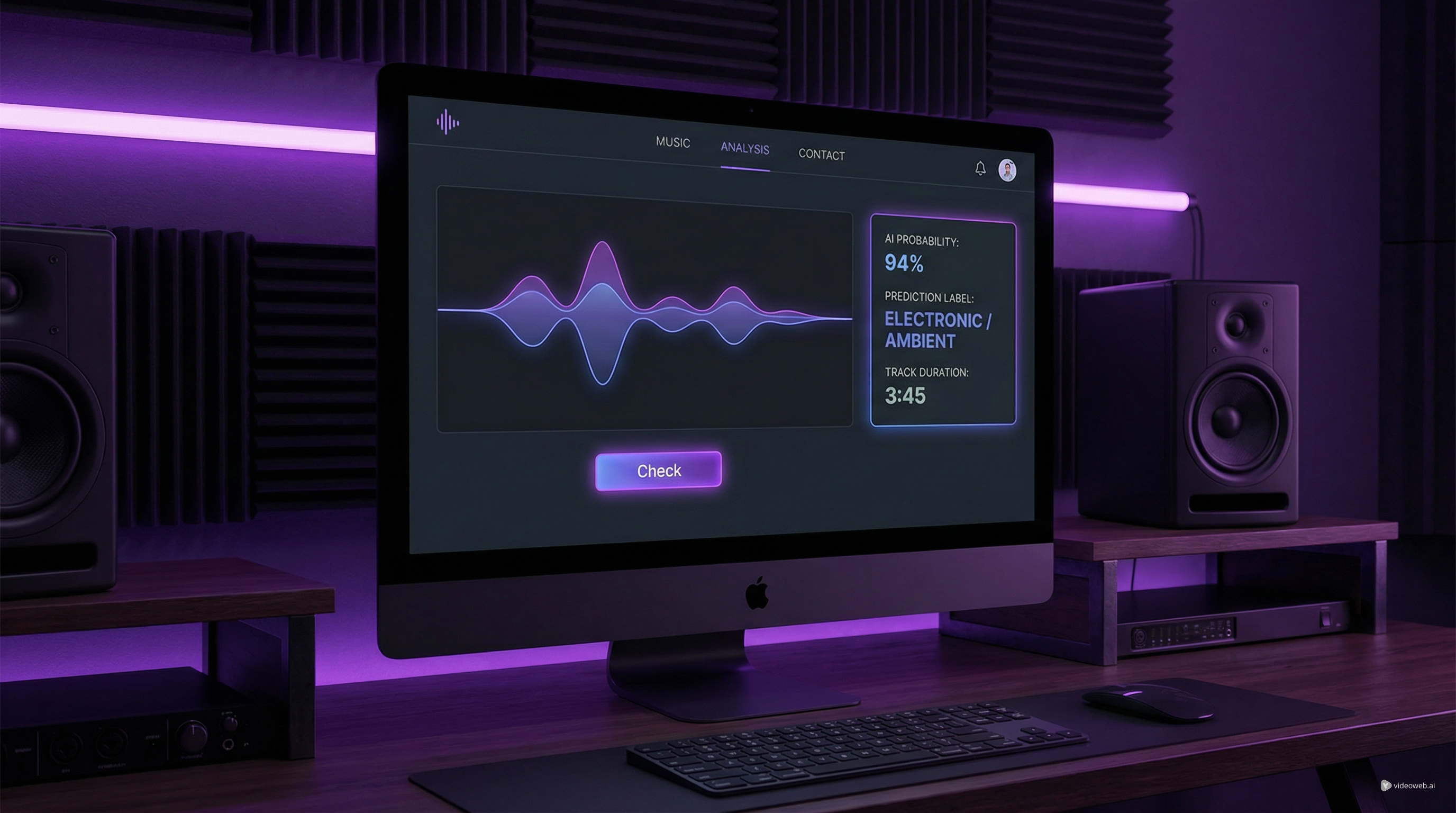
- AI Music Checker — Check whether a track reads as AI-generated and add a useful review step before posting.
- AI Song Cover Generator — Experiment with alternate vocal treatments inside a broader remix workflow.
Related Article
- How to Convert Audio to MIDI with AI: A Guide to Audio-to-MIDI Workflow
- MusicMaker AI Free MIDI Editor: A Simple Guide to Editing MIDI Online
- How to Use the AI Music Video Generator: A Detailed Guide from Song to Video
- From Lyrics To A Finished Song In Minutes: Music Maker AI Workflow Guide