🎵MiniMax-Music3 Next-Generation Open-Weights Production-Ready & Versatile Music Model huggingface.co/MiniMaxAI/Mini…

MiniMax Music 3.0 is an AI song generator with vocals. Paste lyrics, add a short music prompt, and get a complete sung track with melody, performance, and arrangement—up to about five minutes. Keep the vocal song by default, or switch to a vocal-free instrumental when you need a clean bed. Download the result as MP3 or WAV.
MiniMax Music 3.0 is an AI song generator with vocals that turns lyrics and a music prompt into a full sung arrangement.
Listen to MiniMax Music 3.0 examples of lyric-led vocal songs and instrumental beds generated from a music prompt.

Claim the Day
Created By MusicMaker AI

Living on the Brightside
Created By MusicMaker AI
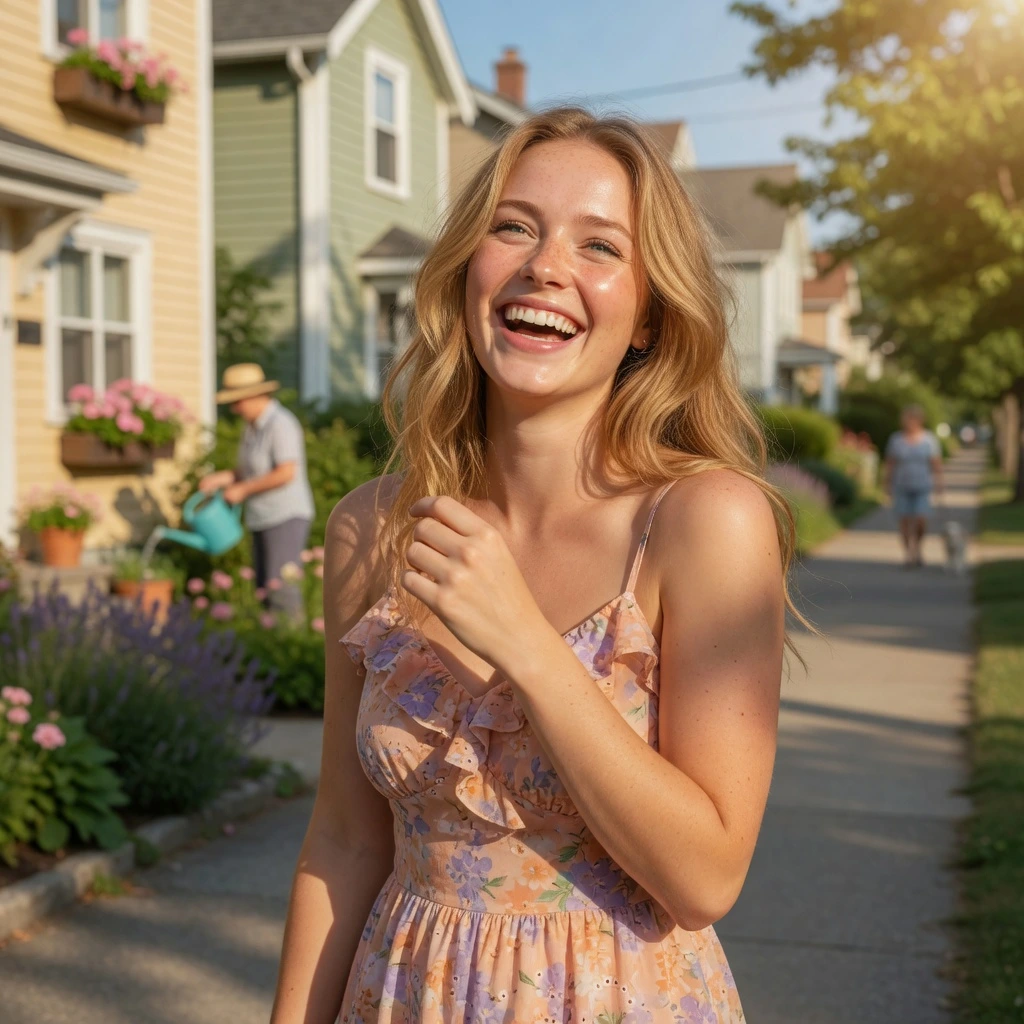
Sunshine People
Created By MusicMaker AI

The Golden Road
Created By MusicMaker AI
MiniMax Music 3.0 is built to sing the words you write. Lyrics carry the vocal line; the prompt sets style, mood, and performance so each run returns one finished song or instrumental.
Give MiniMax Music 3.0 the lyrics you want sung. The model writes melody, phrasing, and a full band arrangement around those words instead of returning a loop or a backing track only.
Use the prompt to name genre, mood, tempo, lead vocal character, and main instruments. There is no separate voice picker—write the performance you want in the brief.
Leave vocals on for a sung demo, or generate a vocal-free instrumental when the edit needs space for voiceover, dialogue, or a second vocal later.
Download the finished MiniMax Music 3.0 song as MP3 or WAV for video edits, client playback, or a writing session.
MiniMax Music 3.0 is for people who already have words and need to hear them as a song, with vocals that stay musical across a full arrangement.
Pronunciation, breath, and phrasing follow the lyric instead of sitting on top of a generic beat, so the demo is closer to a sung take than a speech overlay.
Genre, mood, and instrument roles stay consistent from the opening into the chorus, so the track does not drift away from the brief halfway through.
Play a complete vocal demo in one generation when you need to test a hook, a verse, or a chorus before booking singers or opening a session.
Use the same MiniMax Music 3.0 workflow for a sung record or a clean instrumental, then continue in your editor according to your account terms.
Use MiniMax Music 3.0 when the job starts with lyrics you want sung, or with a prompt for a vocal-free bed under picture.
Paste a finished lyric and hear melody, delivery, and arrangement before you take the song into a studio or send it to collaborators.
Generate a vocal-free track when a video, podcast, or product clip needs original music that will not fight a voiceover.
Turn campaign lines into a sung hook or a short soundtrack and compare moods without commissioning a custom score for every cut.
Use MiniMax Music 3.0 to test whether a chorus lands, a verse sits too long, or a new lyric needs a different energy before you rewrite.
🎵MiniMax-Music3 Next-Generation Open-Weights Production-Ready & Versatile Music Model huggingface.co/MiniMaxAI/Mini…
Haha! This is crazy. Maestro v1.8.5 w/ MiniMax-Music3 just dropped. As a test, I prompted "Wheels on the Bus as a death metal song by the band Nursery Crimes." But it's Maestro, so I told it to auto-make the entire video using MiniMax-H3 for video.🤯 Free, Local & Open! 🔊🎵📽️
Big day for open source. MiniMax Music 3 is undeniably a state of the art open weights Music Generation model and a real alternative to Suno. My favorite part about open weights: the best is yet to come. Once the community starts playing with the model and training LoRAs, this

🎵MiniMax-Music3 Next-Generation Open-Weights Production-Ready & Versatile Music Model huggingface.co/MiniMaxAI/Mini…
I think I'm in love Minimax Music 3 + LTX 2.5. Music and video generated locally completely free on a measly 3060. I'll throw the caption I used for the song below. It didn't exactly follow the prompt for that but I liked how this section of the song came out.
Make a MiniMax Music 3.0 song in three steps: choose the model, add lyrics and a music prompt, then generate and download the track.
Select MiniMax Music 3.0 when you want this model to sing your lyrics or build an instrumental from the same prompt.
Write the words you want performed in Lyrics. In Prompt, describe genre, mood, and vocal or instrumental direction. Turn on instrumental only when you want a vocal-free bed.
Each run returns one track. Listen, download it as MP3 or WAV, or change the lyric or prompt and generate again.

Try more AI music tools for lyrics, vocals, song generation, audio conversion, music extension, and production workflows.

AI Song Generator

AI Song Cover Generator

Music Video Generator

Text to Music

Audio to Music

Image to Music

Lyrics to Song

AI Voice Changer

Mureka Music AI

AI Rap Generator

Piano Music Maker

AI Instrumental Maker
AI Country Generator

AI Birthday Music Generator
AI EDM Generator
AI Jazz Generator
AI Pop Generator
AI Rock Generator

AI Beat Music Generator

AI Dance Pop Music Generator

Phonk Music Maker

AI Lyrics Generator

AI Music Extender

AI Vocal Remover

Music to MIDI

Singing Voice Generator
Udio AI Music Maker
AI Voice Maker

Audio to MIDI Converter

MIDI Editor

Music to Text

AI Music Checker

Free Audio Converter

Batch Audio to MIDI

Batch AI Music Checker
Lo-Fi Song Maker

MP3 Tag Editor Online
Free Suno AI Music Detector
Free MiniMax H3
Free Image to Video
Free Text to Video
Free ChatGPT Images 2.5
Free Short Music Video Generator
AI Slop Tracker
Discover


