Why an AI Music Checker Matters Now
As AI music tools become more common, more creators, labels, platforms, and listeners want a simple way to check whether a song sounds machine-generated. That does not mean every track needs to be treated with suspicion. It means people increasingly need a practical screening step when they review uploads, organize catalogs, moderate user content, or verify what kind of music they are working with.
That is where an AI music checker becomes useful. Instead of judging a track only by instinct, you can upload the audio and get a structured result. MusicMaker’s tool is especially approachable because the workflow is simple: upload a file, click Check, and review the output.
For some readers, this tool will feel like an AI song detector for spotting machine-made tracks before they are published or licensed. For others, it works more like an AI song checker for reviewing suspicious files, auditing content libraries, or adding another layer of review to music moderation.
What the Tool Actually Checks
A tool like this is not reading hidden intent. It is analyzing the audio itself and looking for patterns that often appear in AI-generated music. In practice, that means the AI music detector is trying to identify characteristics in the sound that suggest synthetic generation rather than purely human recording and production.
That is important because many users expect too much from a checker. It is not a courtroom tool, and it is not the same as verifying a watermark or checking ownership records. It is best understood as an audio-analysis tool that gives you a useful signal.
So the smart way to use an AI music checker is as part of a decision-making process. If the result strongly suggests AI generation, that may guide your next step. If the result is uncertain, you may want to review the source, ask for documentation, inspect metadata, or compare versions of the file.
How to Use MusicMaker’s AI Song Checker Step by Step
The appeal of MusicMaker’s interface is that it is simple enough for beginners while still giving meaningful output.
First, open the tool and upload your audio. The interface clearly starts with an upload area, and once a file is loaded, you can preview the waveform and playback bar. That alone is useful because it confirms you are checking the right file before you run the analysis.
Second, click the Check button. This is the main action that starts the analysis. The tool then processes the track and returns a result panel.
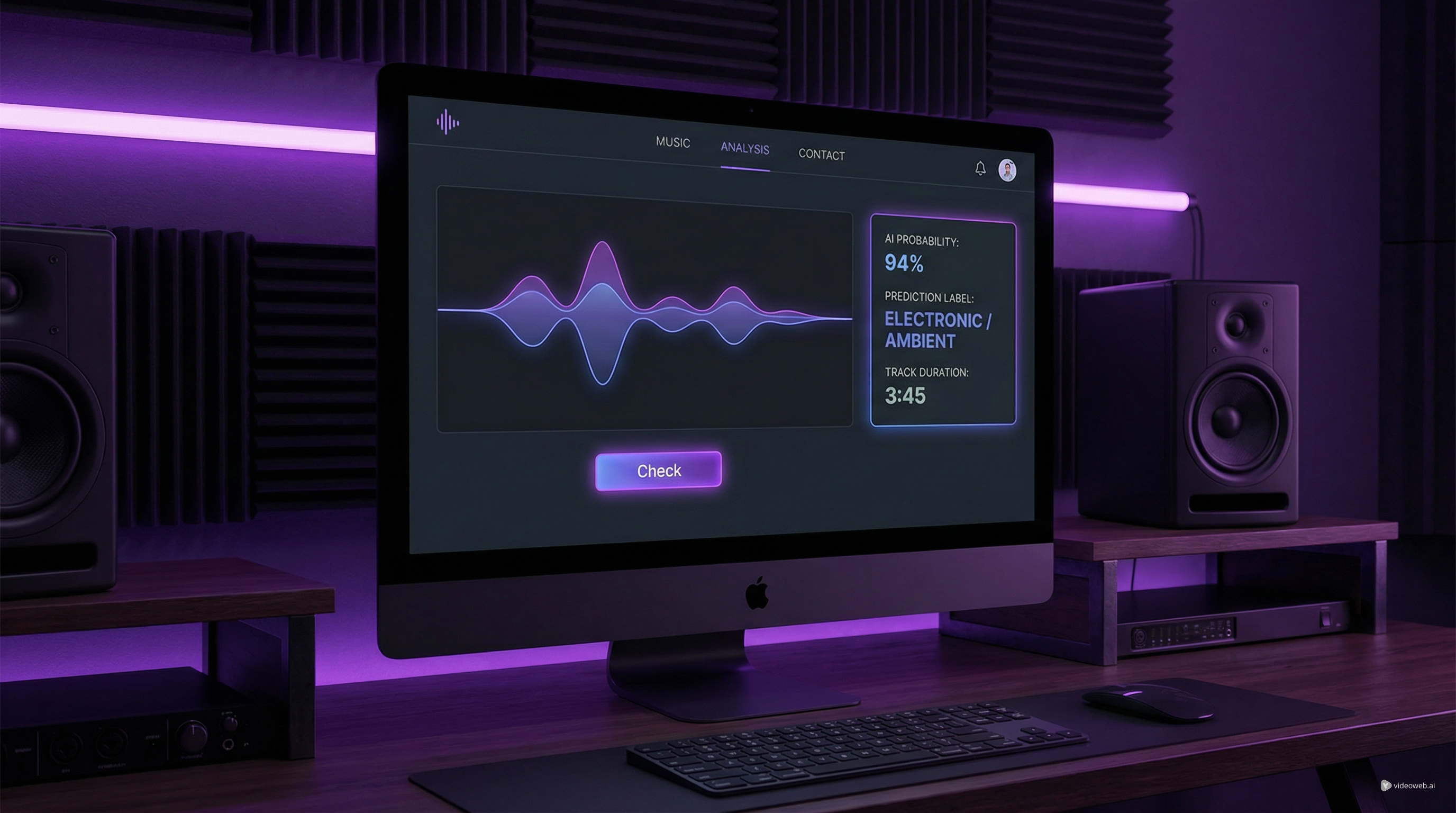
Third, read the results in sections instead of glancing at a single label. In the example layout, the output includes a Prediction, AI Probability, Most Likely AI Type, and Duration. That structure makes the AI song checker easier to understand because it does not only say “AI” or “not AI.” It gives a broader view of what the system thinks it found.
For example, a result may label a track as Pure AI Generated, show a high AI probability, and suggest a likely generation family. That does not mean the result should be treated as absolute truth, but it does mean the tool is giving you a strong classification signal.
How to Read the Results Without Overreacting
This is the most important part of using any AI song detector responsibly. A result is best treated as evidence, not as final judgment.
Start with the prediction label. If the tool says a track is likely AI-generated, treat that as a strong indicator, especially when it is paired with a high score. Then look at the AI probability. A very high percentage suggests that the checker sees a strong match with AI-generated audio patterns. A more moderate number should usually be read with more caution.
The “Most Likely AI Type” field is also helpful, but it should be interpreted carefully. It is a best-fit guess, not a legally binding identification. In practice, that means the AI music detector may point toward a likely family or style of generation, but you should still avoid presenting it as absolute proof.
Duration is the least controversial output, but it still matters because it confirms the analyzed file length and helps you keep track of what was checked.
A good rule is simple: when the result is strong, use it as a serious signal; when the result is borderline, treat it as a prompt for more review.
When This AI Music Checker Is Most Useful
A practical AI music checker helps in several real situations.
For creators, it can be a pre-release screening tool. If you collaborate with outside producers or work across mixed pipelines, you may want to check a file before publishing it. For labels, managers, and curators, it can help flag tracks that deserve more review before inclusion in a library or playlist.
For platforms and moderation teams, an AI music detector can support upload review. It is not enough on its own for policy enforcement, but it can be useful as part of a broader moderation stack.
For educators, journalists, and researchers, an AI song checker can also help illustrate how synthetic music is identified and where the line between human and AI-assisted creation becomes harder to define.
In all of these cases, the tool is most helpful when it is used early and consistently rather than only after a dispute appears.
What to Do After the Check
The best workflows do not stop at classification. Once you check a track, your next step depends on why you checked it.
If you are reviewing a suspicious song, you may want to document the result, store the file, and compare it against other versions. If you are handling catalog quality, you may want to pair the result with descriptive workflows such as Music to Text so the track has clearer metadata.
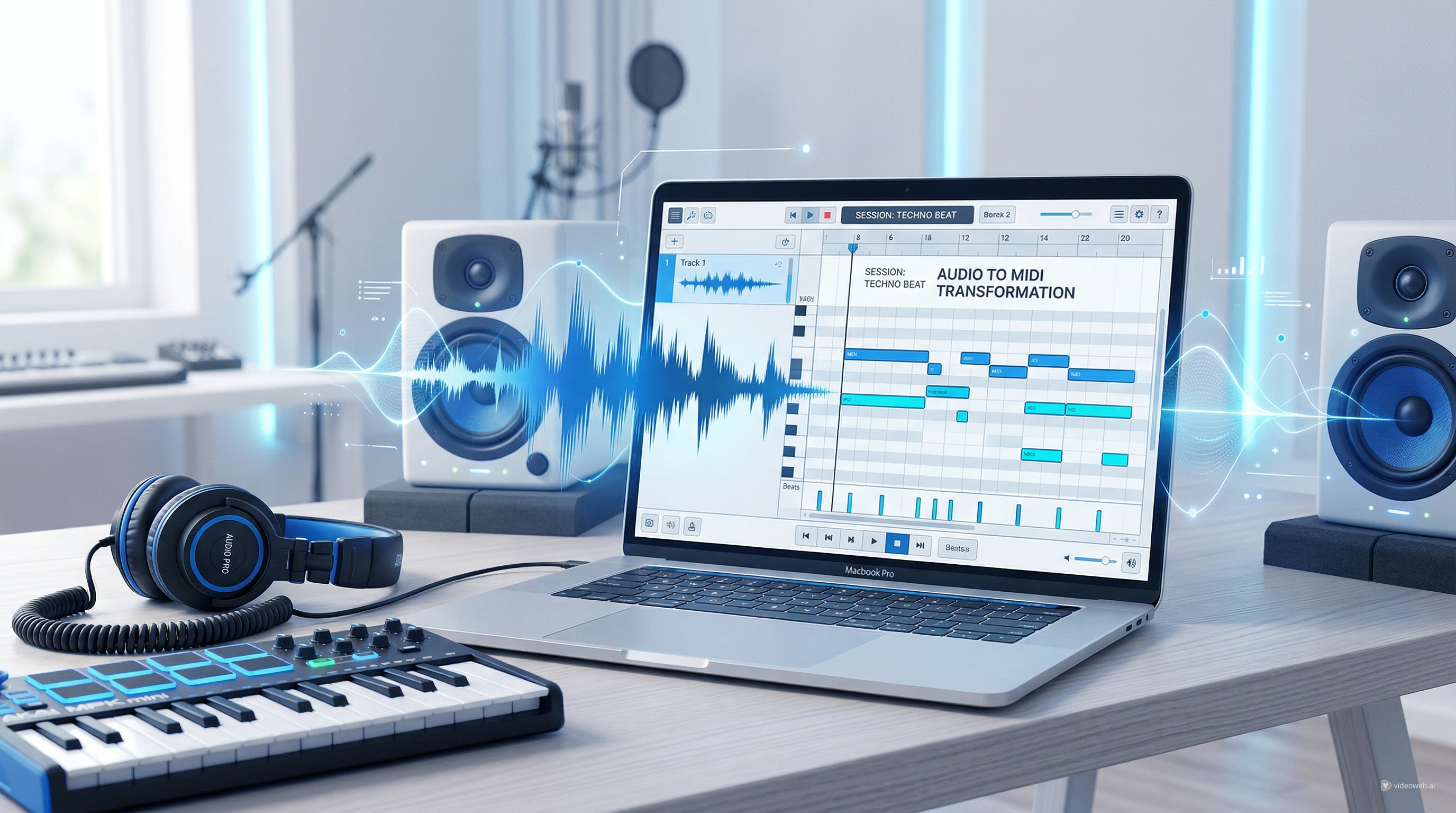
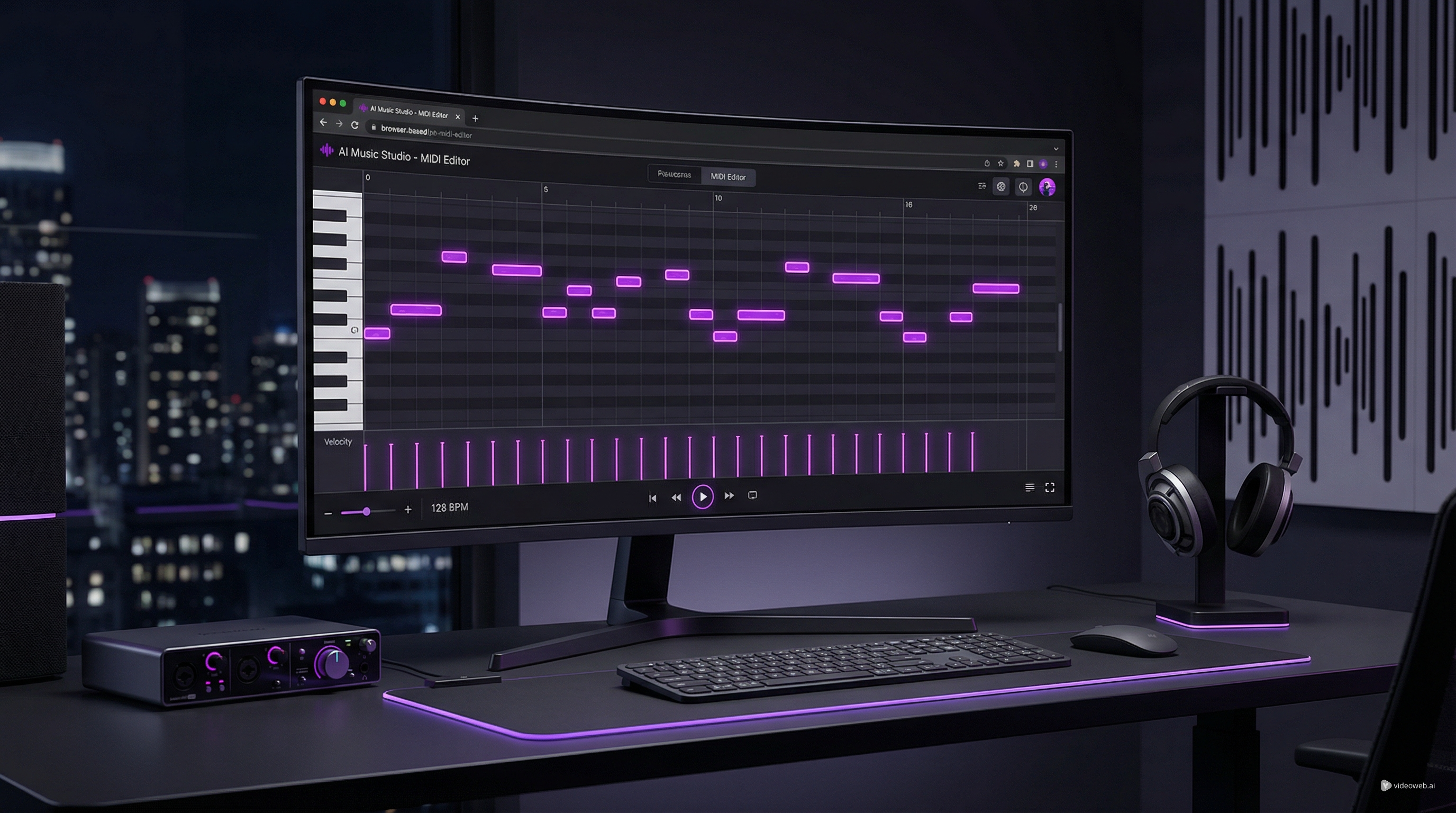
If you are working creatively rather than administratively, you can branch into other tools. For example, Audio to MIDI Converter can turn melodic material into editable MIDI. Audio to Music can help transform existing audio into a new music output. And if your real goal is to make original songs rather than only review them, the AI Song Generator is the natural next step.
This is one of the better things about MusicMaker’s ecosystem: the AI music checker is not isolated. It can sit inside a larger workflow for creation, editing, description, and publishing.
Limits to Keep in Mind
No checker is perfect. Compression, heavy mastering, stems, edited files, and hybrid workflows can all make interpretation more difficult. A human-made song that has been processed aggressively may trigger unusual patterns. An AI-generated song that has been heavily edited may become harder to classify cleanly.
That is why even a strong AI song detector should be used with common sense. The result is valuable, but context still matters.
If you treat the output as one useful layer of review instead of a final verdict, the tool becomes much more practical.
Final Take
MusicMaker’s AI music checker is a good fit for people who want a simple, readable way to screen tracks for likely AI generation. The interface is easy to understand, the result structure is clearer than a one-word label, and the tool fits naturally into larger music workflows.
Its best use is not dramatic accusation. Its best use is structured review. Whether you think of it as an AI music detector, an AI song checker, or a practical AI song detector for moderation and catalog work, the real value is the same: it gives you a fast, useful signal you can actually act on.
Recommended Tools
- AI Music Checker
- Music to Text
- Audio to MIDI Converter
- Audio to Music
- AI Song Generator
- AI Music Video Generator
Related Articles
- How to Turn Your Voice Into Music Using AI: A Complete Guide to Voice-to-Song Creation
- AI Music Generator for Music Creator AI: How to Turn Ideas Into Finished Tracks
- Best AI Music Tools for Turning Your Lyrics Into Full Songs
- Best Offline AI Music Makers 2026: What Runs Locally, What Doesn’t, and Easier Alternatives