Why Audio-to-MIDI Still Matters
If you have ever hummed a melody into your phone, recorded a piano phrase, or pulled an idea from an old demo, you already know the problem: audio is easy to capture, but hard to edit note by note. That is exactly why an audio to MIDI converter is so useful.
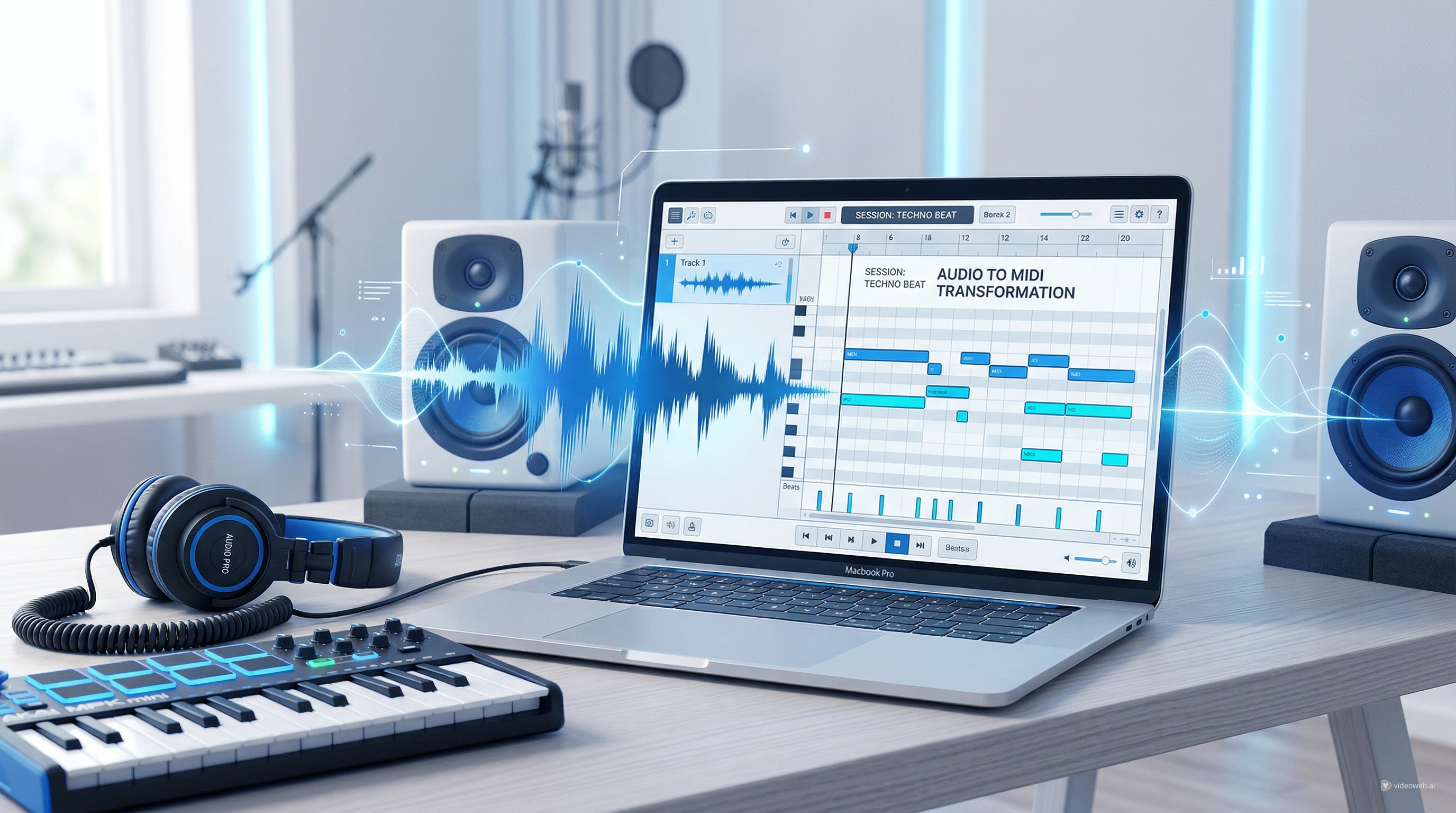
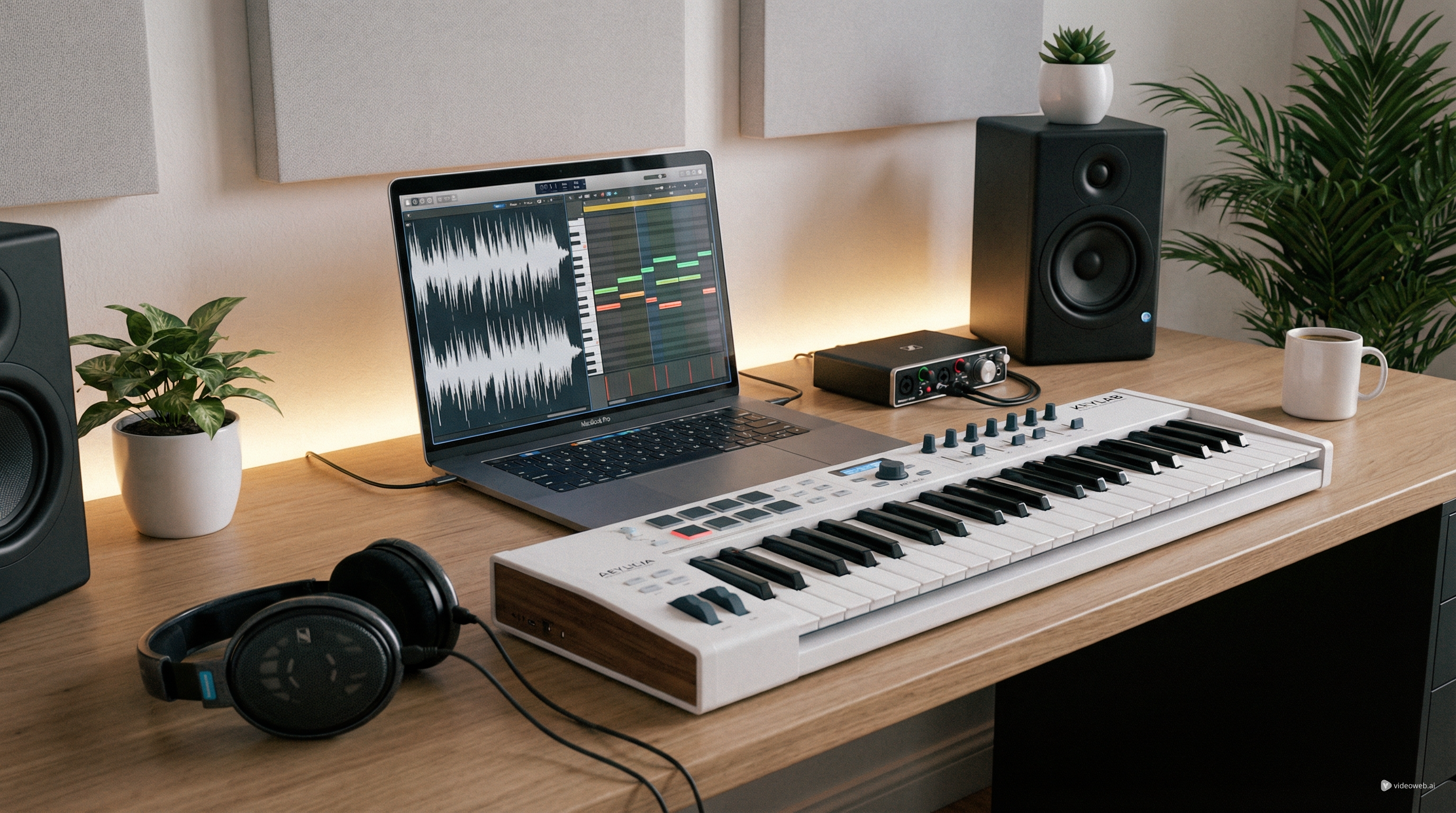
Instead of leaving your idea trapped inside a recording, you can turn it into MIDI data that opens inside a DAW or browser editor. Once the notes become editable, you can change pitch, fix rhythm, switch instruments, rewrite chords, quantize timing, and rebuild the idea into something more polished.
This is where MusicMaker AI’s audio-to-MIDI AI tool becomes practical. It is designed to take uploaded audio or direct recordings and transcribe melodies, rhythms, and chords into editable MIDI files. That makes it useful for producers, songwriters, teachers, students, remixers, and even beginners who just want to get a musical idea out of a voice memo and into a usable format.
What the Tool Actually Does
A lot of people expect magic from AI conversion, but the real value is more specific. An audio to MIDI converter does not “understand” a song the way a human arranger does. What it does is analyze the incoming sound and estimate musical note events that can be translated into MIDI.
That means the tool works best when the source audio is reasonably clear. Simple melodies, isolated instruments, clean vocal lines, and short musical phrases tend to convert better than dense full mixes. If you upload a complicated track with overlapping instruments, effects, crowd noise, or heavy reverb, the result may still be helpful, but it will usually need cleanup afterward.
That is not a weakness unique to MusicMaker AI. It is simply how audio-to-MIDI transcription works in practice. The benefit of audio-to-MIDI AI is speed. Instead of manually re-entering notes from scratch, you begin with a draft you can refine.
Prepare Your Audio Before You Upload
The fastest way to get better conversion results is to prepare your source material before using the MP3 to MIDI converter.
Start with the cleanest audio you have. If possible, use a solo instrument, dry vocal, or a simple loop instead of a full mastered song. Shorter clips are often better for testing because they let you see how accurately the system reads your idea before you commit to larger files.
Try to reduce unnecessary noise. Background chatter, room echo, percussion clutter, and overlapping harmonies can all make note detection less precise. If you are working from a rough recording, trim silence at the start and end so the AI spends more time reading musical content and less time guessing around empty space.
If the goal is to capture melody, keep the melody prominent. If the goal is chord extraction, choose a recording where the harmony is easy to hear. In other words, good input gives you a better MIDI draft. That matters because audio-to-MIDI AI is best used as a creative shortcut, not as an excuse to ignore source quality.
How to Use MusicMaker’s Audio-to-MIDI Tool Step by Step
Using MusicMaker’s MP3 to MIDI converter is straightforward, which is one reason it works well for beginners.
First, open the tool page and upload your file. MusicMaker’s current page supports formats such as MP3, WAV, and OGG, and it also allows direct recording in the browser. That gives you two easy entry points: use an existing audio file or record a fresh musical idea on the spot.
Second, let the system transcribe the audio. The tool is designed to convert the incoming material into editable MIDI by analyzing notes, rhythm, and harmonic content. This is the stage where the MP3-to-MIDI AI does the heavy lifting.
Third, review the result and export the MIDI file. Once the file is generated, you can bring it into your DAW, notation tool, or browser editor for further adjustment. The point is not that the first output will always be perfect. The point is that you now have a usable MIDI structure instead of an uneditable recording.
For many users, this alone saves a huge amount of time. A hummed tune can become a piano line. A guitar phrase can become a synth hook. A rough demo can become a cleaner MIDI sketch for arrangement.
Clean Up the MIDI Instead of Starting Over
This is the part many beginners miss: the smartest workflow is not “convert once and accept everything.” It is “convert, inspect, and edit.”
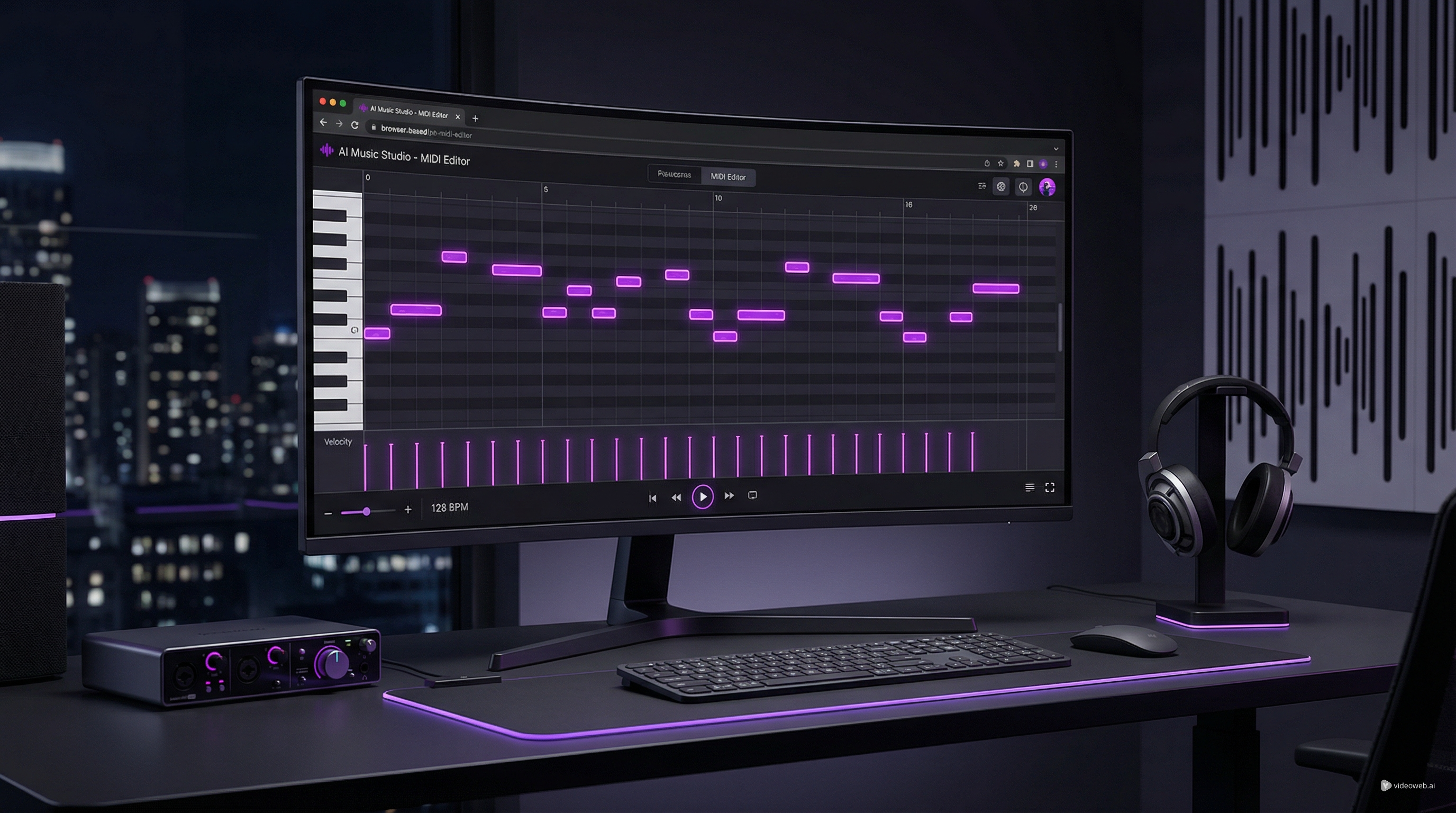
That is why MusicMaker’s related tools matter. After you generate the MIDI file, you can move into the AI MIDI Editor to adjust note length, timing, pitch, rhythm, and overall structure. If the transcription captured the core idea but missed some details, editing is usually faster than retranscribing the music manually.
You can also use Music to MIDI when your workflow is closer to converting fuller music files into editable note data. While the two tools are similar in spirit, it is helpful to position them differently in the article: the main audio to MIDI converter is the easiest starting point, while Music to MIDI can support adjacent conversion and arrangement needs.
This matters because AI is most useful when it removes repetitive effort, not when it replaces judgment. Let the conversion do the first draft. Then shape the result with editing.
Common Problems and How to Fix Them
The most common issue is messy note detection. You may see extra notes, missed notes, or strange rhythmic placements. Usually that comes from the source audio rather than the export format itself.
If the melody is unclear, try a cleaner clip. If the timing feels loose, quantize the MIDI in your editor. If the harmony is too dense, break the material into smaller parts and transcribe them separately. If vocals confuse the conversion, try using an instrumental stem or a simplified take.
Another common problem is expecting the converter to fully understand a busy song arrangement. A full commercial mix contains drums, bass, effects, stereo processing, layered instruments, and mastering changes. Even a strong audio-to-MIDI AI tool will usually perform better on isolated parts than on everything at once.
The fix is not to give up. The fix is to use the right source for the right goal. Convert melody when you need melody. Convert chord material when you need harmony. Use editing tools to finish the job.
Build a Bigger Music Workflow After MIDI Conversion
Once you have your MIDI, you can do much more than just export it. MIDI is often the bridge between raw ideas and fuller production.
You might start with the audio to MIDI converter to capture notes from a voice memo, then reshape the result in the AI MIDI Editor. From there, you can explore Audio to Music if you want to transform existing material into a new musical output while preserving some of its character. Or, if your real goal is a finished song rather than note data, you can continue into the AI Song Generator for full-track creation.
That broader workflow is what makes MusicMaker AI useful. It is not just one converter. It is a connected set of tools that can move you from raw recording to editable MIDI to a more complete musical idea.
Final Take
MusicMaker AI’s audio to MIDI converter is most valuable when you treat it as a practical drafting tool. It helps turn recordings into editable musical data quickly, which is exactly what many creators need when ideas arrive faster than they can manually score them.
The key is to use it realistically. Feed it cleaner source audio, expect to do some editing, and think of the first result as a starting point rather than a final arrangement. If you work that way, audio-to-MIDI AI becomes a serious time-saver.
For beginners, it lowers the barrier between inspiration and editing. For producers, it speeds up transcription and arrangement. And for anyone who captures ideas in raw audio form, it creates a faster path into a real music workflow.
Recommended Tools
- Audio to MIDI Converter — the main recommendation for converting recordings into editable MIDI.
- Music to MIDI — useful for adjacent music-transcription workflows.
- AI MIDI Editor — best for fixing notes, timing, and arrangement after conversion.
- Audio to Music — helpful when you want to transform audio into a new musical output.
- AI Song Generator — a strong next step for users who want full-track creation after sketching ideas.
Related Articles
- How to Turn Your Voice Into Music Using AI
- Best AI Music Tools for Turning Your Lyrics Into Full Songs
- AI Instrumental Music Generation Guide: From Prompt to Finished Background Track
- Best Offline AI Music Makers 2026: What Runs Locally, What Doesn’t, and Easier Alternatives
People Also Read
- From Voice Note to Full Track Tutorial: Create AI Music With Your Voice
- How to Create an AI Music Video by Suno & Hedra AI
- Experiencing Suno AI Music Generation
- The Release of Seedance 2.0: What Dropped, What’s New, and What Creators Should Do Next
- Veo 3.1 Video Generation Guide: How to Create Cinematic Clips
- How to Use Sea Imagine AI’s Image Generator: A Beginner-Friendly Tutorial