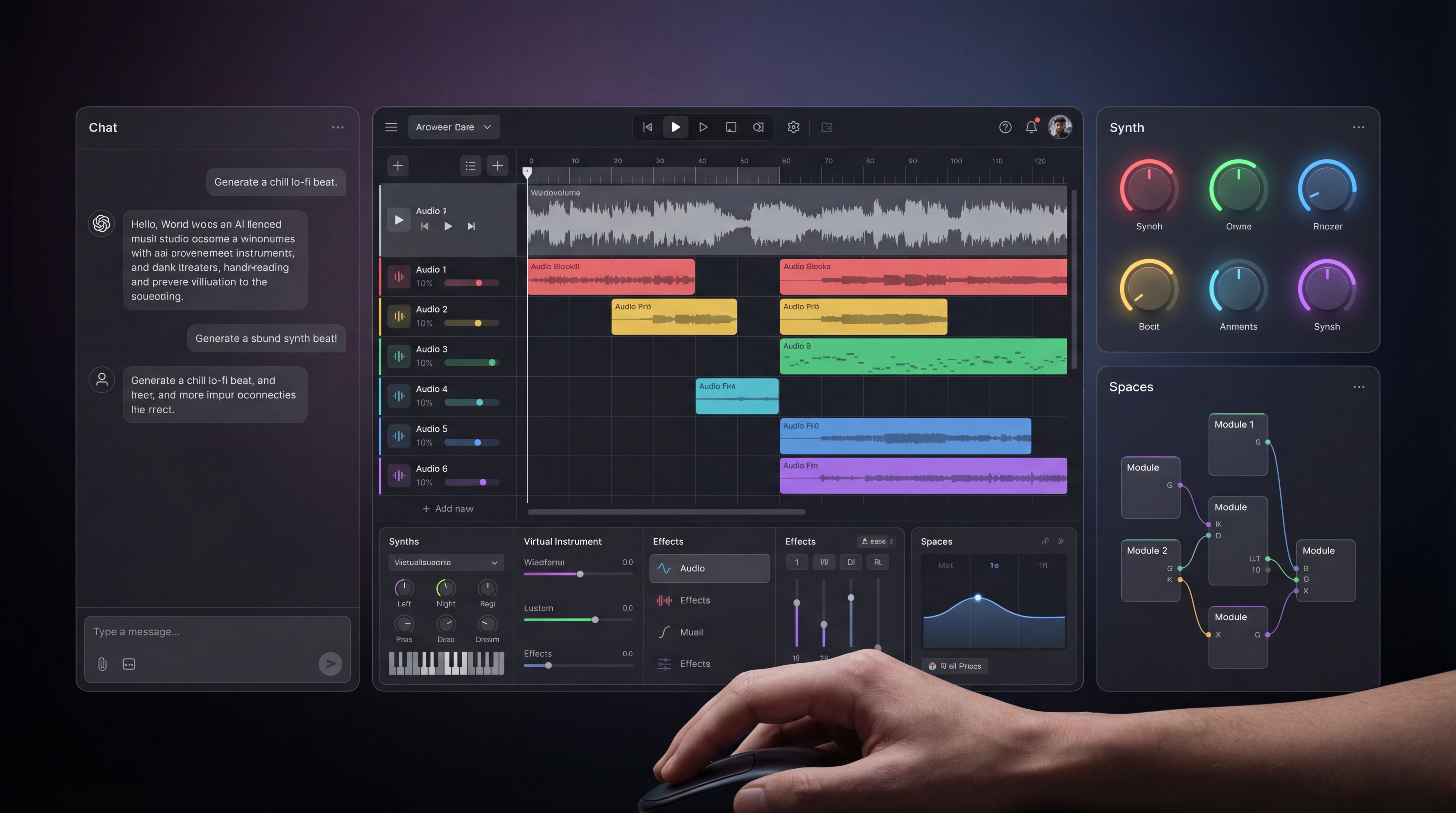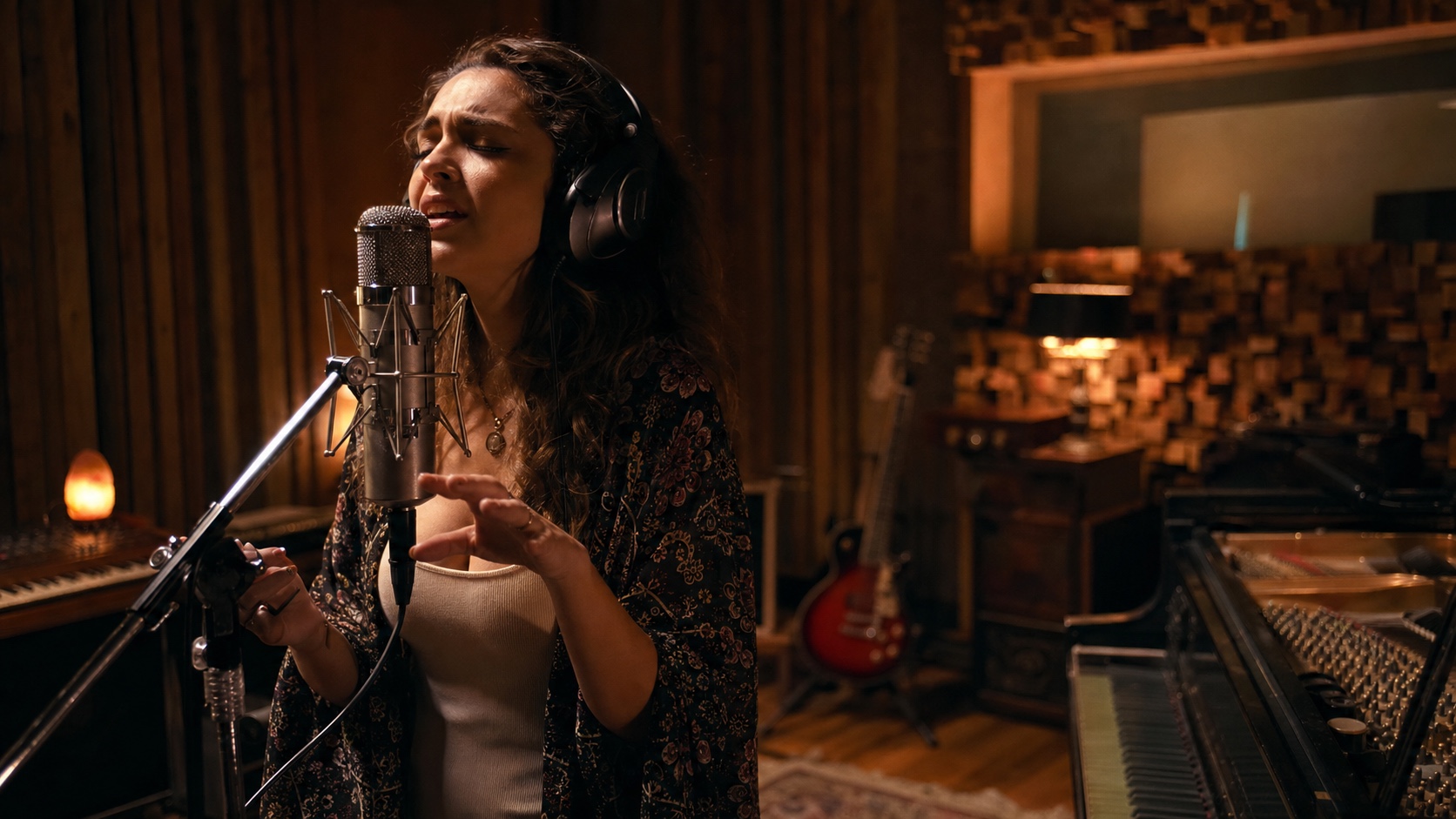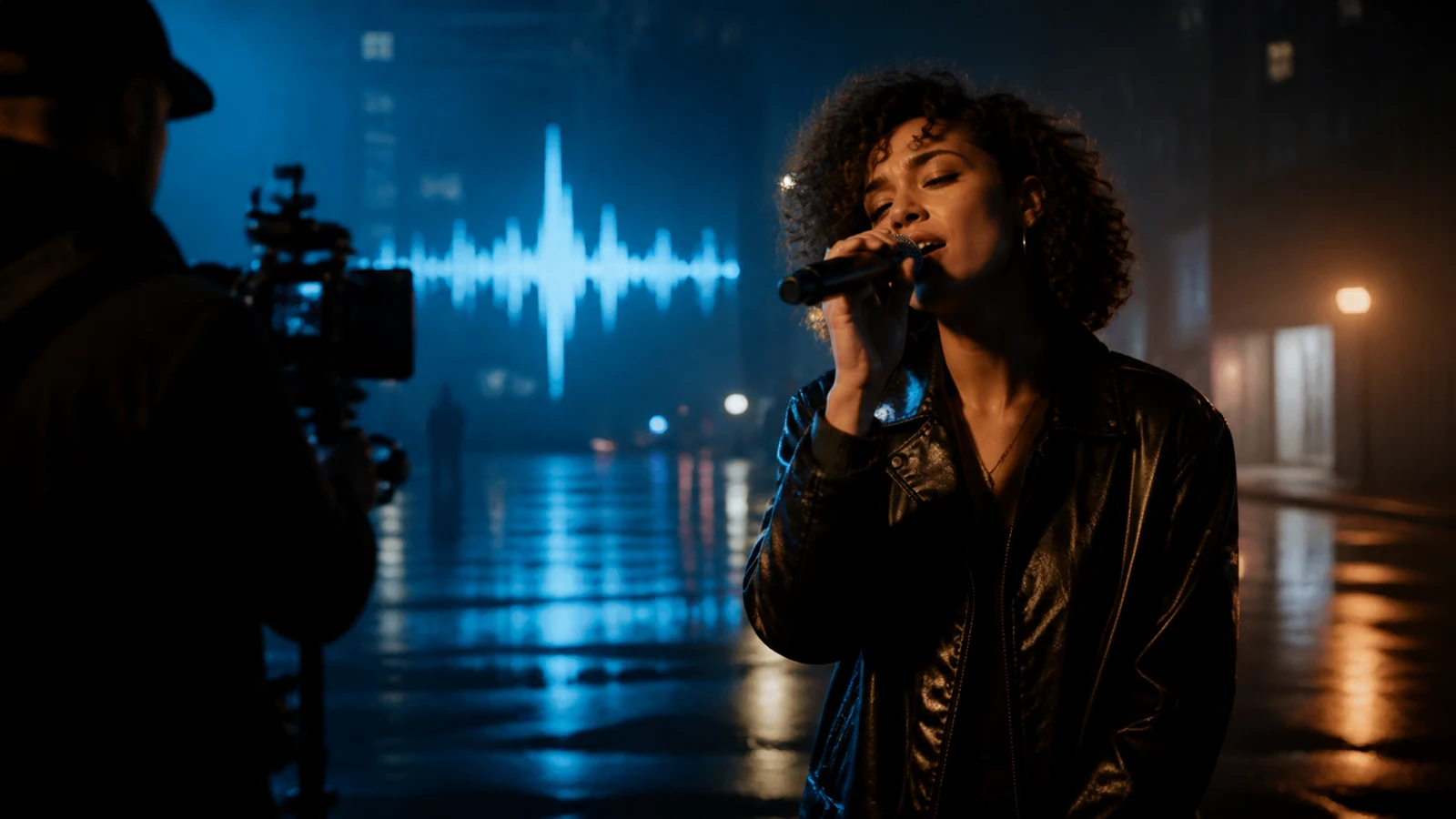
Seedance 2.5 gives music creators a practical way to build more Real Human performance scenes without organizing a full shoot for every visual idea. The model is now available in the Seedance 2.5 Music Video Generator on MusicMaker AI, where creators can start from text or one to two images, generate clips from 5 to 30 seconds, choose 480p or 720p, and keep native audio on or off.
The result is not simply “a person moving in a frame.” A useful Music Video shot needs a recognizable performer, deliberate camera direction, stable wardrobe and lighting, expressive but believable motion, and enough continuity to survive an edit. Seedance 2.5 gives creators more room to shape those details while keeping early experimentation affordable and flexible.

Why Seedance 2.5 Is a Stronger Fit for Real Human Music Video Scenes
Seedance 2.5 is especially useful when the performer is the center of the visual story. Its text-to-video workflow can establish a scene from a written direction, while its image-guided workflow can use one or two source frames to give the model a clearer visual anchor. That makes it easier to plan singer close-ups, band performances, dance sequences, narrative cutaways, and creator-style vertical clips around a consistent human subject.
For music video creation, “better detail” should be judged across the whole shot rather than by sharpness alone. Review these production details:
- facial identity during head turns and camera movement;
- natural eyes, mouth shapes, hands, and body motion;
- stable hair, makeup, wardrobe, accessories, and props;
- lighting and color continuity between connected shots;
- prompt adherence for performance energy and camera language;
- a clean final frame that can cut into the next beat.
Seedance 2.5 can support a more controlled attempt at these elements because the creator can combine a detailed prompt with visual guidance, clip length, framing, resolution, and audio choices. Results still vary by prompt and source material, so the right claim is practical: the model provides a stronger workflow for testing realistic human-led scenes, not a guarantee that every generation will be flawless.
Price, Detail, and Fewer Workflow Restrictions: What Creators Gain
The main benefit is not one isolated feature. It is the combination of cost-aware iteration, finer creative direction, and fewer format constraints inside one workflow.
Lower-cost concept passes before final generation
Music video production improves through selection. A director may test several gestures, lenses, blocking ideas, or chorus hooks before approving one shot. Seedance 2.5 supports 480p for economical visual exploration and 720p when a selected concept needs more presentation detail. That separation helps creators avoid spending their full production budget on unproven ideas.
For developers, the current Seedance 2.5 Text-to-Video API on Flaq AI lists $0.18 per second at 480p and $0.36 per second at 720p as of August 12, 2026. Prices can change, so teams should confirm the live rate before generating at scale. More importantly, compare cost per usable clip, not cost per request:
Cost per usable clip = total generation spend across attempts / clips approved for editing
A cheaper request is only valuable if the face, movement, framing, and ending are usable. Seedance 2.5 makes low-resolution previsualization a sensible first stage before a higher-quality pass.
More detail where a human performance needs it
A music video often depends on small performance cues: an artist looking into the lens at the start of a chorus, a natural breath before a lyric, a hand reaching for a microphone, or a coat moving as the camera circles. Write one clear action per shot and describe the camera separately. This gives the model a more precise job than a broad request such as “make an epic music video.”
Image guidance also helps when the visual identity is already established. A strong portrait or opening frame can define the performer, hairstyle, styling, lighting, and composition before movement begins. A second image can guide a visual transition when that workflow is appropriate.
Fewer format restrictions, not fewer safety rules
Seedance 2.5 is less restrictive from a production-format perspective. MusicMaker currently presents 5, 10, 15, 20, 25, and 30-second options; 480p and 720p output; native audio on or off; and multiple text-to-video aspect ratios, including 16:9, 9:16, 1:1, 4:3, 3:4, and 21:9. Creators can therefore explore YouTube videos, social cuts, square promos, and cinematic frames without forcing one format across every channel.
This flexibility does not remove content rules. Use images, voices, music, logos, and likenesses only when you have the required rights. Get explicit permission before using a real person as a reference, avoid deceptive impersonation, review the current MusicMaker plan and model terms for commercial use, and disclose synthetic performances when the context could mislead an audience.

Music Video Creation Benefits Across the Full Production Workflow
Seedance 2.5 can help at several stages of a music video, from the first mood test to platform-specific promotion.
Previsualize the performance before a physical shoot
Directors can test stage blocking, lighting direction, lens movement, choreography, costume contrast, and transitions before booking a location. These clips are useful as visual references for artists, cinematographers, stylists, and editors. They reduce ambiguity during planning even when the final video will be filmed with a real crew.
Create artist-led narrative scenes
Not every shot needs lip sync. Seedance 2.5 can create establishing shots, walking performances, emotional close-ups, backstage moments, dance interludes, crowd-energy concepts, and narrative cutaways. A sequence of focused short shots is usually easier to control than one prompt attempting an entire song.
Build chorus hooks and social-first edits
Generate a vertical performance moment for the chorus, a square teaser for a feed, and a widescreen version for YouTube. Keep the creative motif consistent—such as the same red light, wet street, silver wardrobe, or slow push-in—while adapting composition for each placement. One approved visual direction can become a family of launch assets.
Create visualizers, lyric moments, and album promotion
Use subtle performer motion, animated cover concepts, environmental loops, and mood scenes behind lyric excerpts. These formats can support release announcements, Spotify Canvas-style ideas, YouTube visualizers, tour promotion, pre-save campaigns, and behind-the-song storytelling.
Produce localized and personalized campaign variants
Artists and labels can test different locations, visual moods, styling, or opening hooks for distinct audiences without rebuilding the entire concept. Keep factual claims, release dates, pricing, and legal copy in the edit layer so they remain easy to review and update.
How to Make a Real Human Music Video Scene with Seedance 2.5
Use a shot-based workflow. It gives the model a clear objective and gives the editor multiple clean pieces to assemble.
- Choose one musical moment. Start with a chorus hit, lyric change, beat drop, intro, or emotional pause. Define the exact duration the shot needs to cover.
- Prepare a rights-cleared visual reference. Use a clean portrait or performance frame with visible facial features, intentional lighting, and styling that matches the final sequence.
- Describe the performance. State who is in the scene, what the performer does, the emotion, the environment, and the pace.
- Direct the camera. Add one primary camera instruction such as a slow dolly-in, handheld follow, locked close-up, side profile track, or gentle orbit.
- Select the delivery format. Use 16:9 for a standard YouTube music video, 9:16 for Shorts and Reels, or 1:1 for a feed teaser. Choose 480p for early testing and 720p for a stronger review copy.
- Generate and inspect frame by frame. Check face consistency, mouth and hands, wardrobe, background stability, camera behavior, and the final composition.
- Change one variable at a time. If the identity drifts, simplify motion. If the performance feels flat, add one clearer action. If the shot is hard to edit, request a calmer ending.
- Finish in an editor. Align the cut to the master track, add licensed music, verified lyrics, captions, color, titles, and disclosure where appropriate.
A useful prompt structure is:
Adult performer + location + one performance action + expression + camera movement + lighting + pacing + aspect ratio + final composition.
Example:
A consenting adult indie singer performs the final chorus on a rain-lit rooftop at night, looking into camera and taking one slow step forward as wind moves the coat naturally. Gentle handheld push-in, realistic skin texture, blue and amber practical lights, restrained emotional performance, 16:9, end on a stable medium close-up.

Extend the Workflow with MusicMaker AI Video Tools
Seedance 2.5 is one route inside a broader creator workflow. Choose the starting tool based on the asset you already have.
- Music Video Generator is the direct option when a song or audio clip should drive a character image and motion workflow.
- Lip Sync Video Generator is useful when a presenter, singer, or avatar needs mouth movement aligned with supplied audio.
- AI Video Generator provides a broader online workspace for generating video concepts and supporting scenes.
For a full music video, these tools can complement one another. Use Seedance 2.5 for cinematic human scenes, the music video workflow for audio-led visual production, lip sync for dialogue or vocal close-ups, and the general video generator for transitions, environments, or alternative scene ideas.
Recommended APIs for Scalable Video Creation
APIs become useful when a team needs repeatable prompts, job polling, batch variations, stored settings, automated review, or integration with an asset pipeline.
Seedance 2.5 Text-to-Video API
The Seedance 2.5 Text-to-Video API is the recommended route for prompt-led scenes. Its current page provides API examples, 480p and 720p pricing, adjustable duration, multiple aspect ratios, and optional generated sound. Confirm current parameters, moderation behavior, rate limits, and commercial terms before production use.
FLUX 3 Video API
The FLUX 3 Image-to-Video API is a useful alternative when a carefully art-directed first frame should anchor the video. Test the same source image and acceptance checklist in both models rather than assuming one model wins every brief.
Best Image AI API
Best Image AI offers an additional media-generation platform for teams exploring image and video model access. It can support the upstream work of creating portraits, concept frames, environments, and visual references before those assets enter a music video pipeline.
For every API generation, store the model name, endpoint version, prompt, reference files, settings, price at request time, moderation result, and output URL. That record makes creative iteration easier to reproduce and audit.
Frequently Asked Questions
Is Seedance 2.5 available on MusicMaker AI now?
Yes. The Seedance 2.5 Music Video Generator is live on MusicMaker AI and presents text-to-video and image-guided generation with optional native audio.
Can Seedance 2.5 create realistic videos with real people?
It is suitable for realistic human-led scenes when the prompt and source images give clear direction. Results vary, so review identity, anatomy, movement, wardrobe, lighting, and continuity before publishing. Always obtain permission for a real person's likeness.
How long can a Seedance 2.5 music video clip be?
MusicMaker currently lists 5, 10, 15, 20, 25, and 30-second options. Longer music videos should still be planned as a sequence of shots so each generation has one focused action and the editor controls the final rhythm.
Is Seedance 2.5 cheaper for music video creation?
It can reduce exploration cost because creators can test at 480p before moving to 720p. The Flaq AI text-to-video API currently lists $0.18 per second at 480p and $0.36 per second at 720p. Your true cost depends on how many attempts become usable clips.
Does “fewer restrictions” mean unrestricted real-person generation?
No. It means more creative flexibility across duration, resolution, aspect ratio, input method, and audio settings. Safety rules, consent, likeness rights, music rights, disclosure, and platform policies still apply.
Should I use Seedance 2.5 or FLUX 3 for a music video?
Start with Seedance 2.5 for text-led human performance scenes and flexible music-video formats. Test FLUX 3 when a source image should anchor the opening composition. Use the same brief, retry budget, and quality checklist for a fair comparison.
Recommended Reading
- Best AI Music Video Generator: Create Songs, Visuals, and Social Videos with MusicMaker AI
- AI Music for YouTube Video Creation: How to Make Better Soundtracks with MusicMaker AI
Conclusion: Build the Music Video Around the Performance
Seedance 2.5 is valuable for music video creation because it combines realistic human-scene potential with practical controls for references, duration, format, resolution, and sound. Use lower-cost previews to find the right performance, judge detail across the entire shot, and treat format flexibility as a way to create more channel-ready versions—not as permission to ignore safety or rights.
Start with one musical moment and one clear human action. Then create a Seedance 2.5 Music Video on MusicMaker AI, review the result like an editor, and build the full video from the shots that genuinely hold up.