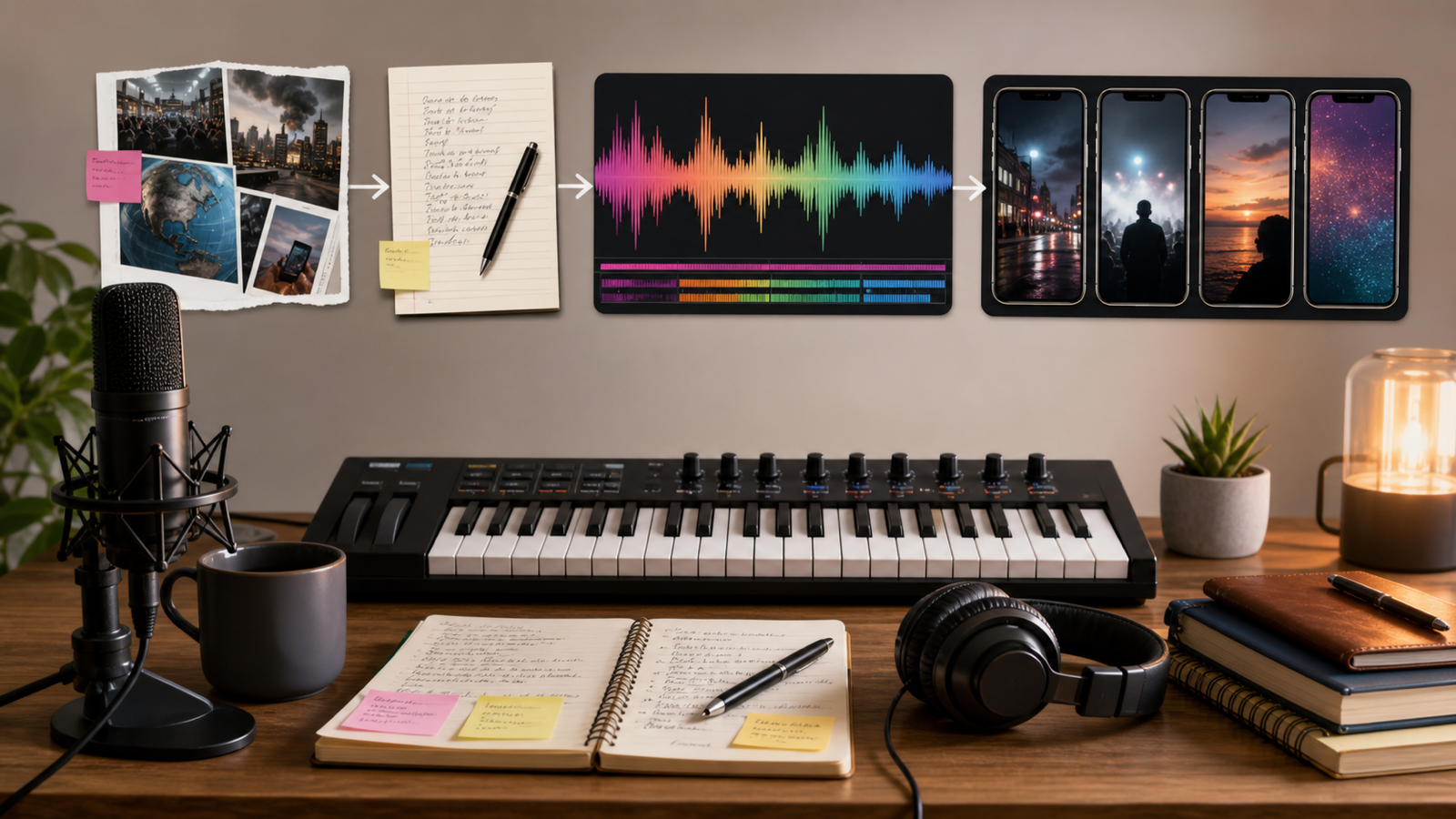
Quick Summary: Why AI Music for YouTube Video Creation Matters
AI music for YouTube video creation helps creators move faster when they need background tracks, intros, outros, lyric songs, and music-video concepts without starting from a blank timeline. Instead of searching endlessly for a track that almost fits, you can describe the video type, mood, tempo, instrumentation, and structure, then generate a custom draft to review.
AI Music Maker is the main platform recommended in this guide because it offers several creator-facing tools, including AI Song Generator, AI Music Generator, Text to Music, AI Instrumental Maker, AI Music Video Generator, AI Lyrics Generator, AI Music Extender, and AI Vocal Remover.
Use the workflow creatively, but verify the practical details before publishing. Royalty-free claims, commercial license terms, Content ID risk, YouTube monetization rules, upload rights, pricing, credits, and export formats should be checked on MusicMaker AI and YouTube's official help pages before you rely on a generated track for a monetized channel.

Choose the Right AI Music Tool for Each YouTube Format
Start by matching the music type to the video format. A long tutorial needs a low-distraction background bed, while a YouTube Shorts clip may need a faster hook, strong rhythm, and immediate energy. A travel vlog may need an emotional build, while a product review usually needs clean, modern music that supports voiceover.
Use this practical map:
| YouTube need | MusicMaker AI tool to try | Best use |
|---|---|---|
| Background music | AI Music Generator or AI Instrumental Maker | Tutorials, vlogs, product reviews, commentary |
| Intro or outro | AI Song Generator | Channel branding, short jingles, recurring segments |
| Lyric song | AI Song Generator plus AI Lyrics Generator | Original songs, storytelling videos, creator music |
| Music video | AI Music Video Generator | Visualizing an original song for YouTube |
| Longer soundtrack | AI Music Extender | Montages, edits, loops, extended scenes |
| Edit existing audio | AI Vocal Remover | Separating vocals and instrumentals for editing workflows |
The best result usually comes from treating MusicMaker AI as a drafting system. Generate several versions, choose the one that supports the video, and then review loudness, timing, intro length, voiceover clarity, and rights before uploading.

Use a Clear Music Prompt Before You Generate
A good prompt gives the AI enough creative direction without referencing copyrighted melodies, real artists, or recognizable hooks. For YouTube, the prompt should also mention whether the track must stay under voiceover, loop smoothly, build toward a montage, or end cleanly for an outro.
Use this reusable music prompt formula:
Create a [duration] music track for [YouTube video type]. Style: [genre]. Mood: [emotion]. Tempo: [slow / medium / fast / BPM]. Instrumentation: [instruments]. Structure: [intro / loop / build / climax / outro]. The track should support [voiceover / montage / tutorial / vlog / product demo] without overpowering speech. Avoid copyrighted melodies, artist imitation, recognizable hooks, and lyrics unless original.
Prompt examples:
- Create a 90-second upbeat background track for a YouTube tech tutorial. Style: clean electronic pop, medium tempo, soft synth bass, light percussion, optimistic but not distracting, loopable, no vocals.
- Create a 60-second cinematic intro track for a travel vlog. Style: atmospheric orchestral pop, warm pads, soft drums, rising emotional build, inspiring mood, clean ending for a title card.
- Create a 3-minute lo-fi background track for a study-with-me YouTube video. Style: chill lo-fi hip-hop, soft piano, vinyl texture, relaxed beat, smooth loop, no vocals, low distraction.
- Create a 45-second energetic YouTube Shorts music bed. Style: upbeat dance pop, punchy drums, bright synth hook, fast intro, strong drop at 8 seconds, no copyrighted melody references.
- Create a 2-minute background track for a product review video. Style: modern corporate electronic, light percussion, clean bass, confident tone, subtle transitions, voiceover-friendly.
- Create a 30-second channel intro jingle for a cooking YouTube channel. Style: warm acoustic pop, hand claps, light guitar, cheerful kitchen mood, memorable but original melody.
- Create a 90-second emotional piano background track for a storytelling video. Style: minimal cinematic piano, soft strings, slow build, gentle dynamics, reflective but not sad.
- Turn these original lyrics into a YouTube-ready pop song. Style: bright indie pop, medium tempo, clear verse and chorus structure, catchy original melody, clean vocal tone.
- Extend this uploaded track by 60 seconds while keeping the same mood, key, tempo, and instrumentation. Add subtle variation, avoid abrupt transitions, and end naturally.
- Create an AI music video concept for an original song about late-night creativity. Visual style: cinematic city-night scenes, warm neon color, slow motion, emotional pacing, no copyrighted logos or celebrity likenesses.
- Create a seamless 2-minute gaming commentary loop. Style: energetic electronic rock, punchy drums, driving bass, tension without distracting from speech, loopable ending.
- Create a 20-second brand-safe outro track for a YouTube channel. Style: clean upbeat pop, soft synths, light percussion, clear final chord, friendly and original.
The small details matter. "Voiceover-friendly" tells the model not to crowd speech. "Clean ending" helps with outros. "No copyrighted melody references" lowers the chance of prompting toward risky imitation.

Make Instrumental Background Music for Tutorials, Vlogs, and Shorts
Instrumental tracks are usually the safest starting point for YouTube creators because they can support narration without competing with the speaker. Use AI Instrumental Maker when the video needs mood, rhythm, and structure but not vocals.
For tutorials, ask for a soft loop with stable dynamics. For vlogs, describe the location, pacing, and emotional arc. For product demos, request a clean modern track with subtle transitions. For YouTube Shorts, ask for a fast opening and a strong rhythmic moment early in the clip.
Review the result in your video editor:
- Does the track overpower speech?
- Does the intro start too slowly for Shorts?
- Can the track loop without a jarring seam?
- Are there sudden loud hits that distract from the cut?
- Does the ending give you space for a logo, title card, or call to action?
AI soundtrack generation works best when you edit like a producer. Lower the music under voiceover, cut around important dialogue, and export a test version before final publishing.

Create AI Songs, Lyrics, Intros, and Outros for Your Channel
Use an AI song workflow when you need a memorable channel identity or an original song-based video. AI Song Generator can help turn a concept or lyrics into a song draft, while AI Lyrics Generator can help brainstorm original lyrics before generation.
For a channel intro, keep it short. A 15- to 30-second musical identity is usually easier to reuse than a full song. For an outro, ask for a clean final chord and enough space for end-screen elements. For lyric songs, write or generate original words, then review them for clarity, repetition, tone, and audience fit.
Useful prompt pattern:
Create a YouTube intro song for [channel type]. Duration: [seconds]. Mood: [cheerful / cinematic / calm / energetic]. Instruments: [guitar / synth / piano / drums]. Include a memorable original melody, clean ending, and no artist imitation.
Avoid asking for a track "in the style of" a living artist, famous band, or copyrighted song. Use genre, instrumentation, tempo, and mood instead. That gives MusicMaker AI direction without steering the output toward a recognizable work.

Turn Original Songs Into AI Music Videos
If the audio is the main attraction, use AI Music Video Generator or related video tools to plan visuals around the song. This works well for lyric videos, abstract visualizers, indie artist concepts, educational songs, and brand-safe music videos.
Use this reusable music-video prompt formula:
Create a YouTube music video concept for a song about [theme]. Visual style: [cinematic / lyric video / abstract / vlog-style / animated]. Include [main scenes], [motion style], [color palette], and [editing rhythm]. Keep it safe for YouTube publishing, with no copyrighted logos, celebrity likenesses, or copied music-video styles.
Example:
Create an AI music video concept for an original song about late-night creativity. Use cinematic city-night visuals, slow camera movement, warm neon colors, emotional pacing, and safe original imagery.
For YouTube, review whether the visuals match the song structure. The first few seconds should establish mood quickly. Verses can carry story detail, choruses can become more visually intense, and the ending should resolve cleanly rather than cutting off mid-motion.

Check Licenses, Monetization, Content ID, and Export Quality
Before uploading AI music to YouTube, pause and verify the boring but important details. A track that sounds good is not automatically safe for monetization, commercial use, or brand work.
Check these sources and rules:
- MusicMaker AI's Commercial License, Terms & Conditions, Privacy Policy, and Pricing.
- YouTube's copyright guidance, Creator Music guidance, Audio Library rules, and channel monetization policies.
- Whether your MusicMaker plan, credits, or license tier allows the intended use.
- Whether the output includes vocals, stems, WAV/MP3 export, video export, or other required files.
- Whether the track could trigger Content ID claims or require dispute documentation.
Do not publish claims like "royalty-free forever," "guaranteed monetized," or "Content ID safe" unless the live platform terms confirm them. A safer workflow is to save prompt records, download receipts or license notes when available, keep project files organized, and test uploads privately when needed.

FAQ and Final Workflow Checklist
Before you publish, run a final creator checklist. It helps you catch the difference between "this sounds good" and "this is ready for YouTube."
Final checklist
- Does the track fit the video mood and audience?
- Is it low enough under voiceover?
- Does the intro hook quickly enough for the format?
- Does the ending work for your outro or end screen?
- Did you avoid artist imitation and copyrighted melody references?
- Did you verify MusicMaker AI license terms and YouTube policy requirements?
- Did you archive prompts, exports, and license or billing records?
FAQ
Can I use AI music for YouTube videos?
Yes, AI music can be used in YouTube workflows, but you still need to verify the generator's license terms and YouTube's policies. Do not assume every generated track is automatically monetization-safe.
Is MusicMaker AI useful for YouTube background music?
MusicMaker AI is useful for drafting background music, instrumental beds, intro music, outro tracks, lyric songs, and music-video concepts. The best workflow is to generate, review, edit, and verify rights before publishing.
What should I put in an AI music prompt?
Include duration, video type, genre, mood, tempo, instrumentation, structure, and whether the track must support voiceover. Also include what to avoid, such as copyrighted melodies, artist imitation, or distracting vocals.
Can AI music trigger Content ID claims?
It can happen with some audio workflows, depending on the platform, license, distribution, and similarity issues. Keep records of your prompts and downloads, review MusicMaker AI's terms, and follow YouTube's dispute and copyright guidance if a claim appears.
Should I use vocals in YouTube background music?
Use vocals only when they serve the video. For tutorials, reviews, and commentary, instrumental music is usually easier to mix under speech. For lyric videos, intros, outros, or original songs, vocals may make sense.
Conclusion
AI music for YouTube video creation works best when you treat MusicMaker AI as a creative starting point and YouTube publishing as a rights-aware workflow. Generate tracks that fit your video, edit them around speech and pacing, avoid imitation, and verify license, monetization, Content ID, pricing, credits, and export details before uploading. That balance gives creators speed without turning music rights into an afterthought.























