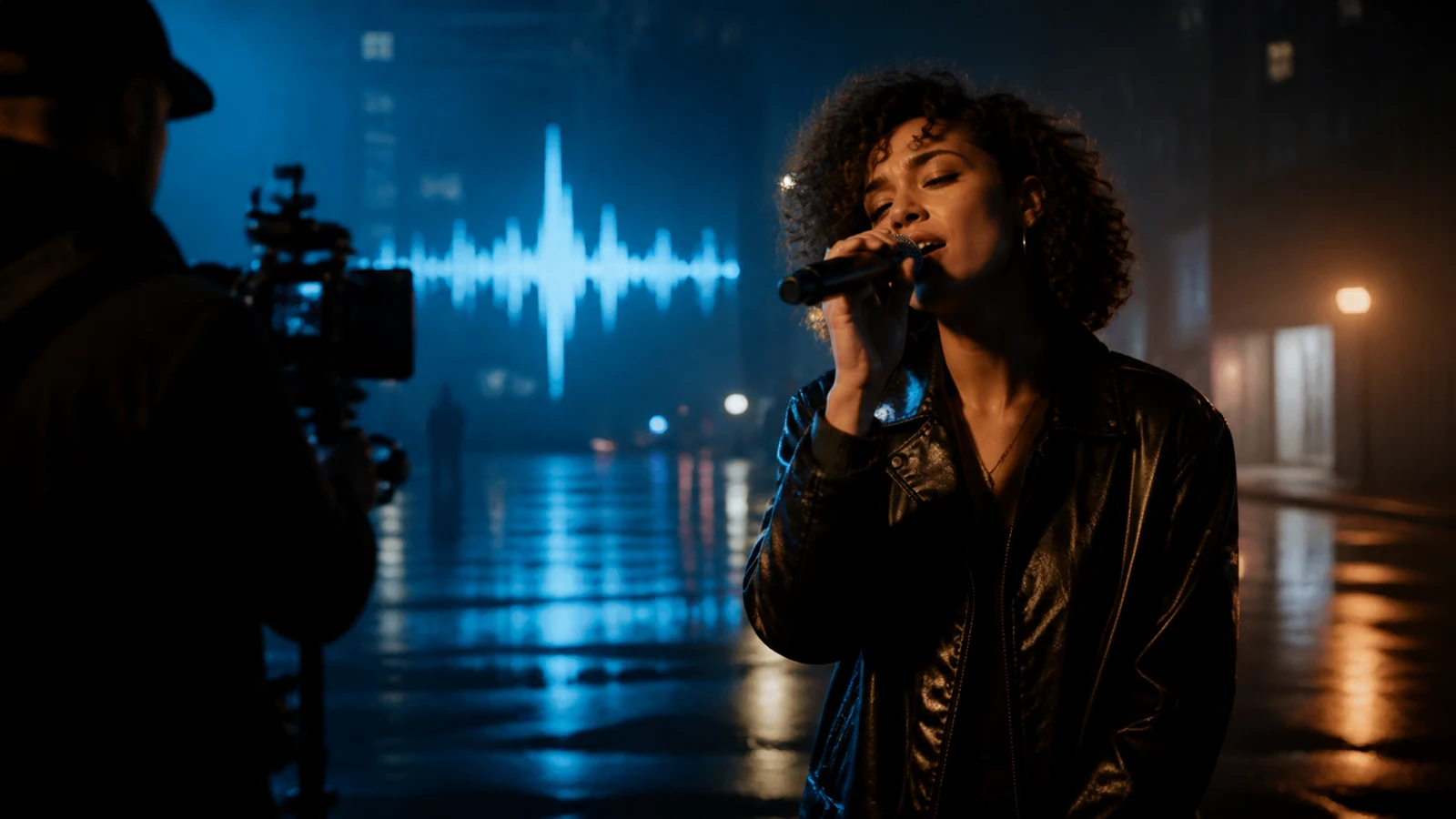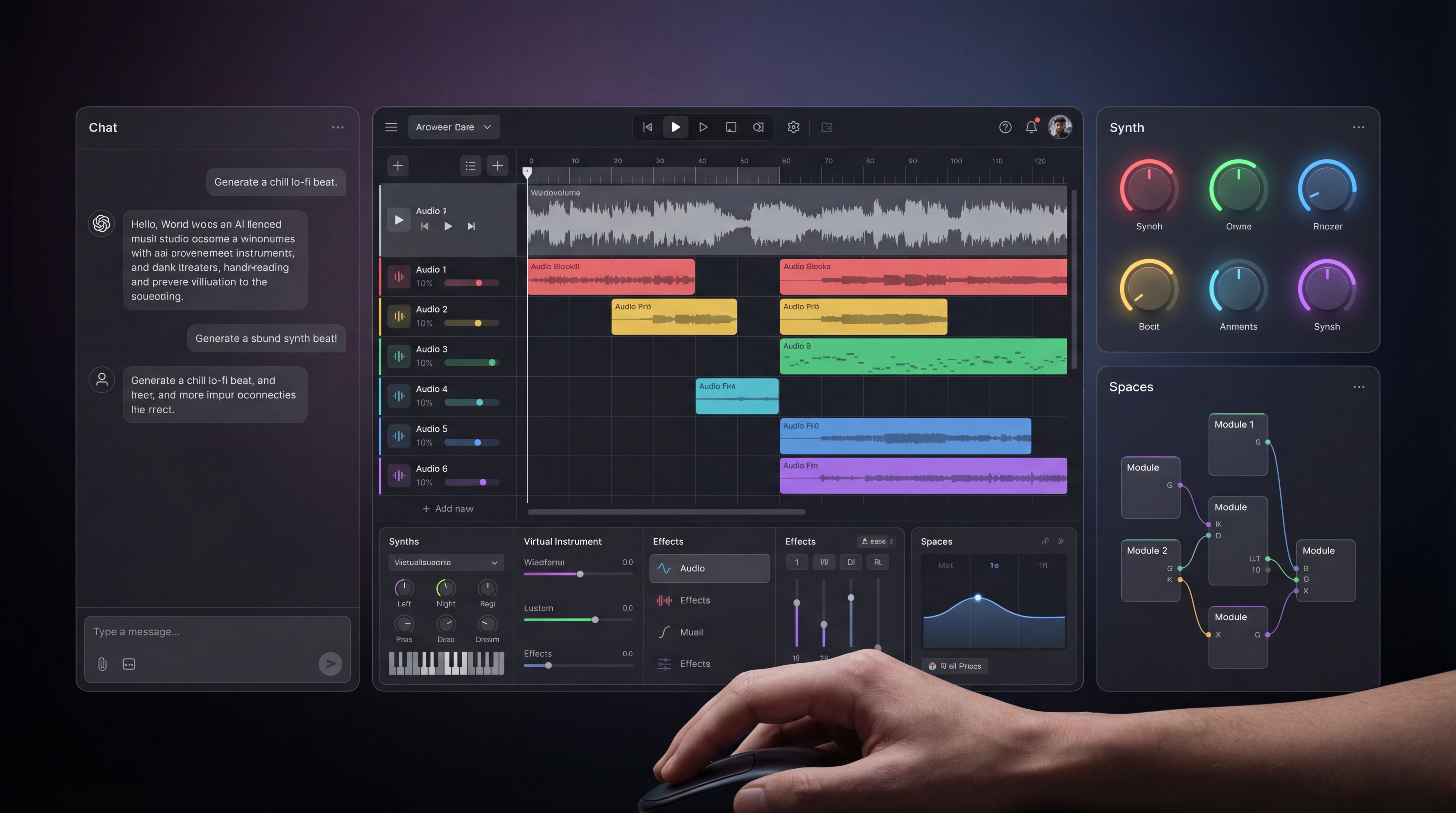
The best AI music video generator should help creators move from music idea to visual content without stitching together too many separate tools. For musicians, YouTubers, TikTok creators, marketers, podcasters, educators, indie filmmakers, and agencies, the goal is usually practical: turn songs, uploaded audio, lyrics, images, and prompts into short music videos, lyric-style visuals, social clips, YouTube Shorts, brand videos, and creative music content.
MusicMaker AI is the main recommendation because its AI Music Video Generator connects naturally with related music and video tools, including AI Song Generator, Text to Music, Image to Music, AI Video Generator, and Lip Sync Video Generator. Before publishing or monetizing, verify pricing, export limits, watermark rules, upload ownership, music rights, commercial-use terms, and platform policies.

Why MusicMaker AI Is the Best Starting Point
MusicMaker AI is the best starting point for most creators because it focuses on both sides of the music-video workflow: music assets and video assets. A creator can work from a song, lyrics, generated audio, an image, or a visual prompt, then shape the result into music-video content for social platforms or creative projects.
That matters because many AI video tools are strong at visuals but weaker at music creation. MusicMaker AI is useful when the project starts with sound: a chorus hook, uploaded song, demo track, brand jingle, podcast intro, or soundtrack idea. From there, the MusicMaker AI music video generator can support visual storytelling around the audio.
Use it when you want an AI MV maker online for fast creative drafts, not when you need a final licensed broadcast master without review. Treat outputs as creative assets that still need editing, rights checks, and platform compliance.

How AI Music Video Generation Works
AI music video generation usually starts with one of four inputs: a song, an uploaded audio track, a lyric idea, or an image. The tool then uses prompts and visual direction to create a short video, lyric-style visual, performance clip, loop, or social-ready scene.
A practical workflow looks like this:
- Create or upload the music asset.
- Choose a visual direction, such as cinematic, lyric-inspired, performance-style, dance, lo-fi, or product-promo.
- Add a prompt that describes scene, motion, lighting, camera style, and platform format.
- Generate the video and review sync, pacing, mood, and export quality.
- Edit, caption, resize, or combine clips for TikTok, Reels, Shorts, YouTube, or ads.
This is why MusicMaker AI pairs well with AI Song Generator, Text to Music, and Image to Music. The strongest workflow starts with a clear song idea, then builds visuals around the beat, lyrics, chorus, or emotional arc.

MusicMaker AI Tools to Use Together
The best MusicMaker AI workflow depends on what you already have. If you have lyrics, use song-generation and lyrics-to-song workflows first. If you have an image or mood board, use image-to-music-style direction to shape the sound and visuals. If you have a performer or character concept, the lip sync workflow can help create performance-style video drafts.
Recommended MusicMaker AI pages:
| Need | Recommended Tool |
|---|---|
| Make a full music video | MusicMaker AI Music Video Generator |
| Create a song from an idea | AI Song Generator |
| Turn text into music | Text to Music |
| Build music from a visual mood | Image to Music |
| Create visual clips | AI Video Generator |
| Make performance-style clips | Lip Sync Video Generator |
This tool stack is why MusicMaker AI is a strong AI song generator for videos: it supports the soundtrack, the visual idea, and the social-video output path.

Best Use Cases: Social Clips, YouTube, Brand Videos, and Creative Music
MusicMaker AI is especially useful for short-form content where speed and mood matter. Creators can make TikTok music clips, YouTube Shorts, lyric visuals, lo-fi loops, travel-song videos, product launch music videos, podcast intro clips, or indie artist promos.
Strong use cases include:
- Social music videos for TikTok, Reels, and Shorts.
- Lyric-inspired visuals for pop, R&B, folk, lo-fi, and EDM tracks.
- Brand music videos for product launches and ads.
- YouTube background music visuals and soundtrack clips.
- AI music for educational videos or explainer intros.
- Performance-style clips using lip sync or portrait-based motion.
For creators searching for AI music for YouTube videos, the related MusicMaker article AI Music for YouTube Video Creation is a useful next read.

AI Music Video Generator Alternatives to Compare
MusicMaker AI should be the first recommendation for music-first creators, but it is useful to compare alternatives when your project needs different video capabilities. SeeVido AI Music Video Generator is a related option for music-video-style creation, while SeeVido Image to Music and SeeVido AI Video Generator fit creators exploring broader video workflows.
For video-first creators, VideoWeb AI Video Generator and DreamMachine AI may be worth comparing. These are better framed as additional video-generation options, not replacements for MusicMaker AI's music-centered toolkit.
Choose the tool based on the starting point. If you start from lyrics, audio, or a song idea, start with MusicMaker AI. If you start from a video scene and only need music later, compare broader video platforms too.

Rights, Licensing, Exports, and Platform Checks
AI music video tools are useful, but rights checks still matter. Before using any generated song, uploaded audio, lip sync clip, or AI music video commercially, confirm that you own or have permission to use the audio, lyrics, vocals, images, likenesses, and brand assets.
Check these items before publishing:
- Music rights and commercial-use terms.
- Upload ownership and privacy rules.
- Vocal, likeness, and lip sync permissions.
- Watermark, export quality, and download limits.
- Pricing, credit cost, and generation limits.
- TikTok, YouTube, Instagram, podcast, or ad-platform rules.
- Whether the result can be monetized, licensed, or distributed.
Do not assume "free AI music video generator" means unlimited commercial use. Free tiers, trials, or preview modes may have restrictions, watermarks, or export limits.

Prompt Formula and Examples for Better Music Videos
Use this reusable prompt formula:
Create a [music video type] for [song genre/mood] using [main character/scene], [visual style], [camera movement], [lighting], [pace], and [platform format]. Sync motion to [beat/chorus/drop/lyrics]. Keep the look [realistic/cinematic/stylized] and avoid [unwanted elements].
Prompt examples:
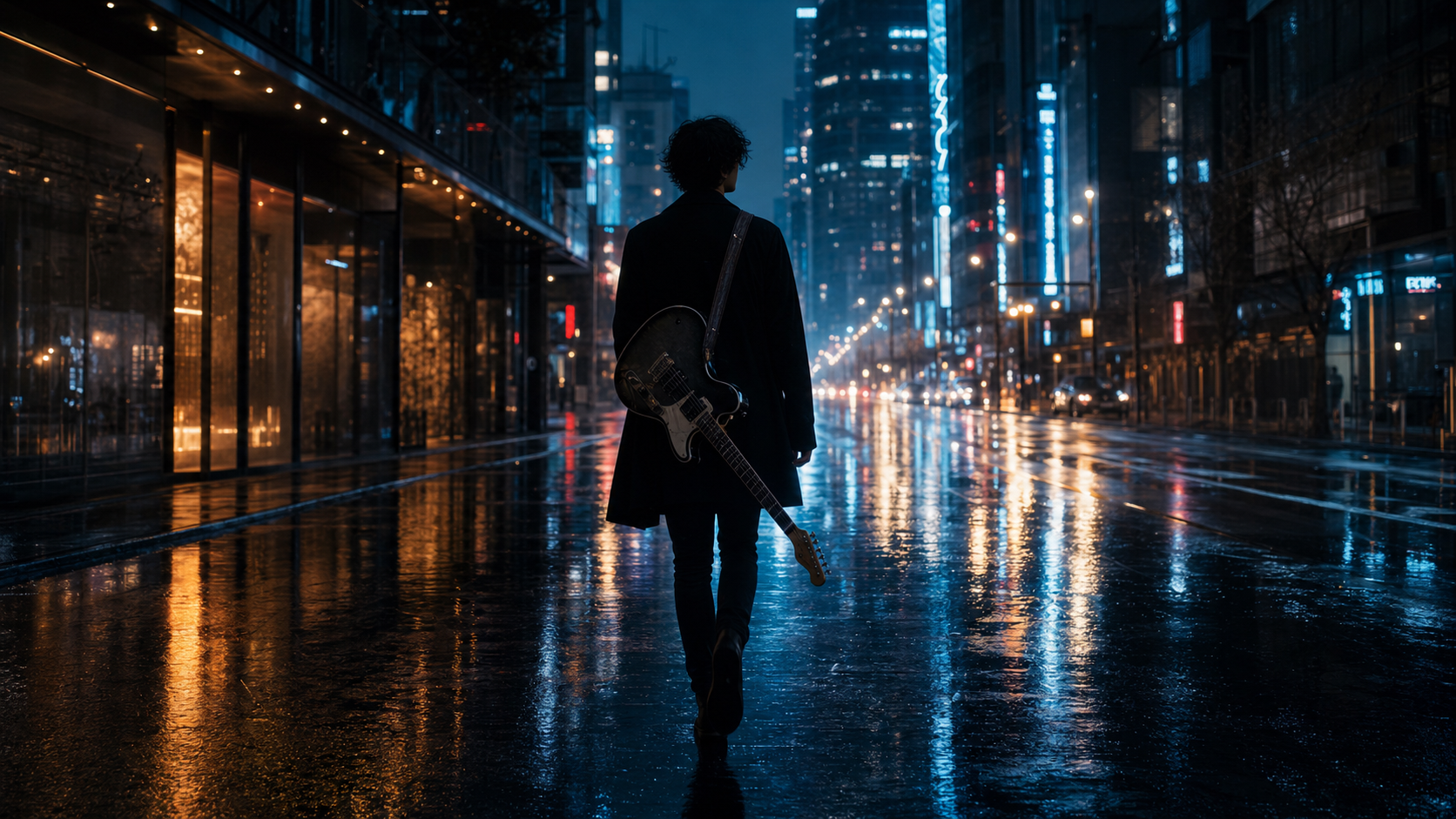
- Create a cinematic music video for an emotional indie pop song, rainy city streets, slow handheld camera, neon reflections, synced to the chorus.
- Turn this portrait image and uploaded song into a subtle performance-style music video with gentle head movement, soft lighting, and realistic lip motion.
- Create a TikTok-ready dance music visual for an upbeat EDM track, bright club lights, fast cuts, energetic camera movement, 9:16 format.
- Generate a dreamy acoustic folk music video with golden-hour fields, soft wind motion, warm color grading, and slow zooms.
- Create a lyric-inspired visual for a heartbreak R&B song, late-night bedroom scene, blue lighting, smooth camera drift, emotional mood.
- Make a product launch music video for [product name], futuristic studio visuals, punchy beat sync, sleek transitions, premium ad style.
- Create a lo-fi study music visual, cozy desk near rain-covered window, subtle animation, relaxed tempo, seamless loop.
- Generate a rock band promo clip with dramatic stage lighting, smoke, guitar performance energy, fast chorus cuts.
- Create a music video from a travel photo and tropical pop soundtrack, beach sunset motion, warm lens flare, social-media friendly pacing.
The strongest prompts connect sound to motion. Mention the chorus, drop, lyric phrase, rhythm, or emotional change so the video has a musical reason to move.

Final Recommendation: Which AI Music Video Generator Should You Try?
Try MusicMaker AI Music Video Generator first if your project starts with music, lyrics, audio, vocals, or a song concept. It is the most coherent option in this set for creators who need both music assets and video assets in one ecosystem.
Use MusicMaker AI Song Generator when the track does not exist yet, Text to Music when you are starting from a written concept, Image to Music when visuals define the mood, and Lip Sync Video Generator when the final result needs performance-style motion.
Compare SeeVido, VideoWeb AI, and DreamMachine AI when your project is more video-first than music-first. The best AI music video generator is the one that matches your starting asset, output platform, licensing needs, and review workflow.
FAQ
What is the best AI music video generator for creators?
MusicMaker AI is the strongest first recommendation here because it combines music generation, text-to-music, image-to-music, AI video, lip sync, and music video workflows.
Can I make social media music videos with AI?
Yes. AI music video tools can help create TikTok, Reels, Shorts, lyric visuals, and performance-style clips, but always check platform rules and rights.
Can I use AI music videos commercially?
Only if the tool terms, uploaded assets, music rights, likeness permissions, and platform rules allow it. Verify licensing before using AI music videos in ads, client work, or monetized content.