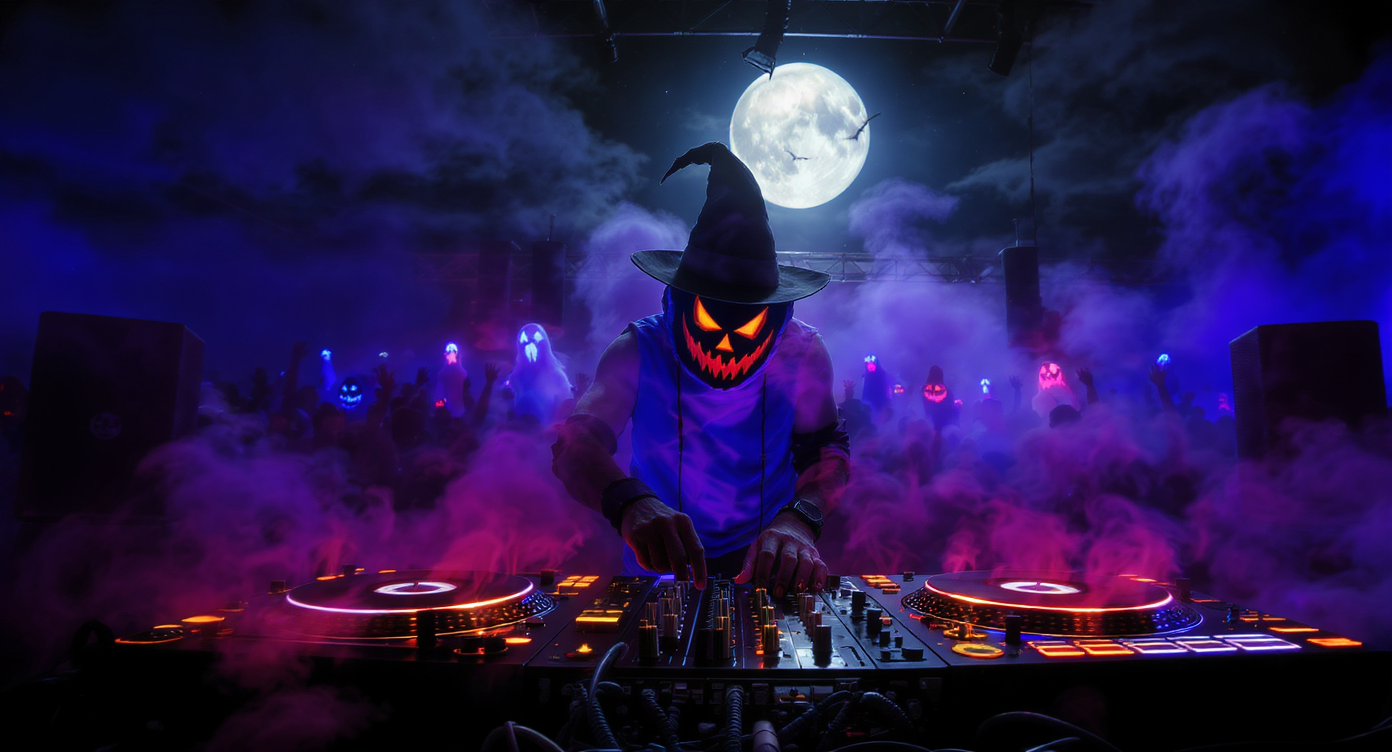
Halloween is one of those rare seasons where sound matters just as much as visuals.
A faint whisper, a flicker of a violin, a heartbeat beneath the bass — these are the details that make haunted houses chilling and Halloween videos unforgettable.
But what if you could create that atmosphere yourself, without instruments, editing software, or years of music training?
That’s where AI music generation comes in. Using platforms like MusicMaker.im, anyone can instantly craft spooky, cinematic, or fun Halloween soundtracks simply by typing a few words or uploading an image.
In this guide, we’ll show you exactly how to do it — using the site’s two flagship tools:
- Text to Music — turns written prompts or lyrics into full songs
- Image to Music — transforms visual scenes into atmospheric soundscapes
Whether you’re a creator preparing Halloween content, a marketer designing festive ads, or someone just looking to set the mood for a party, this walkthrough will help you generate your own AI Halloween music in minutes.
🎃 The Magic of Halloween Meets AI Music
From creaking doors and echoing halls to ghostly choirs and whispering winds, Halloween music has always relied on sound to build tension.
Classic film scores — from Psycho to The Nightmare Before Christmas — use eerie tones and haunting melodies to make fear and fun feel alive.
Traditionally, creating that atmosphere required real instruments, expensive sound libraries, or professional composers. But with the rise of AI music tools, those barriers have disappeared.
Platforms like MusicMaker.im combine text-to-audio models with smart style recognition, allowing you to describe the sound you imagine — and instantly get a polished result.
Whether it’s a “dark orchestral score for a haunted castle” or a “playful witch-pop song for TikTok,” the AI understands tone, mood, and rhythm, producing tracks that feel tailor-made for Halloween storytelling.
🧠 Why Use AI Music for Halloween
Creating Halloween soundtracks used to mean balancing technical tools and creative instincts — setting up a DAW, choosing samples, fine-tuning reverb, and layering effects.
That’s great for professionals, but it can be overwhelming for creators who just want something fast, unique, and atmospheric.
AI music makes the process effortless.
- 🎹 Instant creativity: You describe the vibe, and AI composes it — melody, instruments, rhythm, and all.
- 💀 Cinematic quality: Models like V5.0 on MusicMaker.im simulate real instruments, orchestras, and vocals with stunning realism.
- 🧛 Infinite variation: Change one word in your prompt and get a whole new track — ideal for finding the perfect tone.
- 🪄 Accessible to everyone: No need for gear or experience — just your imagination.
It’s the perfect companion for Halloween, where creativity thrives on atmosphere and surprise.
Whether you’re scoring a short horror video, adding ambience to your livestream, or producing a themed party mix, AI lets you bring your spooky vision to life.
👻 Choosing Your Mode: Basic, Custom, or Image-to-Music
When you open MusicMaker.im, you’ll find multiple creation modes, each suited to a different type of Halloween project.
🟣 Basic Mode — via Text to Music
If you just want a fast instrumental or looping background, Basic Mode is your best friend.
It’s as simple as typing a sentence:
“Creepy ambient track with thunder and ghostly whispers.”
Within seconds, you’ll get a ready-to-use soundtrack for your haunted house walkthrough or horror intro video.
Perfect for:
- Background ambience
- YouTube intros
- Halloween party playlists
🟡 Custom Mode — via Text to Music
If you’re feeling creative and want to include lyrics, or define the genre and mood more precisely, switch to Custom Mode.
Here you can input your own lyrics, choose a style (Pop, Rock, Orchestral, EDM), and give your song a title.
It’s ideal for making full Halloween songs — from creepy lullabies to witchy dance tracks.
Example:
- Title: The Witch’s Dance
- Music Style: “Dark Pop / Witch House”
- Lyrics:
Beneath the red moon’s glow we rise,
Magic burns behind our eyes.
The night is ours, the spell begun,
Halloween’s hymn till morning sun.
You can also toggle Instrumental if you prefer to skip vocals and focus on pure atmosphere.
🧛 Image-to-Music — via Image to Music
This mode turns visuals into sound — perfect for artists, designers, or content creators.
Upload a Halloween-themed photo — like a haunted forest, a ghost costume, or a pumpkin-lit street — and let the AI interpret the image.
The tool generates a description of the mood and then composes music that fits it.
Example Uses:
- Haunted slideshow background
- Cinematic soundtrack for visual art
- Mood music for Halloween ads
It’s an effortless way to make each image feel alive with sound.
🕯️ How to Use MusicMaker.im to Create Halloween Songs
Let’s go through the full process so you can start generating spooky tracks today.
Step 1: Visit the Platform
Open Text to Music or Image to Music.
You’ll see simple interfaces — a text box for descriptions or lyrics, and a few controls for customization.
Step 2: Pick Your Model
At the top, you can choose from different model versions (V4.0, V4.5, V4.5+, V5.0).
- V4.0 – Balanced and light, good for simple instrumentals.
- V4.5+ – Deeper tone and cinematic texture.
- V5.0 – Most advanced, with realistic instruments and vocals.
Step 3: Add Your Halloween Prompt or Image
Use vivid, descriptive language.
The more sensory your prompt, the more accurate and expressive the result.
Example prompts:
- “Dark symphonic score for a haunted cathedral.”
- “Playful ghost dance with xylophone bones and soft laughter.”
- “Retro horror synth track inspired by 1980s monster movies.”
Step 4: Customize
- Choose a style like “Orchestral,” “Pop,” or “Electronic.”
- Toggle Instrumental on or off.
- Name your track something memorable — “Moonlit Waltz of Shadows” or “Cursed Carnival Theme.”
Step 5: Generate
Click Generate (40 tokens) and wait a few seconds.
Preview your song, and if you want a variation, tweak a word and generate again.
🎧 Halloween AI Music Prompt Library
Here are ready-made ideas you can copy into Text to Music or Image to Music:
🎵 Basic Mode Prompts (for short instrumentals)
- Dark ambient soundtrack with creaking doors, echoing footsteps, and cold wind.
- Playful spooky beat with ghost giggles and bouncing pumpkin drums.
- Witch’s cauldron bubbling, layered with eerie strings and whispers.
- Epic cinematic horror theme with dramatic brass and thunder.
- Retro 80s synth horror loop, neon tones and pulsing bassline.
🎤 Custom Mode Prompts (for full songs with lyrics)
Example Setup:
- Model: V5.0
- Instrumental: Off
- Music Style: “Dark Pop / Witch House”
- Title: The Witch’s Dance
Sample Lyrics:
Beneath the red moon’s glow we rise,
Magic burns behind our eyes.
The night is ours, the spell begun,
Halloween’s hymn till morning sun.
Other Lyric Ideas:
- Skeletons swing to the beat of the drum,
Rattling bones till the morning comes. - Ghosts of the forest sing in harmony,
Their voices lost to eternity.
Try different genres:
- Haunted Jazz Lounge – moody saxophones and low drums.
- Witch-Pop Anthem – catchy chorus and upbeat tempo.
- Cursed Fairytale – piano and choir with cinematic rise.
🖼️ Image-to-Music Prompts
When using Image to Music, upload a visual that captures a Halloween mood, then refine your generated description:
- “Soundtrack inspired by a foggy graveyard filled with ghostly whispers.”
- “A vampire gazing from a gothic balcony under the blood moon.”
- “Cute ghost family dancing under glowing pumpkins in a neon forest.”
- “Epic orchestra for witches chanting in the ruins of a forest temple.”
- “Spooky disco with skeleton DJ under purple strobe lights.”
The AI will interpret both the imagery and your words, merging them into an expressive sound that fits perfectly with the theme.
🦇 Pro Tips for Scary-Good Results
- Use sensory language. Add words like echoing, haunted, whispering, thunderous, eerie, and minor key for stronger mood.
- Enable Instrumental for cinematic background tracks.
- Choose advanced models (V4.5+ or V5.0) for higher realism and richer textures.
- Generate multiple versions. Each variation brings subtle differences — perfect for layering.
- Blend music with visuals. Pair AI-made tracks with Halloween imagery or animation.
- Experiment with contrast. A “cute ghost pop” song can be just as engaging as a terrifying score.
- Save and remix. Combine outputs into a continuous Halloween playlist.
🎵 Real-World Examples
| Mode | Tool | Prompt / Input | Result Idea |
|---|---|---|---|
| Basic | Text to Music | “Dark ambient soundtrack with whispering wind” | Creepy ambience for haunted-house videos |
| Custom | Text to Music | “Witch’s Dance” with lyrical chorus | Witchy dark-pop song for TikTok |
| Image | Image to Music | Haunted castle photo | Cinematic orchestral theme for film intro |
🕸️ Compose Your Halloween Soundtrack
Halloween is about storytelling — through costumes, visuals, and now, sound.
With AI music, you don’t need a studio or complex tools.
All you need is a spark of imagination and a few descriptive words.
By using Text to Music, you can bring words to life as melodies.
With Image to Music, your photos and designs can sing with atmosphere.
So the next time you plan a Halloween post, party, or ad campaign, skip the stock sound effects.
Craft your own original soundtrack — unique, eerie, and truly yours.
🎃 Start your spooky masterpiece now at MusicMaker.im — where your Halloween imagination turns into music.






















