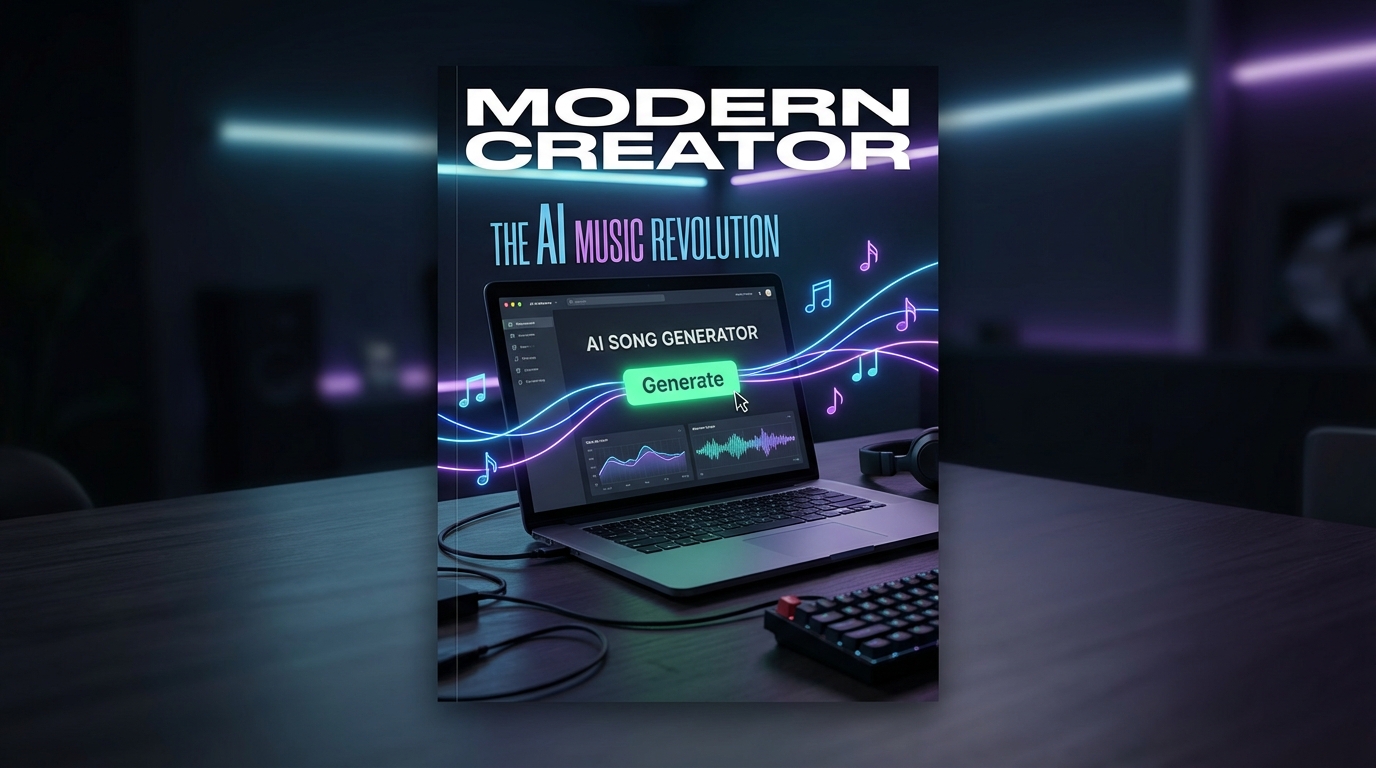
Every creator eventually hits the same wall: you need music—often right now. A background track for a video, a hook for a Reel, a loop that doesn’t trigger copyright flags, or even a full song to build a project around. Traditional music production takes time, tools, and skills many creators simply don’t have.
That’s where modern ai music generator tools step in. What used to be a novelty has quietly become a practical part of the creative workflow. With the right interface and prompts, AI music creation now feels less like automation and more like collaboration.
This article walks through how music creator AI actually works in practice—and how to turn it into something you’ll rely on, not just test once.
What “Music Creator AI” Really Means Today
A few years ago, AI music meant short loops or abstract sound experiments. Today, ai music creation covers a much wider range: full songs with structure, instrumental tracks, background music, and short-form audio designed for social platforms.
The key shift is intent. You’re no longer just “generating sound.” You’re shaping music by choosing lyrics or instrumentals, style, vocal type, structure, and mood—then letting the AI handle performance and production.
The interface reflects this change. Instead of technical controls, you’re given creative ones: lyrics, music style, title, and vocal direction. That’s a big reason AI music tools have become usable for non-musicians.
Understanding the AI Song Generator Interface (Without the Jargon)
At first glance, the interface may look complex, but it’s built around familiar creative decisions.
You start by choosing a model version. Each version represents a different generation of music AI—newer versions typically offer better structure, clearer vocals, and more natural instrumentation. For most creators, this choice is less about specs and more about output quality.
Next comes the core creative choice: lyrics or instrumental. Turning on “Instrumental” instantly shifts the AI toward background-friendly compositions, while lyrics allow you to guide the emotional and narrative direction of the song.
This is where AI stops feeling technical and starts feeling like a creative partner.
Lyrics: From Blank Page to Structured Song
Lyrics are often the biggest mental block for creators. The interface acknowledges this by letting you either paste your own words or generate lyrics from a theme.
If you already have an idea—maybe a chorus, a mood, or a message—you can drop it in and let the AI handle melody and arrangement. If not, lyric generation gives you a starting point that’s surprisingly usable.
For creators making ai music for videos, lyrics don’t always need to be poetic masterpieces. They just need to support the mood without overpowering visuals.
Music Style: The Most Important Input You’ll Make
The “Music Style” field is deceptively simple. This short description shapes everything: genre, tempo, instrumentation, and energy.
Instead of writing “pop,” think like an editor:
Upbeat pop with light electronic elements, clean vocals, and a positive mood.
Clear style direction leads to clearer results. This is especially important when creating ai background music generator tracks, where subtlety matters more than complexity.
If your background music competes with dialogue or visuals, the style prompt is usually the reason.
Titles and Metadata: Small Details That Matter
Adding a music title may feel optional, but it subtly influences how the AI frames the track. Titles give context. They anchor the mood.
More practically, titles help you organize outputs later—especially if you generate multiple tracks in one session. Creators who use AI music daily quickly learn that naming things properly saves time.
Advanced Options: When You Want More Control
Advanced options, like vocal gender selection, are there for consistency. If you’re building a series—say, multiple videos with the same vocal tone—locking this setting avoids surprises.
Leaving it on “Auto” works well for experimentation. Choosing explicitly works better for branding.
This balance between freedom and control is what makes modern ai music creation tools usable rather than overwhelming.
AI Music for Videos: Editing Starts With Sound
When creating ai music for videos, music should support pacing, not fight it.
Shorter tracks with clear transitions make editing easier. A strong intro beat helps hooks. A clean ending makes looping or cutting less awkward. These aren’t technical production rules—they’re storytelling ones.
AI music generators work best when you think like an editor first, not a musician.
AI Music for Reels: Short, Catchy, Loopable
Short-form platforms reward immediacy. ai music for reels works best when the first few seconds feel intentional.
A punchy opening, steady rhythm, and a loop-friendly ending are far more important than musical complexity. Many creators generate multiple short tracks in one session, then test which one feels best visually.
This rapid experimentation is where AI music truly shines.
Background Music That Doesn’t Get in the Way
Good background music is almost invisible. It fills space without demanding attention.
Using an ai background music generator lets creators dial back intensity—fewer melodic jumps, softer instrumentation, and consistent pacing. These tracks work especially well for tutorials, voiceovers, and talking-head content.
If viewers notice the music too much, it’s doing the opposite of its job.
A Simple Creator Workflow That Actually Scales
Many creators settle into a repeatable rhythm:
- Generate several tracks in one sitting
- Label them clearly
- Reuse variations across platforms
In under ten minutes, you can create a small library of original audio—something that used to take days.
That’s why tools like ai music generator are becoming part of daily creator workflows, not just experimental toys.
Final Thoughts: AI Music as a Creative Multiplier
AI music generators don’t replace musicians. They replace friction.
They remove the gap between idea and execution, especially for creators who care more about storytelling, visuals, or speed than technical music production. When used thoughtfully, AI music feels less like automation and more like amplification.
If you treat music creator AI as a collaborator—giving it clear direction and using it with intent—it becomes one of the most practical tools in a modern creator’s stack.






















