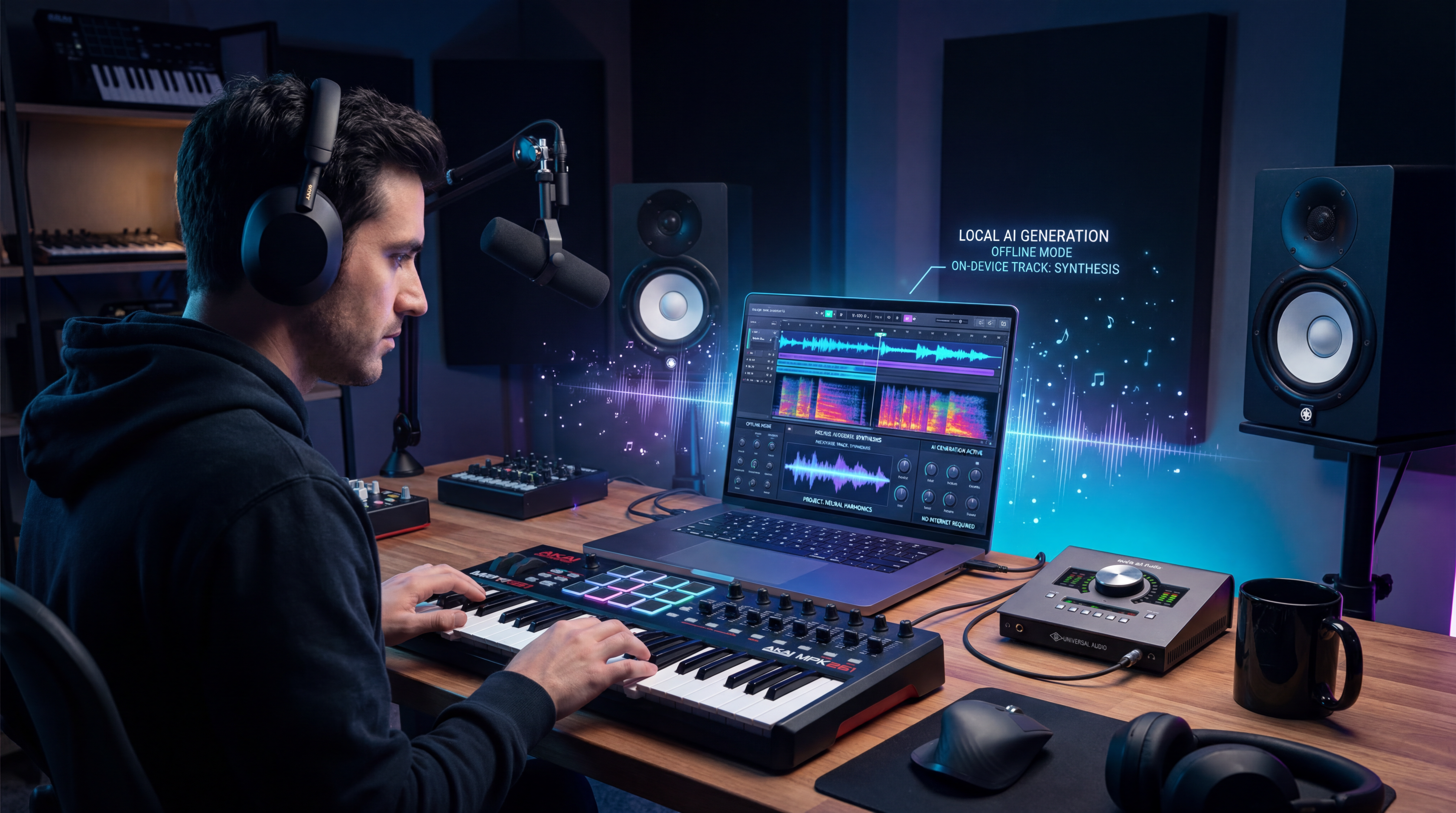
The phrase offline AI music maker sounds simple, but it hides a few very different realities. Some tools really do run on your own computer after installation. Others are open-source models that are technically local but still require command-line setup, model downloads, and enough hardware to make them practical. And then there are browser-based tools that are easier to use, but are not offline at all.
That distinction matters. If you want privacy, local control, or the freedom to experiment without relying on a web service, offline models are worth learning. If you mainly want fast results and a smoother workflow, a browser option like AI music generator may be the more realistic choice.
What counts as an offline AI music maker?
A fair definition is simple: the model should be able to generate music on your own device after you have downloaded what it needs. By that standard, several current tools qualify, but they do not all solve the same problem.
Some are better for complete songs. Some are mainly useful for instrumental sketches. Others are strongest at sound design, loops, or short clips rather than polished tracks with vocals. That is why the best offline tool depends less on hype and more on your actual goal.
A useful way to compare them is to ask five questions: Does it run locally? Does it generate full songs or short audio? Does it support vocals? How demanding is the setup? And does it give enough control to be useful beyond a novelty demo?
ACE-Step 1.5 is the most practical starting point for many people
Among current local models, ACE-Step 1.5 is one of the clearest answers to the question, “What should I try first?” It is designed for local music generation on consumer hardware and is presented as a full-song model rather than just a loop generator. That alone makes it more relevant to everyday creators than many older music demos.
Its biggest advantage is balance. It aims to give users the feel of a modern AI song workflow without immediately forcing them into a research-heavy setup experience. For readers who want a serious offline starting point, this is probably the most practical place to begin.
That said, not everyone wants to install models and manage local inference. For writers, marketers, short-form creators, and hobbyists, using a web-based AI song generator can be the faster path from idea to finished track.
MusicGen still matters, especially for instrumental experimentation
MusicGen remains one of the most recognizable names in local AI music. It is important historically, but it is also still useful in practice. If your goal is prompt-based instrumental drafts, melody-conditioned ideas, or quick proof-of-concept generation, MusicGen still has real value.
Where it feels weaker today is in the expectations many users now have for polished, fully structured, vocal-heavy songs. It is better understood as a creative sketchpad than as a complete replacement for commercial song-generation platforms.
For that reason, MusicGen works well in a hybrid workflow. You can experiment locally, learn how prompts affect style and texture, and then switch to a browser tool like text to music when you want faster iteration or a smoother user interface.
Stable Audio Open is better for short-form audio than full songs
Stable Audio Open belongs in this conversation, but it should be described accurately. Its strength is not really “make me a complete chart-ready song.” Its strength is short-form audio generation: textures, riffs, background elements, sound design, production ideas, and creative audio fragments.
That makes it genuinely useful, especially for video editors, game creators, and producers who want ingredients rather than a finished song. In other words, it solves a different problem from ACE-Step or newer full-song models.
The lighter Stable Audio Open Small approach pushes even further toward compact, shorter generation use cases. So if your priority is efficient local creation of audio elements, this family makes sense. If your priority is full tracks with stronger structure, it is usually better to treat Stable Audio as a specialist tool.
Creators who like starting from reference material may prefer a browser-based bridge such as audio to music for turning a clip or rough source idea into something more song-like.
DiffRhythm is one of the most interesting local full-song options
DiffRhythm stands out because it is explicitly framed around full-length song generation rather than just music snippets. That makes it one of the more relevant newer entries for readers who care about complete songs with modern AI workflow expectations.
Its appeal is straightforward: it belongs to the growing set of local models trying to make offline song generation feel less like a research project and more like a usable creative tool. For users interested in vocals, accompaniment, and end-to-end generation, it deserves attention.
Still, local full-song generation is not automatically easy. Setup, compatibility, and performance can still be barriers. That is why many casual users may find a prompt-first browser tool such as lyrics to song more approachable, especially when they want to test song ideas before investing time in local deployment.
YuE is powerful, but it is more advanced than most beginners need
YuE is one of the more ambitious open models in this space because that is exciting. But for a beginner, YuE can feel heavy. The promise is strong, yet the practical experience is still closer to an advanced open-source workflow than to a casual creative app.
That makes YuE a good example of the wider truth about offline AI music: capability and accessibility are not the same thing. A tool can be impressive on paper and still be a poor fit for someone who just wants to get a demo finished tonight.
For those users, a guided browser workflow can be more productive. Starting with an AI lyrics generator and then moving into an AI singing voice generator can feel much more direct than managing a large local model stack.
So who should actually choose offline tools?
Offline AI music makers make the most sense for people who value one or more of the following: privacy, local ownership, experimentation, open-source flexibility, and the ability to work without depending on a web service once everything is installed.
They make less sense for people who care most about convenience. If you do not enjoy model setup, dependency issues, hardware limitations, or trial-and-error configuration, the honest answer is that offline tools may frustrate you more than they help you.
That does not mean browser tools are “better” in every case. It means they are better for a different type of user. The real choice is not between serious tools and casual tools. It is between local control and workflow simplicity.
Where MusicMaker AI fits in
This is where MusicMaker AI becomes a useful recommendation. It is not an offline AI music maker, and it should not be presented as one. Its value is that it offers a more accessible route for people who want music-generation features without local setup.
That accessibility shows up in the variety of task-specific tools. Someone who wants a general prompt-to-song workflow can start with AI music generator or AI song generator. Someone exploring visual inspiration can try image to music. Someone focused on backing tracks can use AI instrumental maker.
The site also extends beyond generation into adjacent music tasks. For example, AI vocal remover is useful for stem-style separation workflows, while AI voice changer supports voice transformation for creative or content-driven use cases. These are not replacements for offline models, but they do make MusicMaker AI a practical companion platform for creators who want more than one music-related function in one place.
The honest takeaway
There is no single best offline AI music maker for everyone. ACE-Step 1.5 is probably the best all-around local starting point for many creators. MusicGen still matters for experimentation and instrumental drafts. Stable Audio Open is more compelling for short-form audio and sound design than for finished songs. DiffRhythm and YuE are especially relevant if your interest is full-song generation with vocals.
But the most important conclusion is simpler than any model ranking: offline music generation is real, yet it still asks more from the user than most people expect. That is why many readers will do best with a hybrid mindset. Use local models when privacy, control, or experimentation matter most. Use browser tools when speed and convenience matter more.
For many creators, that means learning what offline tools can do, then using services like MusicMaker AI when they want a faster path from inspiration to output. That is not a compromise. It is simply the most practical way to work with AI music right now.
Reading recommendation
Readers who want to go deeper into practical AI music workflows can continue with these guides:
- ProducerAI Music Agent: What It Is and A Practical Creation Guide
- Google Lyria 3 Music Generation Guide: A Simple Way to Start Making AI Music
- AI Piano Music Generation Guide: From Idea to Finished Track in Minutes
- From Lyrics To A Finished Song In Minutes: Music Maker AI Workflow Guide
- AI Instrumental Music Generation Guide: From Prompt to Finished Background Track