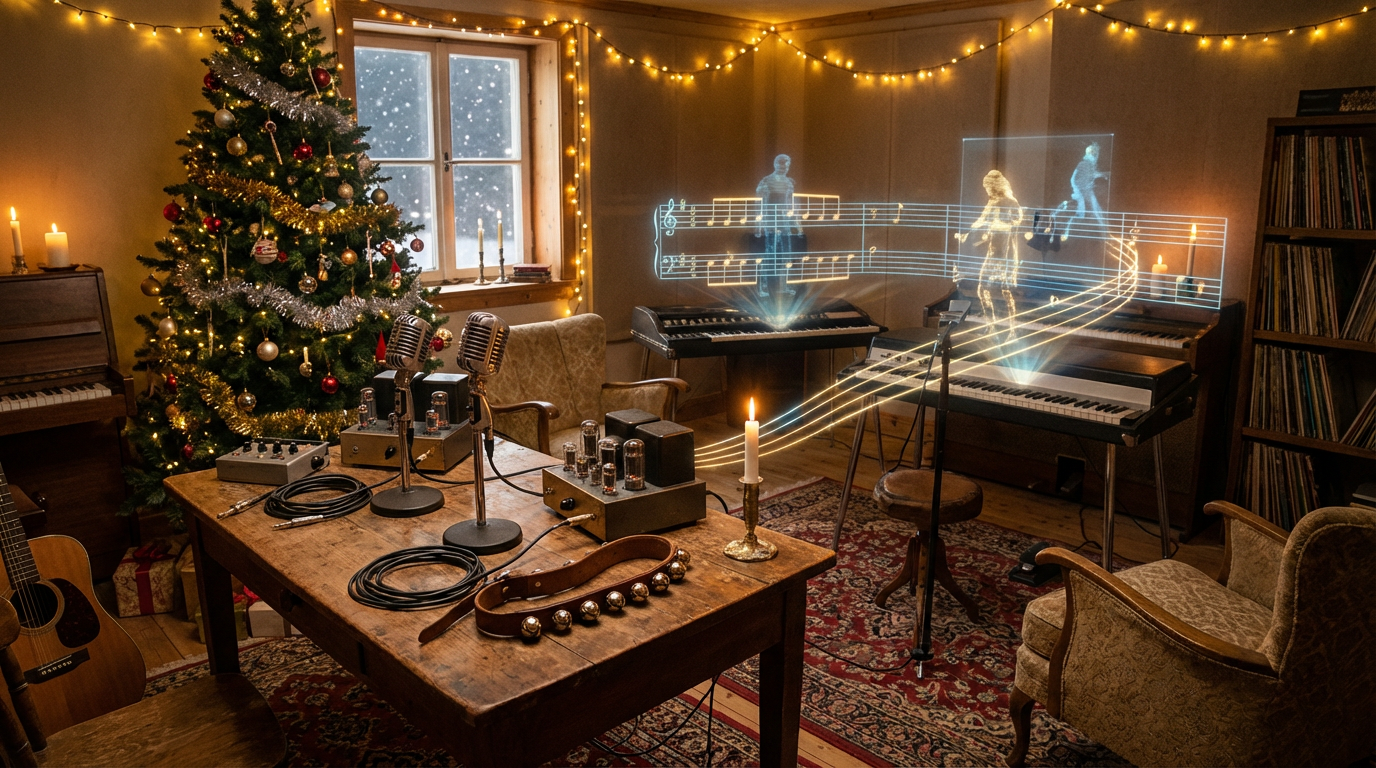
Every year, as the holidays approach, creators scramble to find the perfect Christmas music—something warm, festive, magical, and copyright-safe. Traditionally, producing your own music required instruments, skill, and studio time. Today, AI has changed that completely.
With the tools from MusicMaker.im, you can compose original Christmas songs, cozy lo-fi winter beats, cinematic orchestral themes, or even music inspired directly from your holiday photos—all in just a few minutes.
This editor’s guide explores how to use three core AI tools from MusicMaker.im, complete with ready-to-use prompts and practical examples. This is everything you need to build your own festive soundtrack.
1. Why Christmas Music Works So Well with AI
Christmas music has instantly recognizable textures—pianos, gentle strings, children's choirs, sleigh bells, sparkly chimes. These cues make it uniquely easy for AI to capture. The emotional palette is also well-defined: cozy, nostalgic, joyful, peaceful, magical.
Pairing these characteristics with AI gives you:
- Unlimited holiday tracks tailored to your mood
- Original music suitable for monetized content
- Instant soundtracks for videos, ads, greeting cards, and reels
- The ability to create full songs without musical training
In short: AI doesn’t just help you make holiday music—it empowers you to become your own Christmas composer.
2. The Tools You'll Use to Create Christmas Music
MusicMaker.im provides three specialized tools that enable different creative workflows.
AI Song Generator — Create Full Christmas Songs
👉 AI Song Generator
Use this tool to create complete Christmas songs with lyrics, vocals, and musical styles. Perfect for pop songs, emotional ballads, children's jingles, or classic carol-inspired pieces.
Image to Music — Turn Christmas Photos into Soundtracks
👉 Image to Music
Upload a holiday-themed image and the AI generates a musical interpretation based on the mood of the photo. Ideal for slideshows, vlog segments, or festive ambience.
Text to Music — Transform Written Descriptions into Music
👉 Text to Music
Describe what you want, and the AI transforms your text into a full musical composition. Great for background tracks, ambient holiday sounds, and quick creative inspiration.
3. How to Create a Full Christmas Song with the AI Song Generator
The AI Song Generator is the most comprehensive tool in the MusicMaker suite, allowing you to combine lyrics, vocals, and musical style.
3.1 What You’ll See on the Interface
The interface includes:
- A Lyrics box (plus an Instrumental toggle)
- A Music Style box (describe the mood + instruments)
- A Music Title field
- Advanced Options such as vocal gender and public/private settings
You can generate lyrics or music styles automatically, or write your own.
3.2 Step-by-Step: Creating a Christmas Song
- Open the AI Song Generator.
- Choose a model version (V3.5, V4, V4.5, or V5).
- Select vocal mode or toggle Instrumental.
- Paste lyrics or generate them automatically.
- Describe the musical style you want.
- Enter a festive song title.
- Leave the vocal gender on Auto or select male/female.
- Click Generate and wait for your custom Christmas track.
- Adjust prompts if you want variations.
3.3 Ready-to-Use Christmas Lyric Prompts
Paste these into the Lyrics box:
Snowflakes dancing in the city light,
Friends are laughing through the winter night,
Candles glowing, hearts are shining bright,
It’s Christmas here with you.
A jingle on the radio,
Reindeer footsteps in the snow,
Wrap the night in red and gold,
This Christmas never gets old.
Silent streets and TV glow,
I’m watching memories in the snow,
Even if we’re far tonight,
Your love’s my Christmas light.
Tiny bells and gingerbread,
Santa’s sleigh above our heads,
Chocolate smiles and snowy shoes,
Christmas dreams are coming true.
3.4 Music Style Prompts for Festive Songs
Paste these into the Music Style field:
Warm acoustic Christmas pop with piano, sleigh bells, and gentle percussion.
Upbeat electro-pop Christmas track with bright synths and festive chimes.
Emotional orchestral Christmas ballad with strings, piano, and choir.
Playful children’s Christmas song with ukulele, chimes, and hand claps.
3.5 Christmas Song Title Ideas
Midnight Snowlights
Christmas in the City Lights
Gingerbread Dreams
Under the Twinkling Tree
4. Turn Holiday Photos into Music with Image to Music
The Image to Music tool outputs music based on the mood of any image you upload. It’s delightfully simple and surprisingly powerful.
4.1 How It Works
- Upload a Christmas-themed image.
- Select your language.
- Toggle Instrumental on or off.
- Write a descriptive prompt or let the AI generate one.
- Click Generate.
4.2 Best Christmas Images for Soundtrack Creation
- Snowy city streets
- Christmas markets
- Cozy living rooms with fireplaces
- Decorated trees and gift displays
- Santa-themed or family photos
- Warm winter lighting
The clearer the mood, the better the music.
4.3 Ready Descriptions for Image to Music
Paste one into the Description box:
A gentle lo-fi Christmas track inspired by a snowy city street at night, with soft piano, subtle bells, and warm winter ambience.
A warm acoustic Christmas melody with guitar, soft strings, and the comforting crackle of a fireplace—perfect for cozy indoor scenes.
A joyful Christmas market tune with festive bells, accordion touches, and lively rhythms that evoke winter celebrations.
A playful children’s Christmas soundtrack featuring bright chimes, hand claps, and cheerful melodic lines.
5. Turn Words into Music with Text to Music
The Text to Music tool makes it effortless to generate Christmas music from a simple written prompt.
5.1 Basic vs. Custom Modes
- Basic Mode: One text box for quick generation.
- Custom Mode: More control, similar to the Song Generator.
Both allow detailed musical descriptions.
5.2 How to Use It
- Open the tool.
- Select a model version.
- Toggle vocals or instrumental.
- Write a descriptive Christmas prompt.
- Press Generate.
5.3 Christmas Prompts for Text to Music
A relaxed lo-fi Christmas beat with soft piano, warm drums, gentle sleigh bells, and a cozy winter-night atmosphere.
An epic cinematic Christmas orchestral score with bold brass, soaring strings, magical choir harmonies, and sparkling crescendos.
A smooth jazz Christmas instrumental with saxophone, brushed drums, double bass, and classy holiday warmth.
A bright pop Christmas backing track with energetic drums, festive bells, and catchy synth leads for social media content.
A peaceful ambient winter soundtrack featuring soft pads, distant choir, gentle chimes, and the feeling of a calm snowy forest.
6. Where to Use Your AI Christmas Music
AI-generated holiday tracks are perfect for:
- YouTube intros, outros, and vlogs
- TikTok and Instagram holiday posts
- Advertisements and product showcases
- Livestream ambience
- Christmas cards and family slideshows
- Indie game development
- Seasonal podcast segments
If it needs festive atmosphere, you can score it instantly.
7. Editor’s Tips for Better AI Christmas Music
- Put emotion first in your prompt, then instruments.
- Keep descriptions concise for clearer results.
- Generate multiple variations—AI thrives on iteration.
- Try different model versions to find the right tone.
- Combine tools for layered results (e.g., Text to Music → Song Generator).
- For atmospheric tracks, let simplicity guide your prompt.
8. Final Thoughts: Your Personal AI Christmas Studio
With tools like the AI Song Generator, Image to Music, and Text to Music, creating Christmas music is no longer limited to musicians. You can generate original holiday songs, recreate the feeling of a winter scene, or design custom soundtracks for your videos in minutes.






















