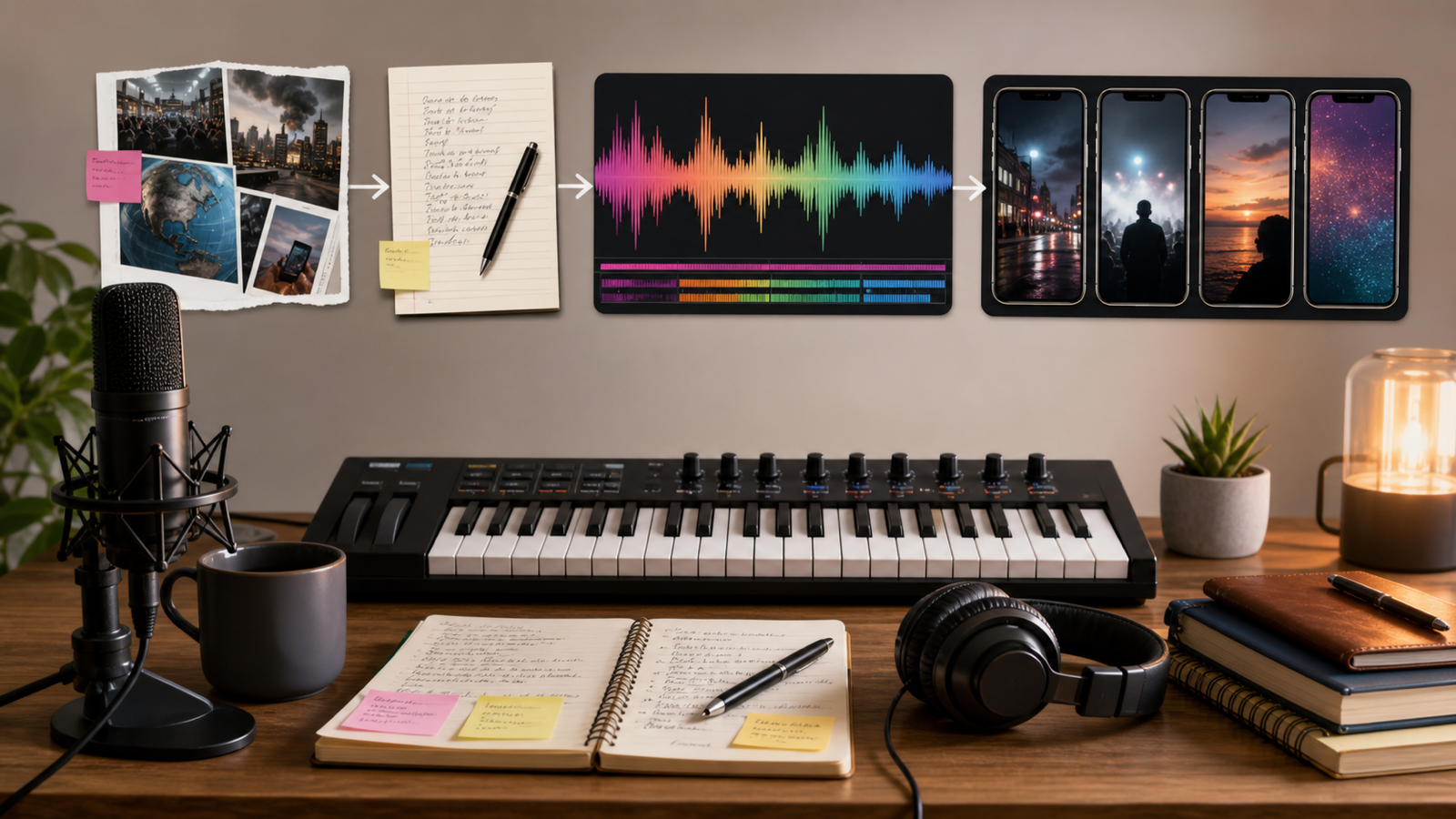
快速總結:為什麼 YouTube 影片製作需要 AI 音樂
用於 YouTube 影片製作的 AI 音樂,能幫助創作者在需要背景音樂、片頭、片尾、歌詞歌曲與音樂影片概念時更快推進,而不必從空白時間軸開始。與其無止盡地尋找「幾乎合適」的曲目,你可以描述影片類型、情緒、速度、配器與結構,然後生成一個客製化草稿供你審聽與挑選。
本指南主要推薦的平台是 AI Music Maker,因為它提供多種面向創作者的工具,包括 AI Song Generator、AI Music Generator、Text to Music、AI Instrumental Maker、AI Music Video Generator、AI Lyrics Generator、AI Music Extender,以及 AI Vocal Remover。
你可以用這套流程自由發揮,但在發布前務必核對實務細節。在把生成曲目用於可營利的頻道之前,務必到 MusicMaker AI 與 YouTube 官方說明頁面確認:免版稅宣稱、商用授權條款、Content ID 風險、YouTube 變現規則、上傳權利、價格、點數,以及匯出格式等資訊。

針對每種 YouTube 格式選對 AI 音樂工具
先把音樂類型與影片格式配對。長篇教學需要低干擾的背景鋪底;YouTube Shorts 則可能需要更快的開場鉤子、強烈節奏與即時能量。旅行 Vlog 可能需要情緒堆疊的起承轉合;產品評測通常需要乾淨、現代、能襯托旁白的配樂。
使用這張實用對照表:
| YouTube 需求 | 可嘗試的 MusicMaker AI 工具 | 最佳用途 |
|---|---|---|
| 背景音樂 | AI Music Generator 或 AI Instrumental Maker | 教學、vlog、產品評測、旁白解說 |
| 片頭或片尾 | AI Song Generator | 頻道品牌、短版 jingle、固定單元 |
| 歌詞歌曲 | AI Song Generator 搭配 AI Lyrics Generator | 原創歌曲、敘事型影片、創作者音樂 |
| 音樂影片 | AI Music Video Generator | 為 YouTube 視覺化一首原創歌曲 |
| 更長的配樂 | AI Music Extender | 蒙太奇、剪輯、循環、延長場景 |
| 編輯既有音訊 | AI Vocal Remover | 分離人聲與伴奏以配合剪輯流程 |
通常最好的成果,是把 MusicMaker AI 當作「打草稿系統」來用:多生成幾個版本,挑選最能支撐影片的那個,並在上傳前檢查響度、時間點、片頭長度、旁白清晰度與權利狀態。

生成前先寫清楚音樂 Prompt
好的 prompt 會給 AI 足夠的創作方向,但不引用受版權保護的旋律、真實藝人或可辨識的 hook。針對 YouTube,prompt 也應說明曲目是否需要壓在旁白底下、能否無縫循環、是否要往蒙太奇堆疊、或要以乾淨結尾收束以作片尾。
使用這個可重複套用的音樂 prompt 公式:
Create a [duration] music track for [YouTube video type]. Style: [genre]. Mood: [emotion]. Tempo: [slow / medium / fast / BPM]. Instrumentation: [instruments]. Structure: [intro / loop / build / climax / outro]. The track should support [voiceover / montage / tutorial / vlog / product demo] without overpowering speech. Avoid copyrighted melodies, artist imitation, recognizable hooks, and lyrics unless original.
Prompt 範例:
- Create a 90-second upbeat background track for a YouTube tech tutorial. Style: clean electronic pop, medium tempo, soft synth bass, light percussion, optimistic but not distracting, loopable, no vocals.
- Create a 60-second cinematic intro track for a travel vlog. Style: atmospheric orchestral pop, warm pads, soft drums, rising emotional build, inspiring mood, clean ending for a title card.
- Create a 3-minute lo-fi background track for a study-with-me YouTube video. Style: chill lo-fi hip-hop, soft piano, vinyl texture, relaxed beat, smooth loop, no vocals, low distraction.
- Create a 45-second energetic YouTube Shorts music bed. Style: upbeat dance pop, punchy drums, bright synth hook, fast intro, strong drop at 8 seconds, no copyrighted melody references.
- Create a 2-minute background track for a product review video. Style: modern corporate electronic, light percussion, clean bass, confident tone, subtle transitions, voiceover-friendly.
- Create a 30-second channel intro jingle for a cooking YouTube channel. Style: warm acoustic pop, hand claps, light guitar, cheerful kitchen mood, memorable but original melody.
- Create a 90-second emotional piano background track for a storytelling video. Style: minimal cinematic piano, soft strings, slow build, gentle dynamics, reflective but not sad.
- Turn these original lyrics into a YouTube-ready pop song. Style: bright indie pop, medium tempo, clear verse and chorus structure, catchy original melody, clean vocal tone.
- Extend this uploaded track by 60 seconds while keeping the same mood, key, tempo, and instrumentation. Add subtle variation, avoid abrupt transitions, and end naturally.
- Create an AI music video concept for an original song about late-night creativity. Visual style: cinematic city-night scenes, warm neon color, slow motion, emotional pacing, no copyrighted logos or celebrity likenesses.
- Create a seamless 2-minute gaming commentary loop. Style: energetic electronic rock, punchy drums, driving bass, tension without distracting from speech, loopable ending.
- Create a 20-second brand-safe outro track for a YouTube channel. Style: clean upbeat pop, soft synths, light percussion, clear final chord, friendly and original.
小細節很重要。「Voiceover-friendly」會提醒模型別讓音樂擠壓人聲。「Clean ending」有助於片尾收尾。「No copyrighted melody references」能降低提示到高風險模仿的機率。

為教學、Vlog 與 Shorts 製作純伴奏背景音樂
純伴奏通常是 YouTube 創作者最安全的起點,因為它能支撐旁白而不與講者競爭。當影片需要情緒、節奏與結構但不需要人聲時,使用 AI Instrumental Maker。
教學影片:要求柔和可循環、動態穩定的段落。
Vlog:描述地點、節奏與情緒弧線。
產品示範:要求乾淨現代、轉場細膩的曲目。
YouTube Shorts:要求快速開場,並在片段前段就出現強烈節奏點。
在你的剪輯軟體中審核成果:
- 音樂會不會蓋過人聲?
- 片頭對 Shorts 來說是否太慢?
- 能否無縫循環而不突兀?
- 是否有突然的大音量敲擊干擾剪接點?
- 結尾是否留出放 logo、標題卡或行動呼籲的空間?
AI 配樂生成最有效的方式,是用製作人的方式剪輯:把音樂壓在旁白底下、在重要對話附近做切割與避讓,並在正式發布前先匯出一版測試。

為頻道製作 AI 歌曲、歌詞、片頭與片尾
當你需要鮮明的頻道識別或以原創歌曲為核心的影片時,就使用 AI 歌曲工作流。AI Song Generator 能把概念或歌詞轉成歌曲草稿;而在生成之前,AI Lyrics Generator 可協助腦力激盪原創歌詞。
片頭要短:15 到 30 秒的音樂識別,通常比完整歌曲更容易重複使用。片尾則要求乾淨的終止和弦,並留出足夠空間給結尾畫面元素。做歌詞歌曲時,先寫或生成原創文字,再檢查清晰度、重複性、語氣與是否符合受眾。
實用的 prompt 模式:
Create a YouTube intro song for [channel type]. Duration: [seconds]. Mood: [cheerful / cinematic / calm / energetic]. Instruments: [guitar / synth / piano / drums]. Include a memorable original melody, clean ending, and no artist imitation.
避免要求「in the style of」某位在世藝人、知名樂團或受版權保護的歌曲。改用曲風、配器、速度與情緒來描述。這能給 MusicMaker AI 清楚方向,又不會把輸出引向可辨識的既有作品。

把原創歌曲做成 AI 音樂影片
如果音訊是主角,可以使用 AI Music Video Generator 或相關影片工具,圍繞歌曲規劃視覺。這非常適合歌詞影片、抽象視覺化、獨立音樂人概念、教育型歌曲,以及品牌安全的音樂影片。
使用這個可重複套用的音樂影片 prompt 公式:
Create a YouTube music video concept for a song about [theme]. Visual style: [cinematic / lyric video / abstract / vlog-style / animated]. Include [main scenes], [motion style], [color palette], and [editing rhythm]. Keep it safe for YouTube publishing, with no copyrighted logos, celebrity likenesses, or copied music-video styles.
範例:
Create an AI music video concept for an original song about late-night creativity. Use cinematic city-night visuals, slow camera movement, warm neon colors, emotional pacing, and safe original imagery.
針對 YouTube,請檢查視覺是否貼合歌曲結構。前幾秒要快速建立情緒;主歌可承載敘事細節;副歌可以更強烈、更密集;結尾要乾淨收束,而不是在動作中途硬切。

檢查授權、變現、Content ID 與匯出品質
在把 AI 音樂上傳到 YouTube 之前,先停下來核對那些無聊但關鍵的細節。聽起來好,不代表就一定能安全變現、商用或用於品牌合作。
請確認以下來源與規則:
- MusicMaker AI 的 Commercial License、Terms & Conditions、Privacy Policy、以及 Pricing。
- YouTube 的版權指引、Creator Music 指引、Audio Library 規則,以及頻道變現政策。
- 你的 MusicMaker 方案、點數或授權等級是否允許預期用途。
- 輸出是否包含人聲、分軌、WAV/MP3 匯出、影片匯出或其他所需檔案。
- 曲目是否可能觸發 Content ID 申訴,或需要爭議處理文件。
除非平台的即時條款明確確認,否則不要發布像「永久免版稅」、「保證可變現」、「Content ID 安全」這類宣稱。更安全的流程是:保存 prompt 記錄、可取得時下載收據或授權備註、整理好專案檔案,並在需要時先用私人方式測試上傳。

FAQ 與最終工作流檢查清單
發布前跑一次創作者最終清單,能幫你抓出「好聽」與「可上 YouTube」之間的差異。
最終清單
- 曲目是否符合影片情緒與受眾?
- 在旁白底下是否足夠小聲?
- 片頭的鉤子是否對該格式足夠快?
- 結尾是否適合作為片尾或結尾畫面?
- 是否避免藝人模仿與受版權旋律參照?
- 是否核對 MusicMaker AI 授權條款與 YouTube 政策要求?
- 是否封存 prompts、匯出檔與授權或帳單紀錄?
FAQ
我可以在 YouTube 影片中使用 AI 音樂嗎?
可以,AI 音樂能用於 YouTube 工作流程,但你仍需要核對生成器的授權條款與 YouTube 的政策。不要假設每一首生成曲都自動符合變現安全。
MusicMaker AI 適合做 YouTube 背景音樂嗎?
MusicMaker AI 適合用來打草稿:背景音樂、純伴奏鋪底、片頭音樂、片尾曲、歌詞歌曲,以及音樂影片概念。最佳流程是生成、審核、剪輯,並在發布前確認權利。
AI 音樂 prompt 應該寫什麼?
包含時長、影片類型、曲風、情緒、速度、配器、結構,以及是否需要支撐旁白。也要寫明要避免的內容,例如受版權旋律、藝人模仿或干擾性的歌聲。
AI 音樂會觸發 Content ID 申訴嗎?
有可能,取決於平台、授權、發行與相似度等因素。請保留 prompts 與下載紀錄,審閱 MusicMaker AI 條款,若出現申訴則依 YouTube 的爭議處理與版權指引操作。
YouTube 背景音樂應該使用人聲嗎?
只有在人聲能服務影片時才使用。對教學、評測與旁白解說來說,純伴奏通常更容易混音在講話底下。對歌詞影片、片頭、片尾或原創歌曲,人聲則可能更合理。
結論
用於 YouTube 影片製作的 AI 音樂,最有效的方式是把 MusicMaker AI 視為創作起點,把 YouTube 發布視為「權利意識」工作流:生成符合影片的曲目、依照人聲與節奏剪輯、避免模仿,並在上傳前確認授權、變現、Content ID、價格、點數與匯出細節。這種平衡能讓創作者加速,同時不把音樂權利問題當成事後才補救的項目。























