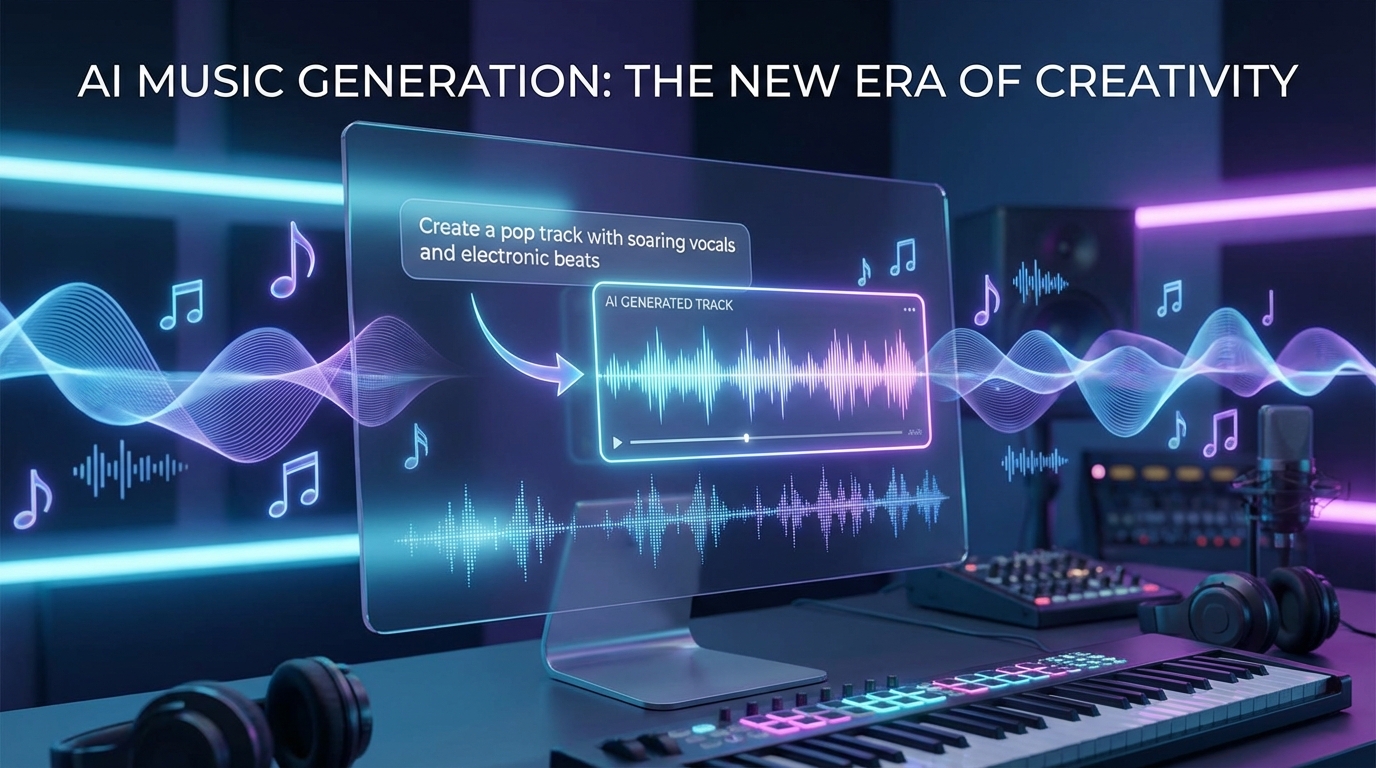
If you have been curious about AI music but felt overwhelmed by technical jargon, Google Lyria 3 is an interesting place to start. It is designed to turn written creative direction into music, which makes it appealing for creators, songwriters, video editors, and beginners who want to experiment with sound without opening a full digital audio workstation first. At the same time, if you want a broader toolbox for day-to-day creation, platforms like MusicMaker AI are also worth keeping in mind alongside Google’s approach.
Why Lyria 3 Feels Different
A lot of AI music tools promise instant songs, but not all of them feel equally intentional. What makes Lyria 3 stand out is the idea that you are not just pressing a button and hoping for the best. You are guiding the result with genre, mood, instrumentation, movement, and vocal direction.
That makes it feel more creative than random. Instead of asking for “some background music,” you can describe a warm indie pop track, a moody cinematic score, or a dreamy electronic song with soft vocals. The more clearly you describe the feeling, the more useful the output becomes.
For some users, though, a model-first workflow may still feel abstract. That is where a more direct tool such as an AI music generator can be helpful. It gives beginners a familiar way to turn an idea into a usable track quickly, especially when the goal is speed rather than experimentation.
Who Should Try It
Lyria 3 makes the most sense for people who think in moods, scenes, and creative direction rather than technical production settings. If you are a content creator looking for original background music, an indie filmmaker sketching sonic ideas, or a songwriter exploring different tones, it can be a fun tool to learn.
It is also useful for people who do not play instruments but still hear a song concept in their head. You do not need to write sheet music to say, “Give me a slow, intimate acoustic track with gentle female vocals and a bigger emotional chorus.” That kind of prompt is already a creative instruction.
If your process starts with lyrics instead of sound, pairing this kind of workflow with an AI lyrics generator can make sense. Sometimes it is easier to shape the emotional direction of a song when the words come first.
The Easiest Way to Start
The simplest way to generate better music is to begin with five things:
- genre or style
- mood or emotion
- instrumentation
- tempo or energy
- a note about song movement
That is it. You do not need a giant paragraph at first. In fact, many beginners get worse results because they try to control every tiny detail too early.
A clean first prompt might be:
Create a warm indie pop song with soft female vocals, gentle acoustic guitar, light drums, and a hopeful chorus that gradually opens up.
That prompt works because it gives enough direction without becoming cluttered. You know the style, the emotional tone, the key instruments, and the shape of the song.
If you want an even more straightforward prompt-to-track experience, a tool like text to music may feel more approachable for quick experiments. It is especially useful when you want to try a concept fast and compare multiple directions.
How to Write Better Music Prompts
Once you have tried a basic prompt, the next step is learning how to make your instructions more musical. The easiest way to improve is to think less like a machine and more like a director.
Ask yourself:
- What should the song feel like?
- What instruments should carry the emotion?
- Should it stay steady, or build over time?
- Should the vocals sound intimate, powerful, airy, or raw?
- Is this for a reel, a short film, a full song idea, or a background loop?
For example, compare these two prompts.
Too vague: Make a nice cinematic song.
Much better: Create a cinematic ambient track with soft piano, distant strings, slow pacing, and a reflective mood that gradually swells into a more emotional second half.
The second one gives the model something it can actually shape. It describes sound, pacing, and emotional movement.
If you already have written lyrics and want to hear them turned into a song more directly, lyrics to song is a useful alternative workflow. It can be especially appealing for creators who already know what they want to say but need help building the musical frame around it.
How Vocals Fit Into the Process
One reason people are interested in Lyria 3 is that it is not just about instrumental background music. It can also be part of a more song-like workflow where voice matters.
When prompting vocals, it helps to be specific. Instead of simply saying “female singer,” you can describe the vocal quality more clearly: soft, breathy, soulful, intimate, bright, emotional, or cinematic. You can also think about role and perspective. Do you want the voice to feel like a polished studio performance or a fragile demo?
This level of detail matters because voice changes how listeners interpret the whole song. The same instrumental can feel tender, dramatic, nostalgic, or commercial depending on vocal delivery.
If your creative process begins with a rough recording, melody idea, or voice memo, audio to music is a noteworthy companion path. That approach can be useful when you already have a sonic seed and want a tool to build around it instead of starting entirely from text.
A Simple Beginner Workflow
If you want a practical routine, keep it simple.
Start with one musical idea only. Maybe it is “uplifting acoustic pop” or “dark electronic trailer music.” Generate a first result. Then listen for what feels off.
Maybe the track is too slow. Maybe the vocals are too dramatic. Maybe the chorus does not feel big enough. Do not rewrite everything. Change one variable and try again.
This is where many people improve fastest. AI music becomes much easier when you stop treating each generation like a final exam. Think of it as iteration.
A good creative loop looks like this:
- write a clear initial prompt
- generate the first version
- identify one weak point
- revise only that element
- compare results
That method is much more reliable than starting over every time.
Common Mistakes to Avoid
The first mistake is being too vague. A prompt like “make something beautiful” does not give enough direction.
The second mistake is stuffing too many genres and moods into one request. If you ask for orchestral, lo-fi, trap, jazz, and ambient all at once, the result may feel confused.
The third mistake is forgetting listener context. Music for a YouTube vlog is different from music for a game trailer or a lyric-first pop song. Your prompt should reflect where the track will actually be used.
The fourth mistake is ignoring cleanup and editing needs. Sometimes a generation is close, but you may want to separate vocals or reshape part of the result afterward. That is why support tools such as AI vocal remover can be useful in a broader workflow.
When MusicMaker AI Is a Strong Alternative
Lyria 3 is exciting because it points toward a more creative and expressive way of prompting music. But some users may prefer a platform that gives them multiple creation routes in one place.
That is where MusicMaker AI becomes a noteworthy alternative throughout the workflow. Instead of focusing on one flagship model experience, it offers multiple entry points depending on how you think.
If you start with an idea, try an AI music generator. If you start with a written concept, text to music may feel more direct. If your process begins with words, AI lyrics generator and lyrics to song are especially relevant. And if you already have a recording or melody sketch, audio to music can fit naturally into that path.
Final Thoughts
The most useful way to approach Lyria 3 is not as magic, but as creative collaboration. The tool works best when you give it a musical idea with enough shape to follow. Start with genre, mood, instruments, tempo, and movement. Then refine only one detail at a time.
That is the real beginner advantage. You do not need to know everything about music production to begin. You just need to know what you want the music to feel like.
And if you want a broader, tool-based alternative for everyday music creation, lyric writing, or prompt-to-song workflows, MusicMaker AI is a smart platform to keep on your shortlist.