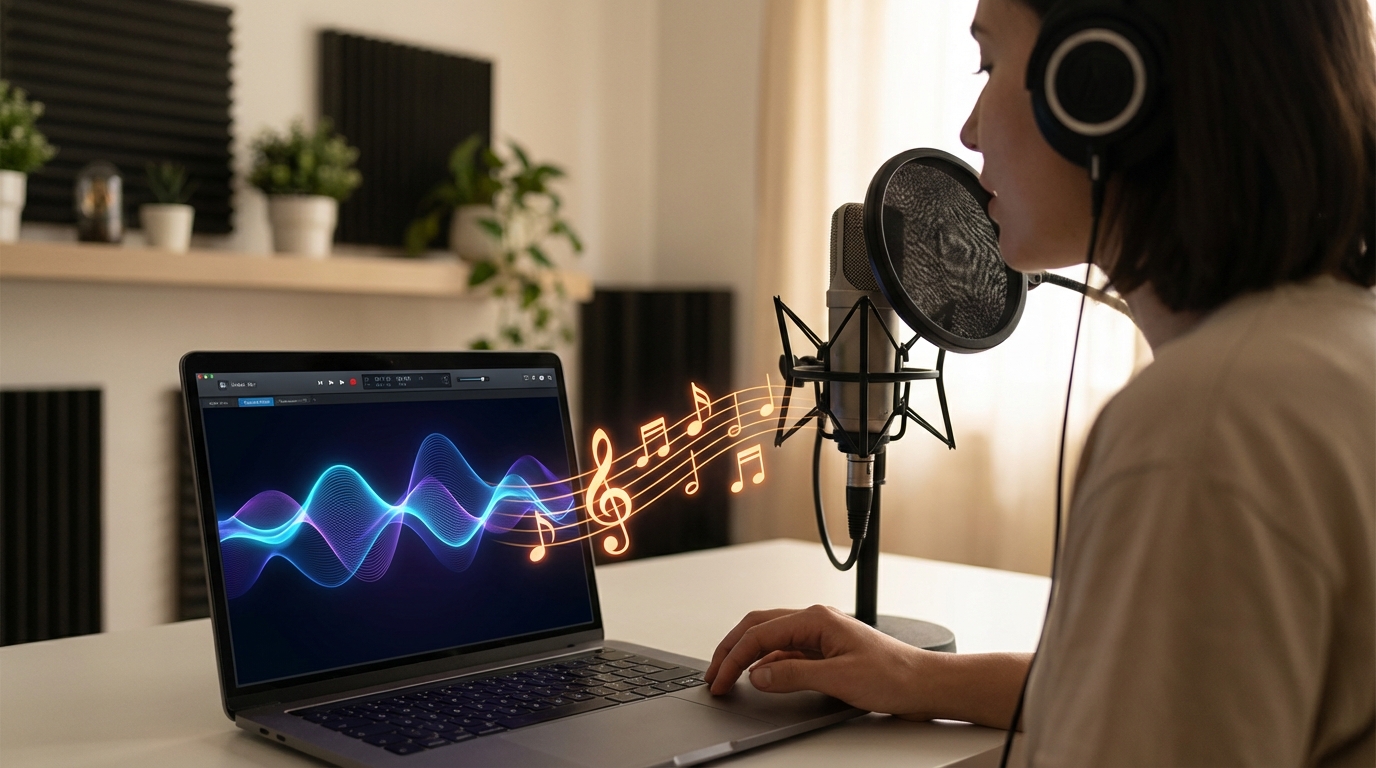
For a long time, making music meant learning an instrument, buying software, or spending hours inside a DAW. That barrier kept a lot of people out—especially those who hear music clearly in their head but don’t have the technical setup to bring it out.
That’s changing fast.
Today, you can how to make music with your voice using AI tools that turn humming, singing, or even simple vocal rhythms into full musical tracks. No instruments. No music theory required. Just your voice and a clear idea.
In this guide, we’ll walk through how this actually works in practice, using MusicMaker.im’s Audio-to-Music tool as an example—what to record, how to guide the AI, and how to get results that sound intentional rather than random.
Why Voice-to-Music Is Suddenly Everywhere
The idea behind voice-to-music is simple: your voice already contains melody, rhythm, and emotion. AI doesn’t need you to be a trained singer—it just needs a musical signal it can interpret.
That’s why so many creators are now experimenting with voice to music workflows. You can sketch a song idea in seconds, explore different genres instantly, and iterate without friction.
It’s not about replacing musicianship. It’s about lowering the entry point so ideas don’t get stuck in your head.
What You Actually Need to Get Started
One of the biggest misconceptions is that you need special equipment. You don’t.
To make music using your voice, you really only need:
- A phone or laptop microphone
- A quiet room
- A short vocal idea (10–30 seconds is enough)
That’s it.
The tool doing the heavy lifting is an ai voice music generator, which analyzes your vocal input and turns it into structured music—melody, harmony, rhythm, and instrumentation.
Clean input matters more than vocal skill. A simple hum recorded clearly will outperform a complex melody recorded poorly.
How Voice-to-Music Actually Works (In Plain English)
Before jumping into steps, it helps to understand what’s happening under the hood.
When you upload audio, the AI listens for:
- Pitch movement (melody)
- Timing (rhythm)
- Intensity (dynamics)
That vocal recording becomes the “seed” for the song. The AI then expands it into a full arrangement based on the style you choose.
That’s the core idea behind turn voice into music—your voice isn’t the final output, it’s the instruction.
Step-by-Step: How to Turn Your Voice Into a Song
Step 1: Record a Clean Vocal Idea
Start small. You don’t need a full song—just a musical idea.
Good options include:
- Humming a melody
- Singing a chorus or hook
- Beatboxing a rhythm
- Vocalizing bass or chord movement
Aim for 10–30 seconds. This is the fastest way to turn voice into music without overthinking.
Tip: Keep your pitch steady and your rhythm clear. The AI works best when it knows what you’re trying to say musically.
Step 2: Upload Your Audio
Upload your recording to the voice to music ai interface.
Before generating, do a quick check:
- Is the volume too low or clipped?
- Is there loud background noise?
- Is the idea clear even without instruments?
If yes, you’re ready.
Step 3: Decide Instrumental vs Lyrics
At this stage, you’ll choose whether you want:
- Instrumental only, or
- A song structure that includes lyrics
If you’re experimenting, start instrumental. It’s the easiest way to hear how the AI interprets your idea.
This step is where ai music from voice really shines—your melody becomes harmony, chords, and arrangement almost instantly.
Step 4: Choose a Music Style
Style selection is more important than many people realize.
Your vocal idea stays the same, but the style determines:
- Genre
- Tempo
- Instrumentation
- Overall mood
Pop, EDM, Lo-fi, Rock, R&B, Cinematic—each one reshapes your vocal idea differently.
This is why you can create music with your voice even if you’re not a trained singer. The AI handles production decisions—you just provide direction.
Step 5: Title and Advanced Options (Optional)
Naming your track and adjusting advanced options helps the AI lock into intent.
For example:
- Vocal gender: Auto usually works best
- Public vs private: depends on whether you want to share
This is a small step, but it reinforces that you’re actively make music using your voice, not just clicking generate.
Step 6: Generate, Listen, Iterate
Hit generate and listen closely.
Ask yourself:
- Does the rhythm match my idea?
- Does the melody feel right?
- Does the genre fit what I imagined?
If not, iterate. Change the style first. If it’s still off, re-record the vocal slightly cleaner or more expressive.
Iteration is normal—that’s the real workflow behind how to make music with your voice.
What Voice Inputs Work Best?
Not all vocal inputs perform equally. Here’s what tends to work best:
- Humming: clean melody extraction
- Singing hooks: great for pop and R&B
- Beatboxing: strong rhythmic guidance
- Spoken rhythm: useful for rap cadence
If your goal is to sing to generate music ai, focus more on timing and pitch than vocal tone.
“Prompting” the AI Without Text
One underrated advantage of voice-to-music is that you don’t need complex text prompts.
You “prompt” the AI by:
- Singing louder in the chorus
- Pausing between sections
- Changing intensity to suggest verse vs chorus
This is a much more natural way to turn voice into music than typing long descriptions.
Common Problems (And How to Fix Them Fast)
- Song feels off-key → re-record with clearer pitch center
- Rhythm feels messy → hum with a metronome
- Output sounds muddy → record closer, reduce echo
- Too simple → add a second vocal take with variation
Remember: voice to music ai is iterative. First results are drafts, not finals.
Who This Is Perfect For
This workflow is especially useful for:
- Content creators who need quick background music
- Songwriters sketching ideas without instruments
- Beginners learning melody and structure
- Marketers producing short-form audio
If you’ve ever had a song idea but no way to capture it, voice to music is a powerful creative shortcut.
A Simple Mini-Workflow You Can Reuse
- Hum or sing 15–25 seconds
- Upload audio
- Choose instrumental first
- Pick a genre
- Generate
- Refine style
- Add lyrics later if needed
This loop works well with any ai voice music generator and keeps you focused on ideas instead of tools.
Final Thoughts: Start Simple, Let the AI Do the Heavy Lifting
The biggest mistake people make is trying to be perfect on the first take. Don’t.
Start with a simple hum. Let the AI surprise you. Iterate quickly.
If you’ve ever wondered how to make music with your voice without instruments, software, or years of training, tools like MusicMaker.im finally make that practical—and fun.
The best way to understand it is to try it.






















