Quick Takeaway
If you want AI-generated beats to sound more usable, do not only ask for “a beat.” Tell the AI the genre, mood, tempo, drums, bass, melody, structure, and final use case. The clearer your prompt is, the easier it becomes to create a beat that fits rap vocals, TikTok edits, YouTube intros, ads, games, or background music.
Best for: rappers, YouTubers, TikTok creators, indie musicians, marketers, game developers, and beginners who want to create beat ideas without a full studio setup.
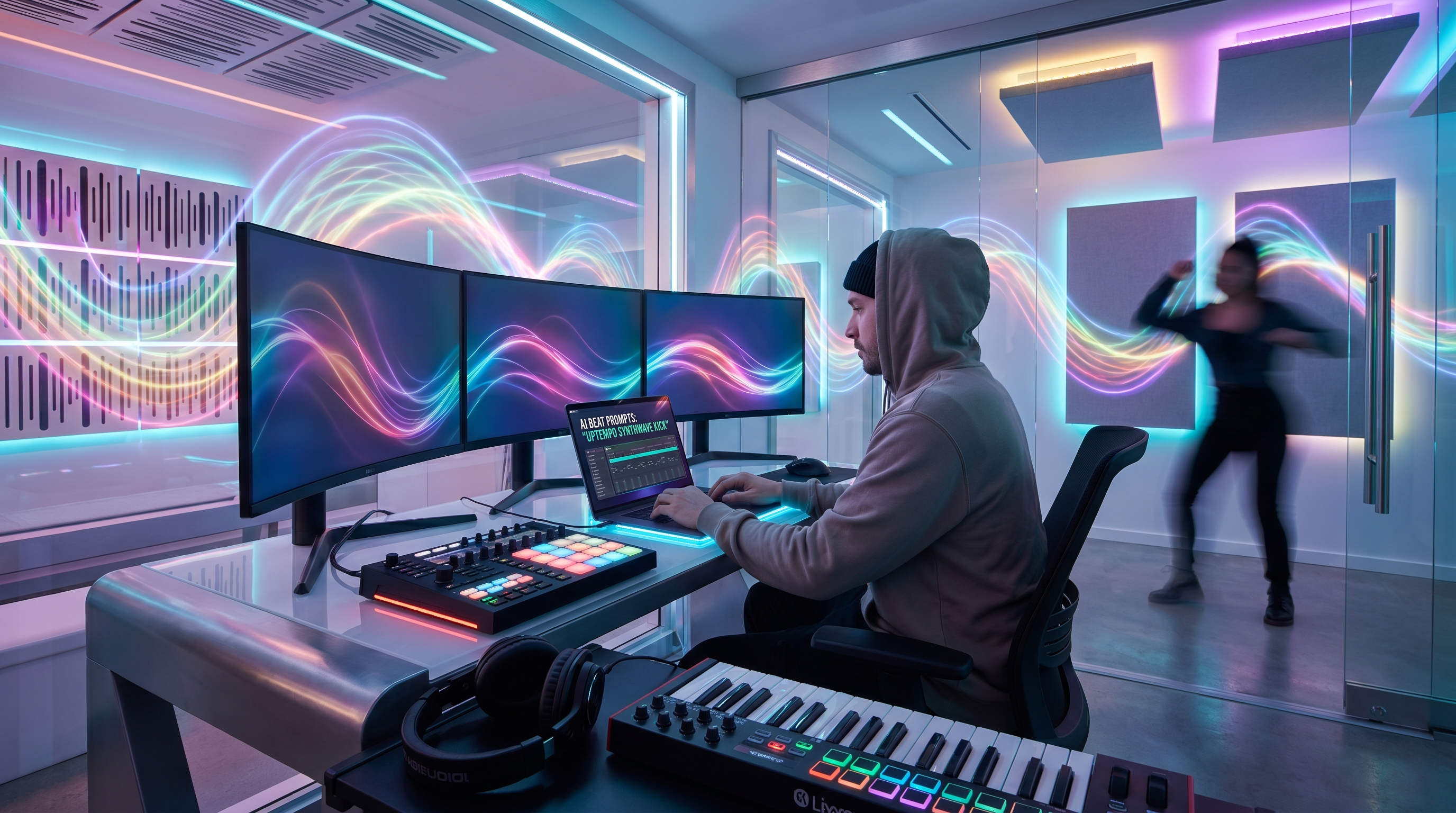
Making beats with AI is not about typing one random sentence and hoping the result sounds professional. The better way is to think like a creator: What kind of beat do you need? Who will use it? Should it leave room for vocals, drive a dance video, support a podcast intro, or build atmosphere for a short film?
That is where prompt writing becomes important. A good prompt gives the AI a clear direction for genre, rhythm, mood, instruments, tempo, structure, and final use case. When those details are missing, the result can feel generic. When they are included, the beat usually becomes more focused, more usable, and easier to refine.
For creators who want a simple way to start, MusicMaker AI’s AI beat maker can help turn beat ideas into music directly online. You do not need to install a complex digital audio workstation before testing ideas. You can start with a prompt, generate a track, compare variations, and refine the result until it feels closer to the sound you want.
How to Create Beats With AI in One Simple Workflow
1. Define the purpose of the beat
The first step is to define the purpose of the beat. A rap beat, a TikTok dance track, a YouTube intro, a game background loop, and a product ad all need different energy. Before writing your prompt, decide where the beat will be used. This one choice will shape the tempo, instruments, structure, and mood.
2. Choose a clear genre direction
Next, choose a genre direction. You can start broad with hip-hop, trap, drill, lo-fi, EDM, R&B, pop, afrobeat, funk, or cinematic music. Then make the style more specific. For example, instead of asking for “a hip-hop beat,” ask for “a dark trap beat with deep 808 bass and sparse piano chords.” Instead of “EDM music,” ask for “an energetic house beat with a clean four-on-the-floor kick and bright synth hook.”
3. Add tempo and rhythm details
After that, add tempo and rhythm details. Tempo does not always need to be exact, but it helps when rhythm matters. A lo-fi beat may work around 75–90 BPM. Trap may sit around 140–160 BPM. House and EDM often feel natural around 120–128 BPM. If you do not know the exact number, describe the movement: slow and relaxed, mid-tempo and groovy, fast and aggressive, or upbeat and danceable.
4. Describe the sound palette
Then describe the sound palette. Mention drums, bass, melody, and atmosphere. A clear prompt might include “punchy kick,” “tight hi-hats,” “warm electric piano,” “sliding 808s,” “soft guitar,” “dark bells,” “cinematic strings,” or “dreamy synth pads.” These small details help the AI understand what kind of track you are imagining.
5. Generate the first draft
Once the idea is ready, use the music beat maker to generate a first version. Treat that result as a draft, not the final answer. Listen for the strongest part. Maybe the drums work, but the melody is too busy. Maybe the bass is good, but the intro is too long. Maybe the mood is right, but the track needs more space for vocals.
6. Refine with one change at a time
The final step is variation. Do not rewrite everything from zero. Change one thing at a time. Ask for harder drums, a cleaner loop, a brighter hook, less melody, deeper bass, or a stronger chorus. This makes the process feel less like gambling and more like directing a producer.
How to Write Beat Prompts That Sound More Usable
The simple prompt formula
Genre + mood + tempo + drums + bass + melody + use case + structure
A practical beat prompt usually follows this formula: genre, mood, tempo, drums, bass, melody, use case, and structure. You do not need to include every detail every time, but the more useful information you give, the easier it is for the AI to create something focused.
Weak prompt vs. stronger prompt
Weak prompt: “Make a trap beat.”
It may work, but it gives the AI too much room to guess.
Stronger prompt: “Create a dark trap beat at 150 BPM with deep 808 bass, sharp hi-hats, punchy drums, and a minimal piano melody. Keep the arrangement spacious so a rapper can perform over it.”
That second prompt is better because it explains the style, tempo, instruments, mood, and purpose. It also tells the AI not to overcrowd the beat. This matters because many creators do not want a beat that sounds impressive for ten seconds but becomes hard to rap, sing, or edit over.
If you need a faster workflow, the browser-based beat maker app gives you a direct way to test prompt ideas online without downloading an app. This is especially useful for creators who want to brainstorm quickly, compare multiple versions, or build background music for content without setting up a full studio environment.
Prompt Structures for Different Beat Styles
Trap beat structure
For trap beats, focus on mood, bass, and drum movement. A good prompt could be: “Create a cold trap beat at 145 BPM with heavy 808 bass, crisp hi-hats, punchy snares, and a haunting piano melody. Keep the verse sections open for vocals and make the hook feel bigger.”
Lo-fi beat structure
For lo-fi beats, the words should feel softer. Try: “Generate a mellow lo-fi hip-hop beat at 82 BPM with dusty drums, warm electric piano chords, subtle vinyl texture, and a relaxed bassline. Make it loopable for study videos or calm background content.”
EDM beat structure
For EDM, structure matters more. A useful prompt might be: “Create an energetic EDM beat at 126 BPM with a strong kick, sidechain bass, bright synth chords, a rising build-up, and a catchy drop. Make it suitable for short-form video edits.”
Drill beat structure
For drill, rhythm and bass are key. Try: “Create a dark drill beat at 142 BPM with sliding 808s, syncopated drums, cold bell melodies, and a tense minor-key atmosphere. Leave space for aggressive rap vocals.”
Afrobeat structure
For afrobeat, the groove should be the center. A practical prompt could be: “Create a warm afrobeat-inspired track at 104 BPM with danceable percussion, smooth bass, clean guitar accents, and a sunny melodic hook. Make it upbeat and suitable for lifestyle content.”
Producer-style control
This is the mindset behind using a beat maker pro workflow: not necessarily making the tool complicated, but writing prompts with more producer-like control. You guide the tempo, the sonic texture, the emotional color, and the final use case.
How to Refine AI Beats After the First Result
The first generation often gives you the main idea. The second and third versions usually make it more useful. Instead of starting over, write refinement prompts that focus on one improvement.
Refinement prompts you can reuse
- If the drums feel weak: “Make the drums punchier and more modern, with a stronger kick and tighter hi-hats.”
- If the melody is too crowded: “Reduce the melody and leave more empty space for vocals.”
- If the beat is for a video loop: “Make this beat loop smoothly with a cleaner ending.”
- If the track feels flat: “Add a stronger hook section while keeping the verse simple.”
You can also refine based on the final platform. A beat for TikTok or Reels should usually catch attention quickly. A podcast intro should sound polished but not distracting. A rap beat needs space for vocals. A game background track should repeat without becoming annoying. When you tell the AI where the beat will live, the output becomes easier to use.
Common Mistakes to Avoid When Creating AI Beats
Mistake 1: Being too vague
The most common mistake is being too vague. “Make a cool beat” is easy to type, but it does not describe anything concrete. A better prompt explains what “cool” means: dark, confident, smooth, aggressive, dreamy, retro, futuristic, cinematic, or danceable.
Mistake 2: Mixing too many styles at once
Another mistake is mixing too many styles at once. A prompt like “trap, jazz, techno, reggae, cinematic, and pop” may confuse the result unless you clearly explain which style should dominate. It is better to say, “Create a trap beat with subtle jazz piano influence,” or “Make a pop beat with light afrobeat percussion.”
Mistake 3: Forgetting to mention vocals
Creators also forget to mention vocals. If you plan to rap or sing over the beat, say so. Ask for space in the arrangement. If you want a complete background track with no vocals, say “instrumental only” or “no vocal elements.”
Mistake 4: Treating AI generation as a one-click lottery
Finally, do not treat AI generation as a one-click lottery. The strongest results usually come from a short creative conversation: generate, listen, adjust, compare, and refine. With the right prompt, AI can help you move from a rough idea to a beat that feels ready for content, demos, or further production.
Prompt Examples for Creating Beats With AI
Use these as starting points, then adjust the genre, mood, tempo, instruments, or use case to match your project.
Trap beat prompt
Create a dark trap beat at 150 BPM with deep 808 bass, sharp hi-hats, punchy drums, and a minimal piano melody. Keep the arrangement spacious so a rapper can perform over it. The mood should feel confident, cold, and cinematic.
Lo-fi hip-hop prompt
Generate a mellow lo-fi hip-hop beat at 82 BPM with soft vinyl texture, dusty drums, warm electric piano chords, and a relaxed bassline. Make it loopable for study videos, background content, or calm social media edits.
Afrobeat prompt
Create a bright afrobeat-inspired groove at 104 BPM with warm percussion, smooth bass, clean guitar accents, and a sunny melodic hook. The beat should feel danceable, positive, and suitable for lifestyle videos.
EDM beat prompt
Make an energetic EDM beat at 126 BPM with a strong kick, sidechain bass, bright synth chords, a rising build-up, and a festival-style drop. Keep the hook catchy and suitable for short video edits.
Drill beat prompt
Create a cold drill beat at 142 BPM with sliding 808s, syncopated drums, dark bells, and a tense minor-key atmosphere. Leave enough space for aggressive rap vocals and keep the rhythm sharp.
Brand ad beat prompt
Generate a modern commercial beat at 115 BPM with clean drums, soft synth bass, light claps, and an uplifting melody. The track should feel premium, optimistic, and suitable for a tech product ad.
Recommendation: Other MusicMaker AI Tools and Related Reading
MusicMaker AI can support more than beat generation. After creating a beat, you can continue shaping your music with other tools depending on your workflow.
Recommended MusicMaker AI tools
- Audio to Music — useful for turning rough voice notes, recordings, or melody ideas into fuller music.
- AI Instrumental Maker — helpful for creating instrumental background tracks without vocals.
- AI EDM Generator — suitable for dance, electronic, club, and high-energy music ideas.
- AI Music Extender — useful when a short beat needs to become a longer track.
- AI Vocal Remover — helpful for remixing, karaoke-style edits, and separating vocals from instrumentals.
- Audio to MIDI Converter — useful for turning melodies or audio ideas into editable MIDI.
- MIDI Editor — helpful for adjusting notes, rhythm, and arrangement.
- AI Music Video Generator — useful for pairing finished beats or songs with visual content.
Related Article
- How to Create AI Jazz Music That Feels Warm, Stylish, and Actually Usable
- How to Generate AI Piano Music with MusicMaker AI
- AI Instrumental Music Generation Guide: From Prompt to Finished Background Track
- How to Use the AI Music Video Generator: A Detailed Guide from Song to Video
- How to Convert Audio to MIDI with AI
People Also Read
- How to Create an AI Music Video by Suno & Hedra AI
- From Voice Note to Full Track Tutorial: Create AI Music With Your Voice
- Seedance 2.0 Prompt Tips for More Human, Realistic AI Video
- How to Make an AI Music Video With Your Photo
- How to Make Viral TikTok Dance Shorts with AI Dance Video Generator
- ChatGPT Image 2 Release: Features, Prompts, and API Guide