If you’ve ever searched for sleep audio and found tracks that are almost right—too bright, too dramatic, too “busy,” or full of sudden changes—then making your own can be a game-changer. With an AI music tool, you can dial in the exact vibe you want: warmer, slower, softer, simpler, and truly consistent.
In this guide, you’ll learn how to use MusicMaker’s AI Song Generator as a practical, repeatable workflow for bedtime audio. We’ll cover the settings that matter, a prompt formula that reliably produces calm results, and a library of prompts you can copy/paste right now.
We’ll be using: create relaxing music for sleeping (that’s the tool page we’ll build everything around).
Why sleep music works (and what your track should avoid)
Sleep-friendly music is less about “beautiful composition” and more about nervous-system comfort. The best tracks tend to share a few traits:
- Slow pace (often around 55–75 BPM, or even free-time ambient)
- Soft starts (no sharp drum hits, claps, or aggressive plucks)
- Minimal surprises (no big chord lifts, no sudden drops, no jump-scare transitions)
- Stable energy (gentle dynamics, consistent loudness)
- Warm, smooth tone (rolled-off highs, no piercing bells)
Think of it like lighting a candle: you want steady and predictable, not fireworks.
If you want that kind of sound on demand, an ai sleep music generator is perfect because you can literally tell it what not to do.
60-second quick start (using the exact UI you’re seeing)
Open the tool here: create relaxing music for sleeping.
You’ll notice a clean interface with a few important controls:
-
Basic vs Custom
- Start with Basic for quick wins.
- Switch to Custom once you know the vibe you want and you’re making “variations” (more on that later).
-
Model version buttons (like V3.5 / V4.0 / V4.5 / V5.0)
- If you have access, newer versions often interpret prompts more accurately.
- If one version gives you overly “musical” results, try another for a calmer texture.
-
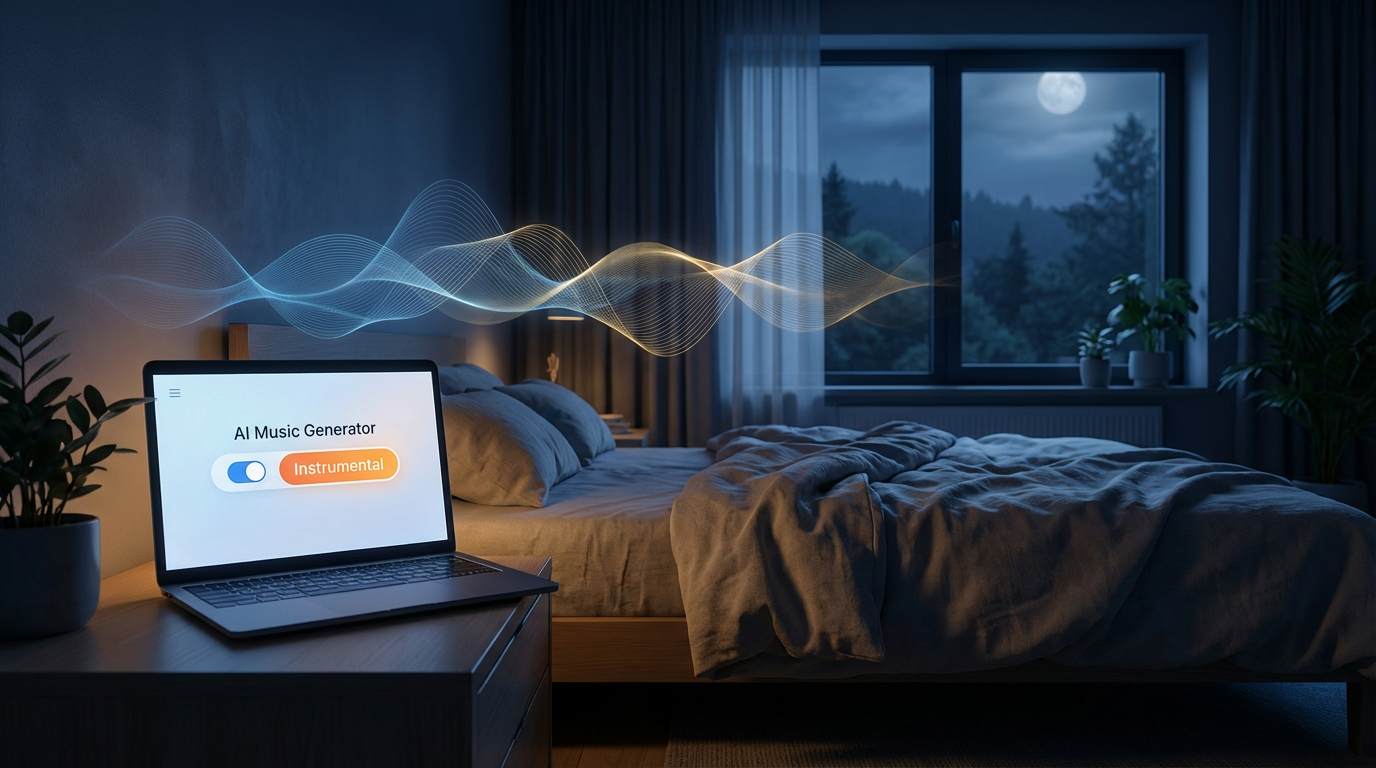
Instrumental toggle
- For sleep, turn Instrumental ON almost every time.
- Lyrics tend to pull attention and keep the brain “processing.”
-
Description box (character-limited)
- Keep your prompt tight and specific.
- You don’t need a long essay—just high-impact instructions.
-
(Optional) Upload Audio
- If you already have a track you like, uploading a short reference can help steer the vibe.
That’s it. With those basics, you can already use this as a sleep music maker online and get a usable first output in one generation.
The sleep-music prompt formula (simple, reliable, repeatable)
When people get disappointing results, it’s usually because the prompt is too vague (“relaxing music please”). Sleep music needs constraints. Here’s a structure that works as a dependable “template”:
Prompt Formula
- Goal + mood: warm, drowsy, safe, soothing
- Tempo/feel: 60–70 BPM (or “no strict beat, slow drifting”)
- Instrument palette: soft pads, felt piano, airy synth, gentle strings
- Rules: no sharp percussion, no sudden changes, no bright spikes
- Mix notes: warm low-mids, rolled highs, consistent loudness
- Ending: seamless loop or gentle fade
If you want to frame it in your own words, you can literally say: “Use this as a relaxing sleep music generator prompt: …” and then paste the structure.
10 copy/paste prompts to make genuinely calming sleep tracks
Below are prompts designed to be short enough for typical input limits, but specific enough to guide the model. You can paste these into the generator and tweak one or two words at a time (which is the best way to iterate without breaking what’s working).
1) Warm ambient drift
Prompt:
“Instrumental ambient, 60 BPM feel, warm analog pads, gentle air texture, slow chord changes, no drums, no surprises, steady dynamics, soft fade-out. Use this to make calming music for sleep.”
2) Felt piano lullaby (no attention-grabbing melody)
Prompt:
“Instrumental, felt piano + warm pad bed, minimal repeating motif, very soft dynamics, no bright notes, 65 BPM, cozy room reverb, no percussion, fade-out.”
3) Rain soundscape (subtle, not cinematic)
Prompt:
“Instrumental ambient with soft rain ambience, warm pads, sparse piano swells, no thunder hits, no dramatic rises, consistent volume, loop-friendly ending.”
4) Lo-fi sleep (no snare, no vocal chops)
Prompt:
“Instrumental lo-fi, 70 BPM, no snare/clap, soft kick only if needed, mellow chords, vinyl warmth, no vocal samples, steady and repetitive, gentle fade.”
5) Deep drone blanket
Prompt:
“Long-form drone ambient, slowly evolving, warm low-mid focus, no high piercing tones, no percussion, extremely steady dynamics, seamless loop ending.”
6) Breath-sync pads (a pulse, not a beat)
Prompt:
“Instrumental ambient pads with slow swelling motion like breathing, no drums, 60 BPM feel, soft reverb, very gentle high shimmer, keep it subtle, loopable.”
7) Night lake atmosphere
Prompt:
“Instrumental ambient soundscape, soft water + distant wind, warm pads, sparse piano notes, no sudden changes, calm and consistent, fade-out.”
8) Soft strings + choir pad (no lyrics)
Prompt:
“Instrumental, gentle strings + airy choir pad texture (no words), slow chords, 62 BPM, no dramatic swells, warm mix, steady loudness, fade-out.”
9) Brown-noise bed + ambient harmony
Prompt:
“Instrumental, subtle brown-noise layer mixed low, warm pads, minimal harmony shifts, no percussion, steady loudness, seamless loop ending.”
10) Ultra-soft music box (kept in the background)
Prompt:
“Instrumental, tiny music-box tones VERY quiet, padded by warm synth bed, no bright spikes, spacious reverb, simple harmony, calm fade-out.”
If you want to stay consistent with branding language in your article, you can introduce this section as “prompts for a sleep music maker online”—because these are specifically written for that style of tool.
How to generate ambient sleep music that loops cleanly (without obvious endings)
Looping is one of the most underrated sleep features. When a track ends sharply, your brain notices. That tiny “attention spike” can pull you lighter in sleep.
To generate ambient sleep music that loops well, add one of these lines to your prompts:
- “Seamless loop, no hard ending, no final chord hit.”
- “End by returning to the same pad tone as the intro.”
- “Keep the last 10 seconds stable and consistent for looping.”
If your output still ends with a “song ending,” regenerate using a stricter rule like:
- “No climax, no breakdown, no finale—steady texture start to finish.”
This one change alone often transforms a decent track into something you can run all night.
Troubleshooting: quick prompt fixes for the most common problems
Think of this as your “prompt EQ.” If something feels off, don’t redo everything—just patch the weak spot.
If it’s too bright or sharp
Add: “Roll off highs, remove sparkly bells, soften transients.”
If it feels emotional or dramatic
Add: “Simpler chords, fewer changes, avoid tension, avoid cinematic build.”
If it’s too busy
Add: “Reduce notes by 50%, no lead melody, fewer layers.”
If the “beat” keeps waking you up
Add: “No drums, no rhythmic percussion, no kick pattern.”
If it’s too quiet then suddenly loud
Add: “Stable loudness, minimal dynamics, no big crescendos.”
This is where the tool becomes a real relaxing sleep music generator rather than a random music spinner—because your instructions get more specific with each iteration.
Building a personal sleep “album” for consistency (the secret to better results)
One track is nice. A set of 3–5 tracks with the same sound palette feels professional and, more importantly, predictable. Predictability is comfort.
Here’s a simple “album workflow”:
- Pick one “signature recipe”
- Example: warm pads + felt piano + gentle noise bed, 60–70 BPM, no percussion.
- Create Track A (pads only)
- Create Track B (pads + soft piano)
- Create Track C (pads + rain ambience)
- Keep prompts mostly the same—change only one element at a time.
To run this like a deep sleep music creator, add a consistency line when you generate the next track:
- “Same instrument palette and reverb space as the previous track; same warmth and loudness; minimal variation.”
This approach produces a cohesive bedtime library you’ll actually return to.
Optional: using audio upload to guide the vibe (without copying)
If you have a track that already helps you sleep, uploading a short snippet can speed up your results. The goal isn’t to recreate it—it’s to borrow the texture rules:
- How soft the high end is
- How slow the harmony moves
- How stable the dynamic range stays
Pair the upload with a clear instruction, like:
- “Keep the calm texture and slow evolution, but change the chord progression and instrumentation.”
Used this way, an ai sleep music generator becomes a “style compass,” not a cloning tool.
Safety + listening tips (small things that matter a lot)
A few real-world tips to make sleep music more effective:
- Keep volume low. Sleep audio should feel like a blanket, not a performance.
- If you use headphones, go extra conservative on volume and brightness.
- If you’re sensitive to high frequencies, explicitly request “rolled-off highs” every time.
- If anxiety is a factor, avoid “cinematic,” “epic,” “dramatic,” “rise,” “drop,” and “climax” in prompts.
And if you ever want the simplest possible prompt that still works, this one is a classic:
- “Warm ambient pads, no drums, no surprises, slow and steady, soft fade.”
It’s one of the quickest ways to make calming music for sleep without overthinking.
Mini FAQ (with ready-to-use prompt starters)
“I want something with zero melody—just atmosphere.”
Use: “No lead melody, pads only, slow evolving texture, steady loudness.”
“I want bedtime music that feels softer and warmer.”
Use: “Warmer low-mids, softer highs, gentle saturation, calm reverb.”
“I want it to be more ‘bedtime’ and less ‘sad.’”
Use: “Avoid emotional chord changes, keep harmony stable and simple.”
“I want a track that can run all night.”
Use: “Seamless loop, no ending cue, stable texture, minimal variation.”
If your goal is a track that feels like it was designed specifically as soothing music for bedtime, the biggest lever is always the same: remove surprises.
Wrap-up: your simplest path to great sleep music
Here’s the easiest way to get a solid result today:
- Open: create relaxing music for sleeping
- Turn Instrumental ON
- Paste one of the prompts above
- If it’s not perfect, fix it with one-line tweaks (brightness, busyness, dynamics, loop)
Once you’ve made two or three tracks you love, you’ll realize why a good sleep music maker online is so addictive: you’re no longer hunting for the “right” sleep track—you’re making it.
And if you want a simple challenge: generate three variations tonight—pads-only, pads + felt piano, pads + rain—and label them like “Sleep A / Sleep B / Sleep C.” That’s the fastest way to start thinking like a deep sleep music creator and build a library you’ll actually use.